
Screenshot Beautifier
The best 50 Screenshot Beautifier AI tools - Free & Paid
Explore 50 AI for Screenshot Beautifier
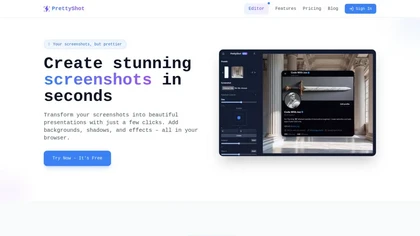
PrettyShot is a web-based tool that enhances standard screenshots by adding backgrounds, shadows, and effects, allowing users to create professional-quality visuals. It supports mockups with device frames and offers efficient preset slots for customization.
Free trial
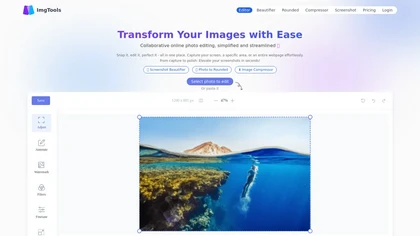
ImgTools is a versatile screenshot tool that simplifies capturing, editing, and enhancing images efficiently. It offers features like screenshot beautifier, advanced editing options, collaborative online editing, and customization tools to elevate your visuals effortlessly.
Freemium
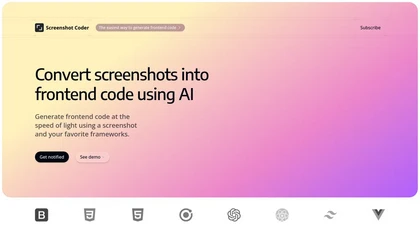
Screenshot Coder transforms visual mockups into production‑ready frontend code in seconds, supporting Tailwind CSS, Bootstrap, and React. It delivers responsive, clean UI code directly from screenshots, accelerating prototyping for designers and developers.
Free
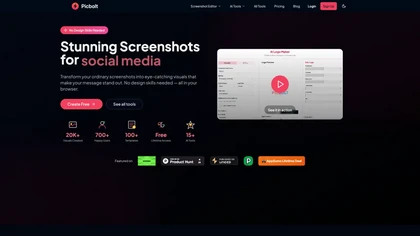
Picbolt is a screenshot editor that transforms screenshots into high-quality visuals with one-click presets, smart cropping, and customizable device mockups. It is ideal for educators, content creators, and small business owners, offering tools for annotations and workflow optimization.
Free trial
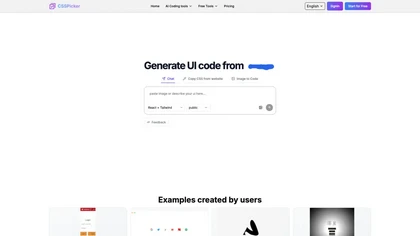
CSSPicker is an AI tool that transforms design screenshots into responsive HTML, CSS, or Tailwind code. With a real-time code editor and integration for frameworks like React, it aids both novice and experienced developers in UI coding tasks.
Free trial
- $30
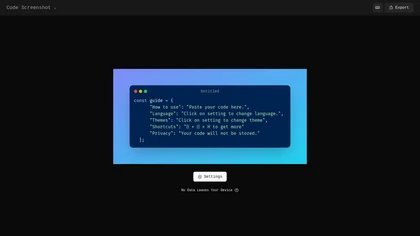
Code Screenshot allows developers to convert code snippets into visually appealing images with syntax highlighting for various languages. It features customizable themes, keyboard shortcuts for efficiency, and local storage for enhanced privacy in sensitive projects.
Freemium
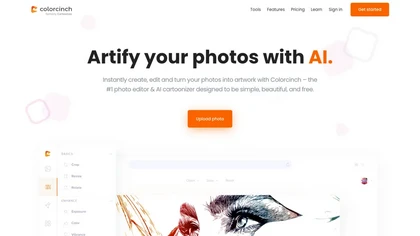
Colorcinch is an AI photo editor that instantly cartoonizes or sketches images and offers background removal, cropping, resizing, exposure and detail controls, file compression, and 400 DPI print‑ready export. Mobile app adds cartoonizing, background removal, and upscaling on the go.
Paid
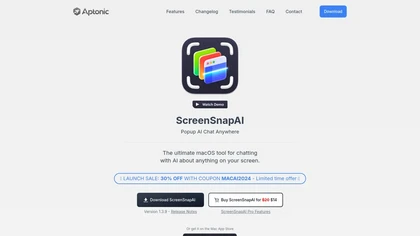
ScreenSnapAI auto‑renames and tags screenshots on macOS, letting users open an AI chat for instant content explanations. Accessible via menu or shortcut, it organizes images with AI‑generated metadata, speeding knowledge capture and retrieval on Intel and Apple Silicon machines.
Freemium
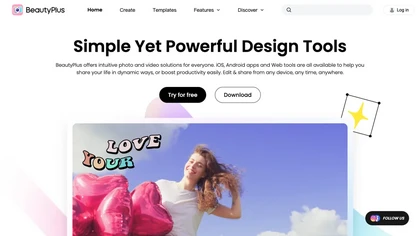
BeautyPlus - Versatile AI tool for effortless photo & video editing; offers face reshaping, filter & sticker additions; perfect for enhancing selfies & videos.
Free trial
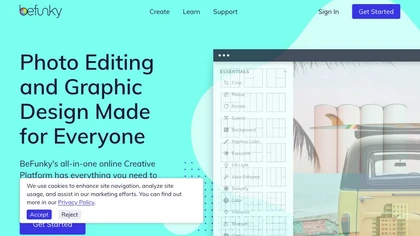
BeFunky is an online editor for photos, collages, and graphics. It offers crop, resize, blur, exposure, batch edits, AI background removal, object erasing, upscale, artistic filters, and drag‑and‑drop templates for banners, flyers, and social‑media posts.
Free
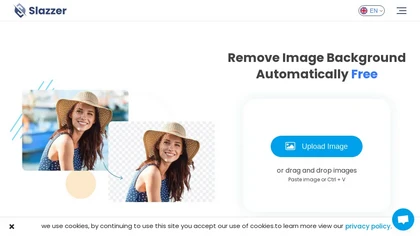
Slazzer: AI‑driven background removal that handles complex edges, offers upscale, shadow, sky replacement, and de‑oldifying. Available via web, desktop, mobile, API, and design‑software plugins for bulk processing, ideal for photographers, e‑commerce, marketers, and developers.
Paid
- $0.14
PixPretty AI Photo Editor is a free tool that uses AI to remove or replace backgrounds in seconds. It also supports batch editing for bulk transformations, retouching, and format conversion.
Freemium
- $12.99/mo
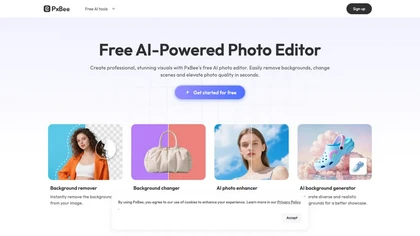
PxBee is an AI-powered photo editor that offers tools like background removal, blur fixing, noise reduction, and resolution upscaling. It also generates realistic backgrounds and works entirely in your browser with an intuitive interface.
Free

Shotva is an AI tool that transforms screenshots into polished images with customizable backgrounds, frames, and annotations. Its auto-styling feature analyzes content to create cohesive designs, while also streamlining ad creation with brand identity scraping.
Free
Pixelcode is a Chrome extension that extracts code from screenshots, images, PDFs, and video frames, recognizes over 30 programming languages, preserves formatting, and copies snippets directly to the clipboard for use in any editor.
Free
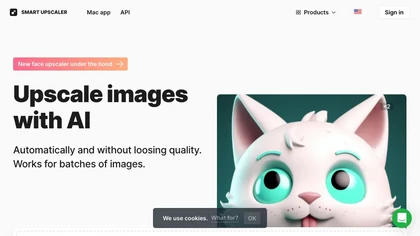
AI-driven image upscaler that enlarges photos to 7680 × 7680 px, supporting JPEG, PNG, WebP and up to 500 images per batch. It offers an API for sharpening, noise reduction, and a Mac app with background removal, photographers, designers, marketers, and social media managers.
Subscription
- $19.99/mo

Picture Picker is an AI-driven image management tool that captures images via browser extension, syncs libraries across devices, supports one-click collection and bulk downloads, natural-language image search and automatic categorization, color palette extraction, format conversion, and compression.
Free
- $9/mo
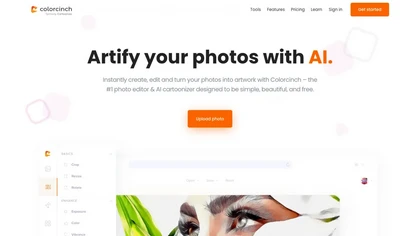
Colorcinch converts photos to cartoons, sketches, or paintings with one click, offers AI background removal, adjustable sliders, overlay effects, multi‑layer editing, high‑resolution export to JPG/PNG/PDF, all usable online/offline without login.
Free
- $8.99

Webcam Effects Chrome Plugin provides browser-based virtual backgrounds, blur, and background replacement with images or video; records browser tabs or single sources; adds AI noise cancellation, smart auto-framing, picture-in-picture, emoji/Giphy, and custom layouts.
Freemium

AI image enhancer that upscales up to 4×, removes noise, sharpens blur, and can enhance faces or colorize. Handles .png/.jpg/.webp/.tif/.bmp/.raw and outputs the same formats. Windows, macOS and Photoshop plugin supported.
Free trial

PicWish AI Photo Editor automates image enhancement, background removal, and watermark deletion. It processes batches of up to 30 files, offering resizing, lighting, upscaling, AI Designer prompts, Face Cutout, and single‑click unblur/sharpen. Available on Windows, macOS, iOS, Android, and browser.
Subscription
- $9.99/mo
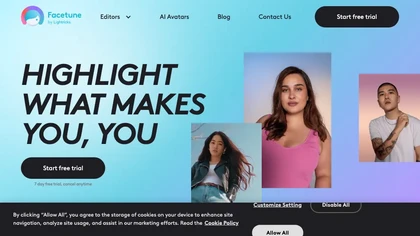
Facetune is an AI‑driven photo and video editor offering touch‑up, background removal, face and body reshaping, realistic makeup and hairstyle try‑on, background blur, and noise removal—enabling quick mobile edits for influencers, photographers, and stylists.
Subscription
- $25/mo

Flawless automatically captures desktop and mobile screenshots, visually audits layout, messaging, SEO, and functionality, pins issues, prioritizes fixes by impact and effort, tracks status across audits, and provides consistent page comparison for clearer conversion optimization.
Subscription

Sleek generates mobile app mockups from text prompts or images, offering templates, style presets, in-app editing, and modular responsive components. Export clean layouts to Figma or production-ready code for rapid prototyping and developer handoff.
Free
- $20/mo
Imglarger is an image enhancer that upsamples photos up to 8×, supports batch processing, and offers background, object, and face retouch tools. It converts WebP, JPEG, PNG, SVG, JFIF formats and lets users adjust brightness, contrast, and saturation via web or mobile.
Freemium
An online image tool with features including background removal, image resizing, text addition, color palettes, conversion, and AI-powered social media bios, market slogans, business name ideas, and hashtag generation.
Free
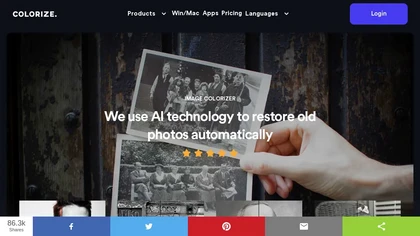
ImageColorizer automatically colorizes black‑and‑white photos, doubles resolution, removes scratches, deletes unwanted objects, and retouches portraits. It supports batch processing, delivering high‑quality, corrected images quickly for restorers and hobbyists and preserves surrounding detail.
Freemium
- $3.9/mo
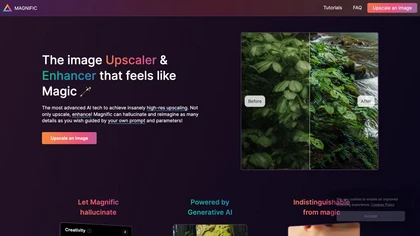
Magnific AI upsamples, enhances, and transforms images, producing high‑resolution outputs for photography, illustration, design, and game assets. Users guide detail with prompts and sliders for creativity, HDR, and resemblance, and can batch‑process for workflow integration.
Freemium

VSCO is a cross-platform photo and video editor combining 200+ presets, analog-style Film FX and precision exposure/color controls with AI-powered Remove and retouching, live in-app capture, clip-level video edits, and portfolio/workspace tools for creators.
Freemium
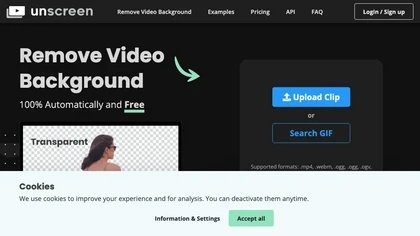
Unscreen is a cloud video editor that removes backgrounds from clips and exports them instantly, with format conversion and resizing. It offers plugins for After Effects and Premiere Pro and integrates with Canva for AI‑enhanced features.
Freemium
- $9
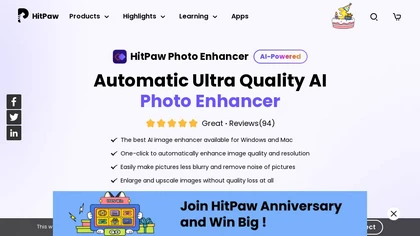
HitPaw FotorPea automatically enhances photos by applying AI models for sharpening, denoising, face and color correction. It unblurs images, upsizes to 4K/8K, restores old photos, removes backgrounds, and generates images from text prompts.
Free trial
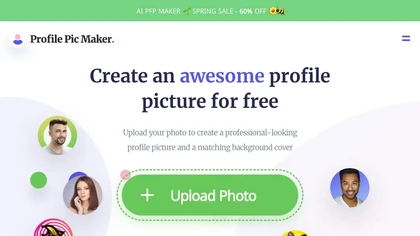
PFPMaker uses AI to generate professional profile pictures from a single selfie in about 15 seconds. It auto‑removes backgrounds, offers templates, borders, gradients, text overlays, and chat‑based edits for makeup, lighting, and expression changes, outputting JPG/PNG up to 5 MB.
Freemium
HitPaw AI Photo Enhancer upsamples images up to 8×, removes blur and noise, sharpens detail, and restores color for JPG, PNG, and WebP files. Works on web, desktop, and mobile with batch processing, aiding photographers, designers, and archivists.
Freemium
Get superior quality finished photos with perfect color rendition and fast delivery for radiant results.
Freemium

Keep It Shot is a macOS app that auto‑generates descriptive names for screenshots, builds a local index for quick keyword search, allows bulk renaming with two clicks, and can revert to original filenames if needed. OCR adds metadata.
Subscription
- $8/mo
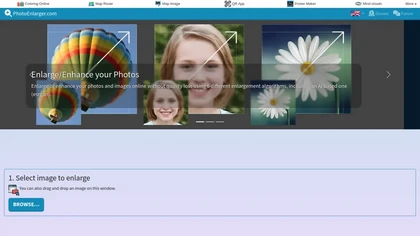
Upload or drag a photo, then upscale it with one of six algorithms—Magic Kernel Sharp, Lanczos 3, Hermite, or AI‑based ESRGAN—entirely client‑side for privacy. Crop as needed and download in JPG, PNG, or WebP.
Free

PhotoGrid is a browser‑based AI photo editor that offers one‑click enhancement, background removal, and upscaling. It lets users build collages from 20,000 templates, add stickers, text, custom backgrounds, and convert images into short video clips.
Subscription
- $2.83/mo
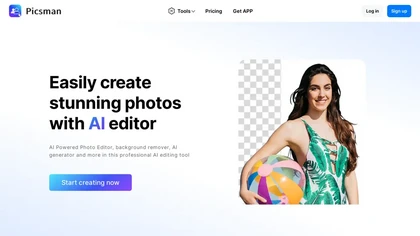
Picsman is an AI‑powered editor that removes or replaces backgrounds, ups image resolution, and applies styles like Ghibli or cartoon. It also offers text‑prompt editing, video generation, image extending, and watermark removal for quick, high‑definition results.
Free
- $5.99/mo
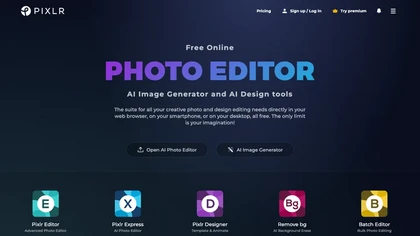
Pixlr is a browser‑based photo editor that uses AI for background removal, generative fill, and object deletion. It offers cropping, color correction, collages, templates, and social media layouts across desktop, tablet, and mobile.
Free trial
- $1.99/mo
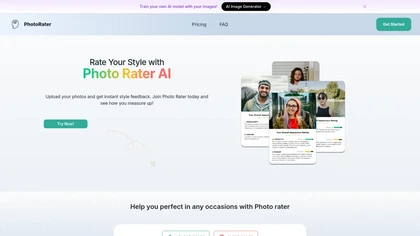
PhotoRater uses image recognition to evaluate JPEG/PNG photos (≤5 MB), scoring lighting, composition, expression, attire, and background. It returns a numeric rating with context‑specific improvement tips for headshots, dating, social media, and interviews, all processed locally for privacy.
Freemium

SnapEdit is an AI‑driven photo editor that removes objects, backgrounds, and text, provides 100+ background templates, upsamples images to HD/4K, and offers skin retouching, all accessible via web, iOS, and Android.
Freemium
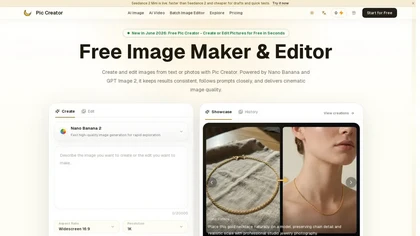
PicCreator.ai is an AI image maker and editor that combines text-to-image generation with robust photo editing tools. It enables prompt-based creation, inpainting/outpainting, batch editing, and high-resolution upscaling for marketers, designers, and photographers.
Freemium
- $5.99/mo
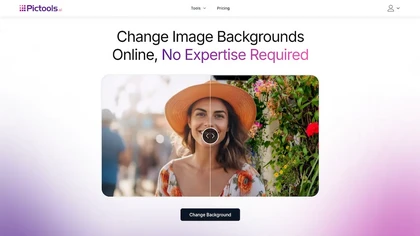
PicTools.AI is a web‑based photo editor that lets users upload images and apply changes via text prompts or over 100 one‑click AI filters—background removal, outfit changes, smile addition, restoration, and artistic styles—without design skills.
Subscription
- $23.4/mo
Line 1: Designerbot, powered by Beautiful.ai, is an AI-assisted tool for swiftly crafting stunning presentations.Line 2: It simplifies the presentation creation process, enabling users to generate high-quality slides effortlessly.
Freemium
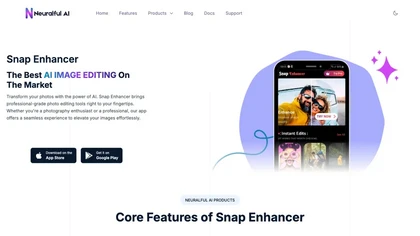
Snap Enhancer applies AI to upscale blurry photos, colorize black‑and‑white images, remove backgrounds, and create stylized anime or cartoon versions. It supports batch uploads, preview mode, cross‑platform use, and deletes files after processing.
Freemium

Wallpapers.com provides a searchable library of 1.5M+ HD, 4K and 8K images organized by theme and device, with resolution presets, multi‑monitor and meeting backgrounds, built‑in upscaler, background remover, enhancers, free PNG/SVG assets and hosting.
Freemium