
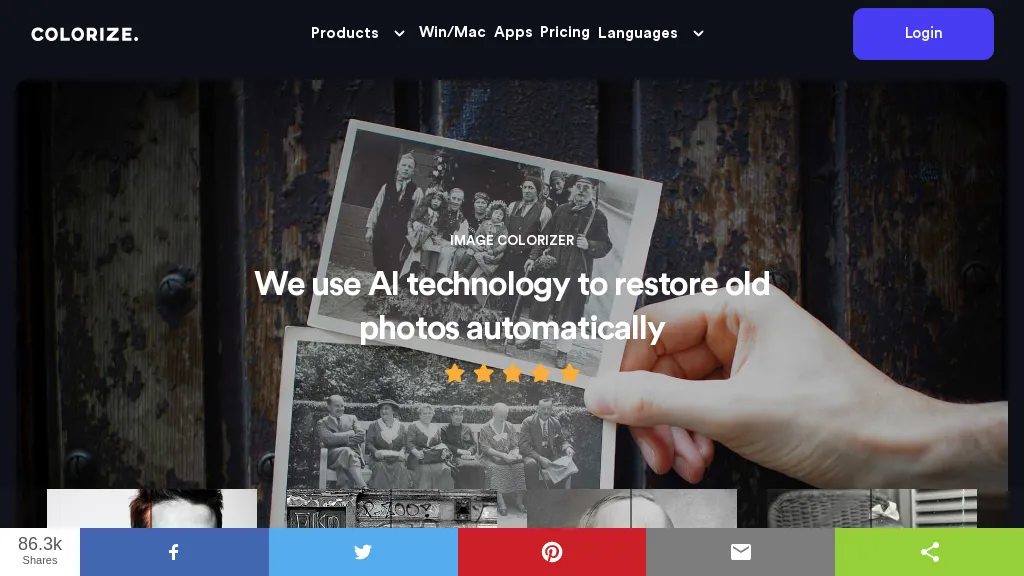
What is Image Colorizer?
ImageColorizer uses AI to automatically colorize black‑and‑white photos, upscale resolution by 2×, repair scratches, remove unwanted objects, and retouch portraits. The web and desktop applications let users upload an image, select an enhancement, and receive a high‑quality result within minutes.
Photo restorers can revive old family memories by restoring faded details and correcting color balance without manual editing. Photographers and hobbyists can retouch portraits, sharpen edges, and eliminate creases or tears. The AI object remover deletes dust spots, scratches, or other imperfections while preserving surrounding details.
✅ We use AI technology to restore old photos automatically
✅ Powerful AI tools help you improve and restore old pictures
✅ Image Colorizer
✅ Image Enhancer
✅ Face Retouch
✅ Damaged Pictures Restoration
✅ All features you may need to optimize and enhance old photos.
Image Colorizer details
- Built for
- Individuals
Image Colorizer tech specs
- Payment Processors
- Paddle PayPal
Image Colorizer pricing
Freemium- Free trial
- 7 days
- Refund window
- 7 days
Verify on the official pricing page.
View plansImage Colorizer's key features
-
Colorize black & white photos
-
Restore old photos automatically
-
Upscale resolution to 2x
-
Retouch portraits with one click
-
Repair scratches, tears, spots
-
Remove unwanted objects via AI
-
Enhance image clarity and brightness
Image Colorizer use cases
-
Restore and digitize vintage family photos by colorizing and upscaling them, removing scratches and unwanted objects, and saving them as high‑resolution JPEGs for archival use
-
Enhance black‑and‑white historical documents for museum exhibits, automatically correcting color balance, doubling resolution, and batch‑processing thousands of images in minutes
-
Produce vibrant marketing materials from archival footage, using AI to colorize, retouch portraits, and upscale images while preserving surrounding detail for high‑resolution prints
Image Colorizer user reviews
Would you recommend Image Colorizer?
Who is Image Colorizer for?
-
Historical researchers
-
Art collectors
-
Legacy preservationists
-
Digital archivists
-
Image enthusiasts
Image Colorizer FAQ
Is Image Colorizer free?
Partly. Image Colorizer has a free plan with usage limits, and paid plans unlock the full feature set. Plans include Starter at $3.9/mo, Premium at $6.9/mo and Business at $9.9/mo.
What are the best alternatives to Image Colorizer?
The closest alternatives to Image Colorizer are PhotoRestore AI, Palette, Colorize, Kolorize and Smart Upscaler. You can compare them side by side in the alternatives section further down this page.
What does Image Colorizer do with my data?
Its privacy policy states that personal data is not sold or shared for marketing purposes. Data may be shared with third-party service providers that help run the product.
Does Image Colorizer auto-renew or offer refunds?
Image Colorizer states a 7-day refund window.
Is there a mobile app for Image Colorizer?
Yes. Image Colorizer has a mobile app alongside its web version.
Compliance, privacy and billing terms are as stated in each product's own published documentation and have not been independently verified by TopAI.tools.


