
What is VSCO?
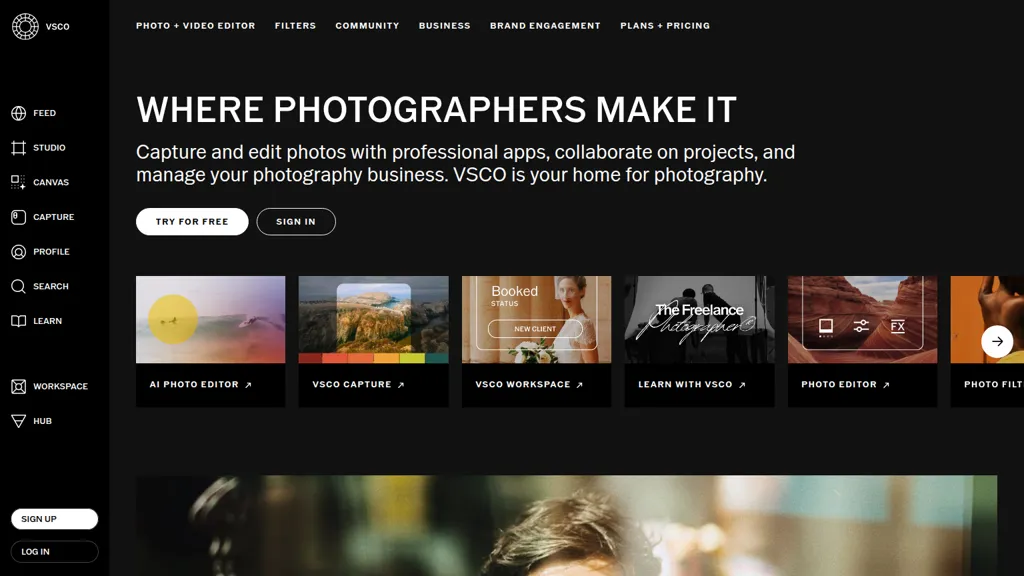
VSCO Photo Editor & Video Editor is a mobile and desktop app for iOS, Android, macOS and Windows that combines photo and video editing tools with community and portfolio features. It provides 200+ presets and customizable filters, Film FX and grain controls for analog-style looks, and precision adjustment tools for exposure, color, and tone.
AI Lab includes AI-powered Remove and high-fidelity editing tools for cleaner compositions and targeted retouching. VSCO Capture offers live presets and in-app camera controls, while the video editor adds film effects and clip-level adjustments. Workspace and Studio tools support client management, shoot planning, and workflow automation for freelance and professional photographers.
VSCO details
- Built for
- Individuals
VSCO tech specs
- Payment Processors
- Stripe
- Integrations
- Google Workspace
VSCO pricing
FreemiumVSCO offers a free plan with paid upgrades available.
- Free trial
- 7 days
- Auto-renewal
- Yes
Verify on the official pricing page.
View plansVSCO's key features
-
High-fidelity AI photo editor
-
AI object removal (erase unwanted photo details)
-
AI-powered photo filters (AI Lab and Pro presets)
-
AI-generated mood boards (VSCO Canvas)
-
AI-assisted search for hiring photographers (VSCO Hub)
VSCO use cases
-
Create a cohesive signature social feed by applying VSCO's 200+ customizable presets and analog Film FX to batch-edit photos, use the in-app camera for consistent captures, and automate your photography workflow to maintain a unified aesthetic across platforms
-
Produce high-converting product and lifestyle images for ecommerce using AI background removal and precision exposure/color retouching, export optimized files for web, and showcase them instantly with VSCO's built-in portfolio website builder
-
Develop cinematic short-form videos and promotional clips with clip-level video edits, live in-app capture, and film-inspired presets for professional color grading, then organize projects with workspace tools and deliver client-ready galleries or portfolio pages
VSCO user reviews
Would you recommend VSCO?
Who is VSCO for?
-
Content creators
-
Photo editors
-
Product designers
-
Digital marketers
-
Video creators
VSCO FAQ
Is VSCO free?
Partly. VSCO has a free plan with usage limits, and paid plans unlock the full feature set.
Is VSCO safe to use?
VSCO is also one of the most visited AI tools in the TopAI.tools index.
What are the best alternatives to VSCO?
The closest alternatives to VSCO are Uncrop, BeautyPlus, Photoroom, Colorcinch and SnapEdit. You can compare them side by side in the alternatives section further down this page.
What does VSCO do with my data?
VSCO states that customer content is not used to train its models. Its privacy policy states that personal data is sold or shared for marketing purposes. Data may be shared with third-party service providers that help run the product.
Does VSCO auto-renew or offer refunds?
VSCO subscriptions renew automatically until you cancel.
Is there a mobile app for VSCO?
Yes. VSCO has a mobile app alongside its web version.
What does VSCO integrate with?
VSCO connects with Google Workspace.
Compliance, privacy and billing terms are as stated in each product's own published documentation and have not been independently verified by TopAI.tools.


