
What is Shotva?
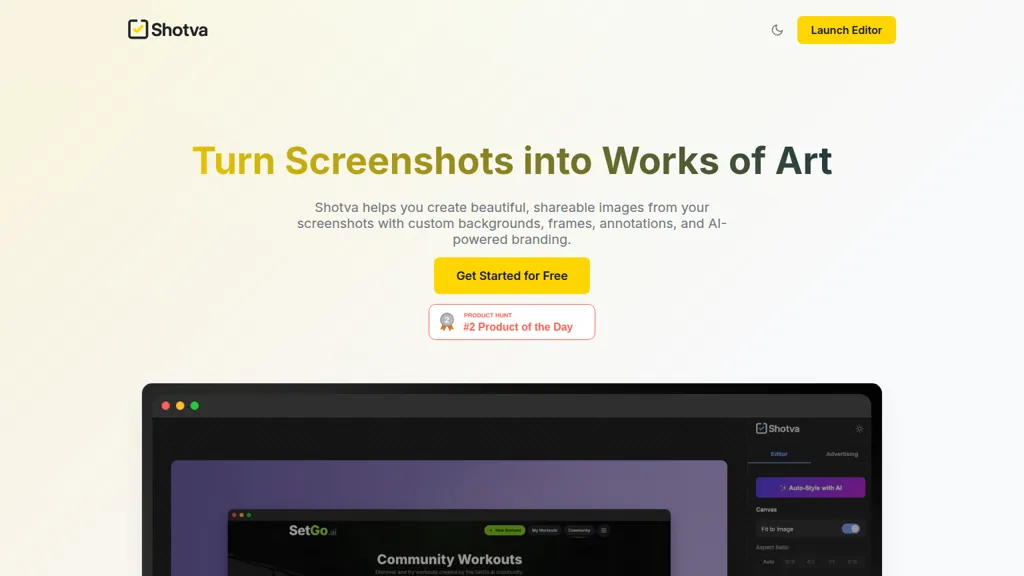
Shotva is an AI-driven tool designed to enhance and transform screenshots into visually appealing images. Users can easily create shareable content by applying custom backgrounds, frames, and annotations. The auto-styling feature allows Shotva to analyze screenshots and automatically implement context-aware designs, ensuring visually cohesive results in just one click.
Additionally, Shotva facilitates instant ad creation by scraping brand identity URLs and generating compelling ad copy, streamlining marketing efforts. Users benefit from extensive customization options, including hundreds of themes and fonts, as well as tools for adding borders and shadows.
Shotva pricing
FreeThis tool is free to use, with no credit card required.
Verify on the official pricing page.
Get started freeShotva's key features
-
Screenshot enhancement
-
Auto-styling feature
-
Ad creation through brand scraping
-
Extensive customization options
-
Annotation tools
Shotva use cases
-
Transform standard project screenshots into professional-quality visuals with Shotva, utilizing its auto-styling feature to create cohesive designs that impress stakeholders
-
Easily generate eye-catching social media ads by scraping brand identity URLs and creating compelling ad copy with Shotva, accelerating your marketing campaigns
-
Highlight key features in product demos using Shotva's annotation tools like magnifiers and text layers, ensuring viewers focus on important details in an engaging manner
Shotva user reviews
Would you recommend Shotva?
Who is Shotva for?
-
Content creators
-
Product designers
-
E-commerce sellers
-
Brand managers
-
Digital marketers
Shotva FAQ
Is Shotva free?
Yes. Shotva is free to use and does not require a credit card.
What are the best alternatives to Shotva?
The closest alternatives to Shotva are Designer Clone AI, 123RF, Smart Upscaler, AIimagine.io and Colorcinch. You can compare them side by side in the alternatives section further down this page.


