
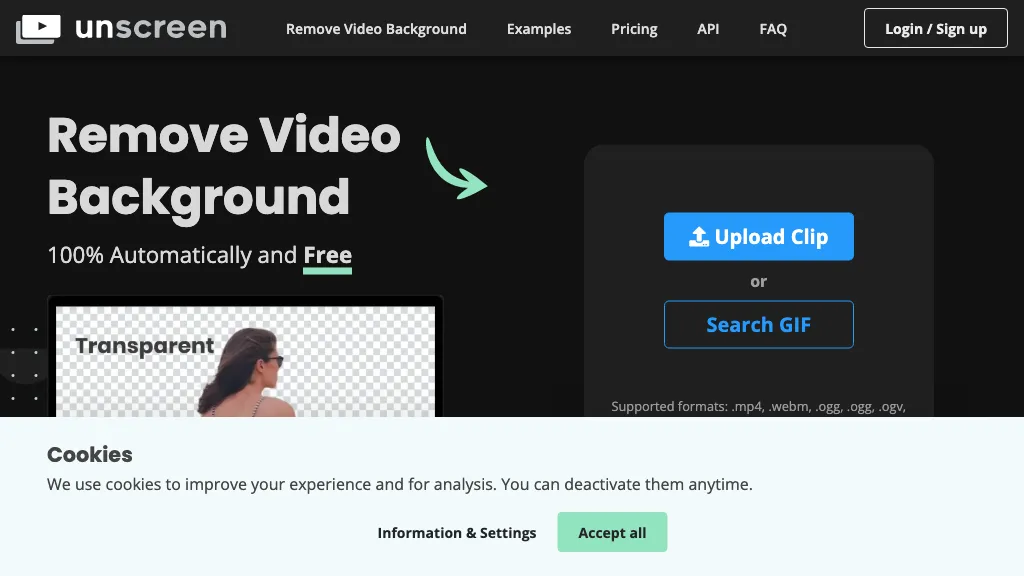
What is Unscreen.com?
Unscreen was a cloud‑based video editing platform focused on background removal. Users could upload a clip, remove the background, and export the result with a single click, while the service handled format conversion and resizing. The tool supported Adobe After Effects and Premiere Pro through dedicated plugins, allowing direct insertion of processed footage into professional editing workflows.
Videos were stored for 30 days after processing, after which they were automatically deleted to protect privacy. Unscreen’s interface integrated with Canva, providing access to additional AI features such as text‑to‑video, auto animations, voice enhancement, and smart format switching within the same workspace.
Unscreen.com details
- Company
- Canva Pty Ltd
- Jurisdiction
- Australia
- Stated compliance
- GDPR
Compliance as stated in Unscreen.com's own published documentation.
Unscreen.com pricing
FreemiumVerify on the official pricing page.
View plansUnscreen.com's key features
-
Background removal capability
-
Text-to-video generation
-
Auto animations support
-
Voice enhancement tools
-
Smart format switching
-
All-in-one video editing suite
Unscreen.com use cases
-
Create polished e‑learning videos for corporate training by removing distracting backgrounds, resizing to mobile‑first dimensions, and integrating directly with Canva's AI storyboard tools—no desktop software required.
-
Produce high‑impact product demos for e‑commerce listings by erasing studio backgrounds, converting to MP4 or WebM, and uploading instantly to Shopify or Amazon—streamlined for small‑business owners.
-
Generate engaging TikTok or Instagram Reels by clipping influencers’ footage, applying AI‑enhanced background removal via After Effects plugin, and exporting in 1080p vertical format—ready for social media sharing.
Unscreen.com user reviews
Based on 29 reviews, 69% of users recommend Unscreen.com, rated highly for quality results.
Liked for
Disliked for
Would you recommend Unscreen.com?
Who is Unscreen.com for?
-
Video editors
-
Content creators
-
Digital marketers
-
Graphic designers
-
Creative designers
Unscreen.com FAQ
Is Unscreen.com free?
Partly. Unscreen.com has a free plan with usage limits, and paid plans unlock the full feature set. Plans include Hobby at $9.00, Artist at $39.00, Creator at $89.00 and Maker at $189.00.
Is Unscreen.com safe to use?
Unscreen.com states GDPR compliance in its own published documentation. Unscreen.com is operated by Canva Pty Ltd, registered in Australia. Unscreen.com carries the TopAI.tools verified mark, which we award after a manual review of pricing transparency, published terms, public following and working functionality.
Is Unscreen.com good?
Unscreen.com has a 69% recommendation rate from 29 reviewers on TopAI.tools. Reviewers rate it highest on quality of results and value for money.
What are the best alternatives to Unscreen.com?
The closest alternatives to Unscreen.com are Removebackgroundai, ClipDrop Replace Background, CapCut, Removal.ai and Remove.bg. You can compare them side by side in the alternatives section further down this page.
What does Unscreen.com do with my data?
Unscreen.com states that customer content may be used to train its models. Its privacy policy states that personal data is sold or shared for marketing purposes. Data may be shared with third-party service providers that help run the product.
Who made Unscreen.com?
Unscreen.com is built and operated by Canva Pty Ltd, a company registered in Australia.
Compliance, privacy and billing terms are as stated in each product's own published documentation and have not been independently verified by TopAI.tools.


Is there a limit on the duration of videos you can process with the free tier, and does the paid plan support exporting with an alpha channel?