
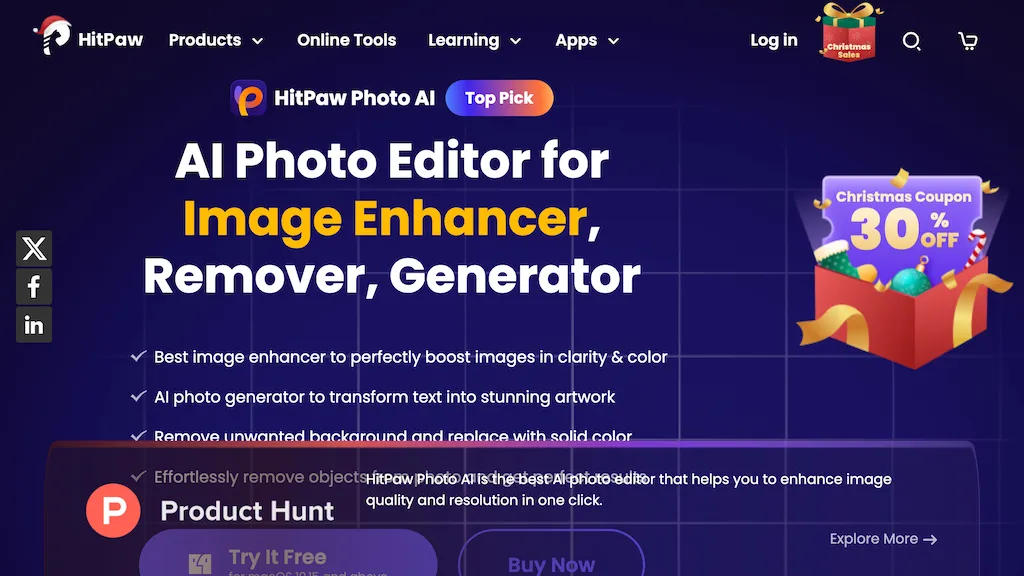
What is HitPaw Photo AI?
HitPaw FotorPea uses AI to upscale images up to 4‑x resolution, remove noise, and repair blur while preserving natural detail. It offers separate models for denoising, unblurring, face enhancement, and colorization, enabling users to restore old photos, sharpen portraits, and improve low‑light shots in a single click.
The application accepts common formats (.png, .jpg, .webp, .tif, .bmp, .raw) and outputs in the same formats, making it compatible with both Windows and macOS workflows. Designers, photographers, and everyday consumers can apply one‑click enhancement or fine‑tune settings for professional‑grade edits, and the built‑in plugin allows direct integration into Photoshop for streamlined post‑processing.
HitPaw Photo AI details
- Company
- HitPaw CO., LIMITED
- Jurisdiction
- Hong Kong Special Administrative Region of the People's Republic of China
- Built for
- Businesses and teams
HitPaw Photo AI tech specs
- Works with
- Google / Nano Banana
HitPaw Photo AI pricing
Free trial- Free trial
- 7 days
- Auto-renewal
- Yes
Verify on the official pricing page.
Start free trialHitPaw Photo AI's key features
-
Enhance videos up to 8K
-
Convert edit compress videos
-
Remove unwanted objects from videos
-
Speech to text conversion
-
Colorize videos with AI
-
Merge multiple video files
-
Remove vocals from video
HitPaw Photo AI use cases
-
Upscale and restore old family portraits with minimal manual editing, preserving fine details and skin tones
-
Enhance low‑light security camera footage in real‑time, removing noise and sharpening faces for clearer identification
-
Integrate into Photoshop to automatically colorize black‑and‑white images, enabling rapid production of vibrant historical photo collections
HitPaw Photo AI user reviews
Based on 27 reviews, 70% of users recommend HitPaw Photo AI, rated highly for value for money.
Liked for
Disliked for
Would you recommend HitPaw Photo AI?
Main competitors of HitPaw Photo AI
Here are some of the major competitors comparisons vs. HitPaw Photo AI.


Who is HitPaw Photo AI for?
-
Digital photographers
-
Video editors
-
Graphic designers
-
Social media content creators
-
Marketing teams
HitPaw Photo AI FAQ
Is HitPaw Photo AI free?
Not permanently. HitPaw Photo AI gives you a free trial of 7 days, after which a paid plan is required. Plans include 1 month license at $22.39, 1 month license at $22.39, 1 month license at $27.99 and 1 month license at $27.99.
Is HitPaw Photo AI safe to use?
HitPaw Photo AI is operated by HitPaw CO., LIMITED, registered in Hong Kong Special Administrative Region of the People's Republic of China. HitPaw Photo AI carries the TopAI.tools verified mark, which we award after a manual review of pricing transparency, published terms, public following and working functionality. HitPaw Photo AI is also one of the most visited AI tools in the TopAI.tools index.
Is HitPaw Photo AI good?
HitPaw Photo AI has a 70% recommendation rate from 27 reviewers on TopAI.tools. Reviewers rate it highest on value for money and ease of use.
What are the best alternatives to HitPaw Photo AI?
The closest alternatives to HitPaw Photo AI are HitPaw Online Photo Enhancer, HitPaw Photo Enhancer, AIEnhancer.ai, AI Image Enlarger and Let’s Enhance. You can compare them side by side in the alternatives section further down this page.
What does HitPaw Photo AI do with my data?
HitPaw Photo AI states that customer content is not used to train its models. Its privacy policy states that personal data is not sold or shared for marketing purposes. Data may be shared with third-party service providers that help run the product.
Does HitPaw Photo AI auto-renew or offer refunds?
HitPaw Photo AI subscriptions renew automatically until you cancel.
Does HitPaw Photo AI have an API?
Yes. HitPaw Photo AI offers an API, so you can call it from your own applications instead of using the interface directly.
Who made HitPaw Photo AI?
HitPaw Photo AI is built and operated by HitPaw CO., LIMITED, a company registered in Hong Kong Special Administrative Region of the People's Republic of China.
Which AI models does HitPaw Photo AI use?
HitPaw Photo AI is built on Google / Nano Banana. Which models you can reach may depend on your plan.
Compliance, privacy and billing terms are as stated in each product's own published documentation and have not been independently verified by TopAI.tools.


Hey folks, I'm wondering how HitPaw's background removal performs on dream photos with soft edges compared to remove.bg. Does it preserve those subtle gradients better?