
What is Pixlr?
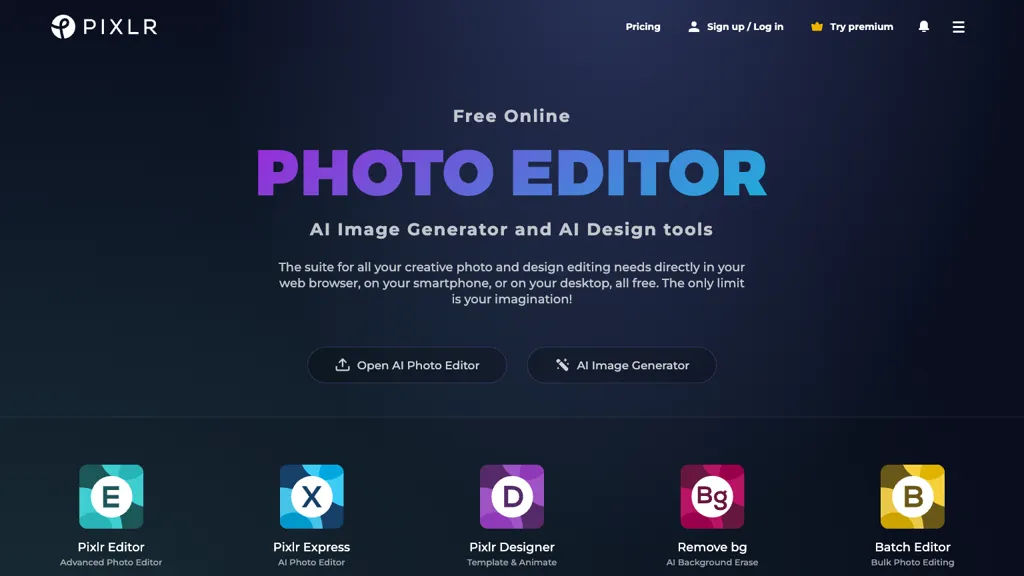
Pixlr is a web‑based photo editing suite that offers AI‑driven tools for image generation, background removal, and generative fill. It supports basic editing functions such as cropping, resizing, retouching, and color correction, while also enabling users to create collages, mood boards, and carousel layouts.
The platform integrates AI object removal and background changing features that streamline clutter elimination and composition changes. Design templates, animated elements, and a range of filters allow quick creation of social media graphics and marketing assets.
Pixlr runs in browsers and on iOS and Android devices, providing a consistent editing experience across desktop, tablet, and smartphone. The suite is suitable for hobbyists, social media managers, and professional designers who need flexible, AI‑enhanced editing without installing software.
Pixlr details
- Company
- Pixlr Pte. Ltd.
- Jurisdiction
- Singapore
- Built for
- Individuals
Pixlr tech specs
- Works with
- Google / Veo Stability AI xAI / Grok Qwen Black Forest Labs / Flux Kling ByteDance / Seedance ByteDance / Seedream Recraft ElevenLabs MiniMax
Pixlr pricing
Free trial- Auto-renewal
- Yes
Verify on the official pricing page.
Start free trialPixlr's key features
-
AI Face Swap
-
AI Image Generator
-
AI Video Generator
-
AI Background Removal
-
Outline Style Options
-
Shadow Effect Options
Pixlr use cases
-
Remove product images’ backgrounds instantly to create clean, professional-looking product listings for e-commerce sites
-
Generate eye‑catching social media graphics and collages using AI‑powered templates for marketing teams without graphic design expertise
-
Utilize generative fill and object deletion to restore or modify historical photographs for archival and research projects
Pixlr user reviews
Based on 23 reviews, 74% of users recommend Pixlr, rated highly for value for money.
Liked for
Disliked for
Would you recommend Pixlr?
Who is Pixlr for?
-
Digital artists
-
Photo editors
-
Content creators
-
Creative designers
-
Creative enthusiasts
Pixlr FAQ
Is Pixlr free?
Not permanently. Pixlr gives you a free trial, after which a paid plan is required. Plans include Yearly at $1.49, Monthly at $2.49, Premium yearly at $6.49 and Premium monthly at $9.99.
Is Pixlr safe to use?
Pixlr is operated by Pixlr Pte. Ltd., registered in Singapore. Pixlr carries the TopAI.tools verified mark, which we award after a manual review of pricing transparency, published terms, public following and working functionality. It has a substantial audience that is independently measured month to month.
Is Pixlr good?
Pixlr has a 74% recommendation rate from 23 reviewers on TopAI.tools. Reviewers rate it highest on value for money and ease of use.
What are the best alternatives to Pixlr?
The closest alternatives to Pixlr are PhotoEditor.ai, Background Remover, Picsart, 123RF and PicWish. You can compare them side by side in the alternatives section further down this page.
What does Pixlr do with my data?
Pixlr states that customer content is not used to train its models. Its privacy policy states that personal data is not sold or shared for marketing purposes. Data may be shared with third-party service providers that help run the product.
Does Pixlr auto-renew or offer refunds?
Pixlr subscriptions renew automatically until you cancel.
Who made Pixlr?
Pixlr is built and operated by Pixlr Pte. Ltd., a company registered in Singapore.
Which AI models does Pixlr use?
Pixlr is built on Google / Veo, Stability AI, xAI / Grok, Qwen, Black Forest Labs / Flux, Kling, ByteDance / Seedance, ByteDance / Seedream, Recraft, ElevenLabs and MiniMax. Which models you can reach may depend on your plan.
Compliance, privacy and billing terms are as stated in each product's own published documentation and have not been independently verified by TopAI.tools.


Just used Pixlr to cut my friend’s photo and replace the background with a city skyline using the AI background remover and generative fill. The result looks almost natural.