
What is PicWish?
PicWish AI Photo Editor
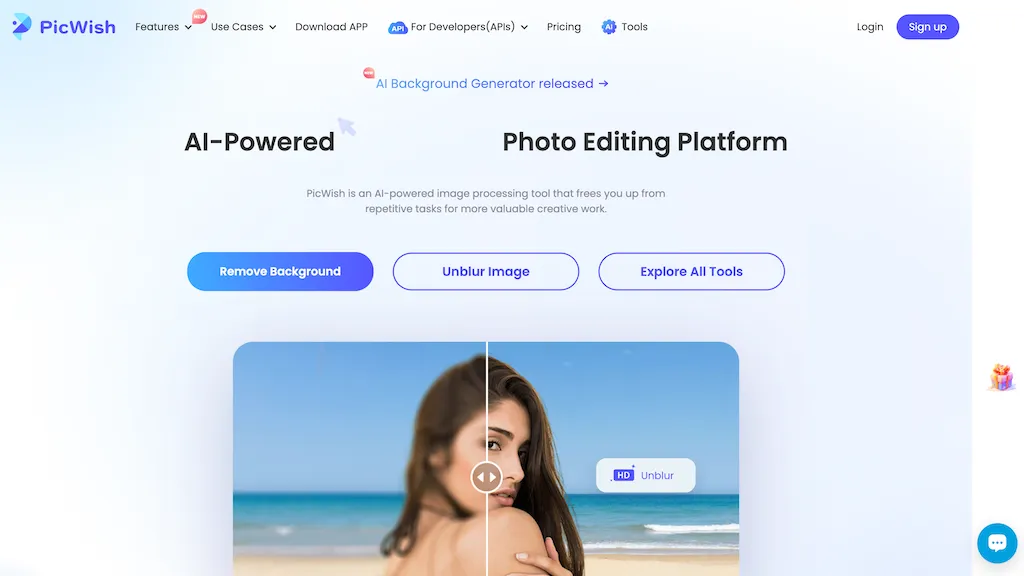
PicWish AI Photo Editor automates image enhancement, background removal, and watermark deletion with AI‑driven algorithms. The platform supports batch processing of up to 30 files and offers resizing, lighting adjustments, and resolution upscaling to improve clarity.
Natural‑language prompts enable quick creation of professional visuals through its AI Designer feature, while the AI Face Cutout tool isolates subjects for product photography or social media use. Unblur and sharpen images in a single click, making it suitable for restoring scanned materials or improving low‑quality photographs.
PicWish details
- Jurisdiction
- China
- Built for
- Individuals
- Stated compliance
- GDPR, ISO 27001
Compliance as stated in PicWish's own published documentation.
PicWish tech specs
- Works with
- OpenAI / GPT
PicWish pricing
Subscription- Refund window
- 7 days
Verify on the official pricing page.
View plansPicWish's key features
-
Chat-driven AI photo generation
-
Pre-tuned prompt templates
-
High-consistency product photography models
-
4K image upscaling and colorization
-
Automatic object removal and replacement
-
Virtual try‑on for apparel
-
2D-to-3D image transformation
PicWish use cases
-
Enhance and prepare product photos for an online store by batch removing backgrounds, erasing watermarks, and upscaling images to 4K for high‑resolution listings
-
Create polished real‑estate listings by automatically removing background clutter, unblurring exterior shots, and cutting out faces of models for a clean, professional look
-
Generate engaging social‑media content by using AI Designer prompts to transform everyday photos, resizing them for different platforms, and adding watermark‑free overlays in a single click
PicWish user reviews
Based on 5 reviews, 80% of users recommend PicWish, rated highly for feature coverage.
Liked for
Disliked for
Would you recommend PicWish?
Who is PicWish for?
-
Creative designers
-
Marketing strategists
-
Content editors
-
Digital marketers
-
E-commerce sellers
PicWish FAQ
How much does PicWish cost?
PicWish is a paid product with no free plan. Plans include Pro plan at $9.99/mo and $4.99/mo at $59.99/yr.
Is PicWish safe to use?
PicWish states GDPR and ISO 27001 compliance in its own published documentation. It has a substantial audience that is independently measured month to month.
What are the best alternatives to PicWish?
The closest alternatives to PicWish are Smart Upscaler, PhotoEditor.ai, Remaker AI, Removal.ai and 123RF. You can compare them side by side in the alternatives section further down this page.
What does PicWish do with my data?
Its privacy policy states that personal data is not sold or shared for marketing purposes. Data may be shared with third-party service providers that help run the product.
Does PicWish auto-renew or offer refunds?
PicWish states a 7-day refund window.
Is there a mobile app for PicWish?
Yes. PicWish has a mobile app alongside its web version.
Which AI models does PicWish use?
PicWish is built on OpenAI / GPT. Which models you can reach may depend on your plan.
Compliance, privacy and billing terms are as stated in each product's own published documentation and have not been independently verified by TopAI.tools.


