
Best File management AI tools
Explore the top AI app list for File management and compare them for use cases, features and pricing. You will find File management to assist in organizing, categorizing, and retrieving files and documents, offering features like automatic tagging, version control, and smart search functionalities.
See all 12 AI Tools for: File management

Fydeo is a minimalist AI tool with features such as user-friendly interface, quick boot time, virus protection and encryption, seamless updates, support for various platforms and syncing offline progress.
13 4
Freemium

Renamer.ai is an AI-powered tool that automatically renames and organizes batches of documents, images, and PDFs using customizable templates. It works as a web or desktop app to enforce consistent naming conventions, improve searchability, and streamline digital asset management.
2 2
3
Free trial

AnyToURL is a file hosting service that instantly generates shareable links for uploaded documents, media, and code. It provides in-browser previews, optional security features, and global CDN delivery for easy, secure sharing.
2 2
Free trial
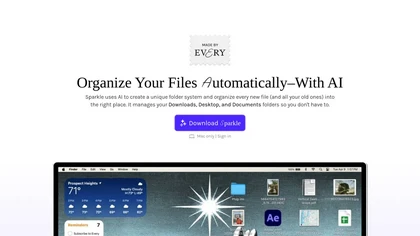
Sparkle is an AI‑driven Mac cleaner that auto‑detects and removes junk, deletes duplicates, and organizes downloads, receipts, and screenshots into AI‑generated folders. It backs up before deleting, supports cloud folders, and schedules recurring clean‑ups, keeping local and online storage tidy.

Tagbox automatically organizes photos, videos, PDFs, and editable files using computer vision for face, object, and scene tagging. Its search engine offers advanced filters and full‑text queries. Team collaboration and secure storage enable efficient asset management.

Keep It Shot is a macOS app that auto‑generates descriptive names for screenshots, builds a local index for quick keyword search, allows bulk renaming with two clicks, and can revert to original filenames if needed. OCR adds metadata.

Pinbot is a Chrome extension that lets users add bookmarks with a single click, automatically summarizes each page, and offers tag suggestions. It supports natural‑language search, offline processing, and custom tagging for personal databases.
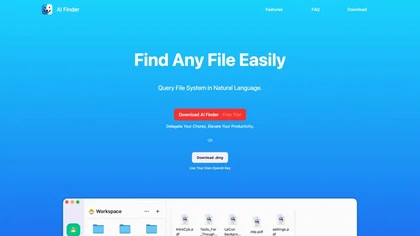
AI Finder is a macOS file‑management agent that uses GPT to locate documents by content, tags, timestamps, and duplicate status. It supports natural‑language and voice queries, PDF interaction, and local processing for privacy.
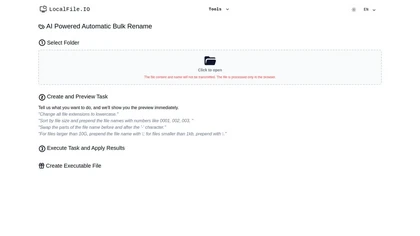
AI‑powered bulk rename tool runs locally in the browser, letting users define custom tasks, preview changes, and apply features like lowercase extensions, numeric prefixes, size‑based sorting, and segment swapping. Ideal for photographers, developers, archivists, and data scientists.

Dynbox is an AI file organizer that streamlines local and cloud file management with automatic sorting, advanced search, and customizable folders. It allows natural language interactions for file edits while prioritizing data privacy and integration with existing cloud services.
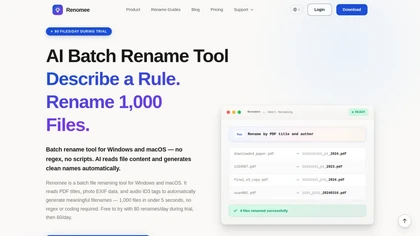
Batch file renaming tool that reads file content and metadata - PDF titles/authors, OCR text, photo EXIF, and audio ID3 tags—to generate descriptive filenames via natural-language rules, no regex or coding required. It offers previews, parallel queue processing with pause/resume and caching, runs locally by default, and is available for Windows and macOS.
1 0
1
Free trial
- $6.99

Drive AI automates file organization: drag‑and‑drop documents, PDFs, images, audio, and video; auto‑reads content, renames with clear titles, creates nested folders, and supports email attachment sorting, OCR, speaker detection, secure sharing, and natural‑language commands for teams.
1 0
Freemium
Find your files in seconds not hours
We track 12 File management tools.
What it costs
$7.5
median starting price
Most start between $6.75 and $17.0.
4 with a free tier
4 free trial
How concentrated
The top 5 take 99.1% of the traffic here.
The top 10 take 100.0%.


Built on
Models these tools say they run on
GPT 3
Claude 1
Use cases
Extract:Document>Text
Automate:Document>Automation
Extract:Image>Text
Organize Files
Edit:Document>Document
Detect:Image>Structured_Data
Detect:Video>Structured_Data
Detect:Document>Structured_Data
Create:Document>Automation
Automate:Email>Automation
Figures updated 24 October 2026