
Screenshots To Text
The best 50 Screenshots To Text AI tools - Free & Paid
Explore 50 AI for Screenshots To Text

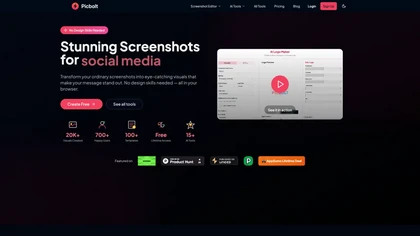
Picbolt is a screenshot editor that transforms screenshots into high-quality visuals with one-click presets, smart cropping, and customizable device mockups. It is ideal for educators, content creators, and small business owners, offering tools for annotations and workflow optimization.
Free trial
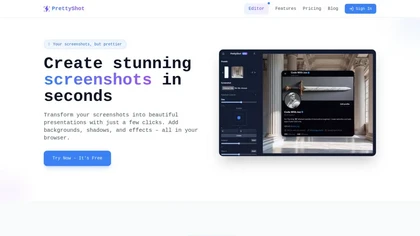
PrettyShot is a web-based tool that enhances standard screenshots by adding backgrounds, shadows, and effects, allowing users to create professional-quality visuals. It supports mockups with device frames and offers efficient preset slots for customization.
Free trial
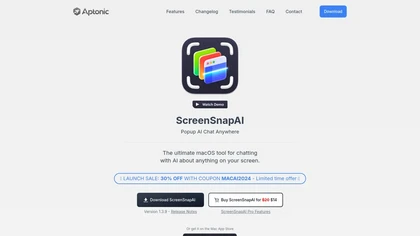
ScreenSnapAI auto‑renames and tags screenshots on macOS, letting users open an AI chat for instant content explanations. Accessible via menu or shortcut, it organizes images with AI‑generated metadata, speeding knowledge capture and retrieval on Intel and Apple Silicon machines.
Freemium

Sleek generates mobile app mockups from text prompts or images, offering templates, style presets, in-app editing, and modular responsive components. Export clean layouts to Figma or production-ready code for rapid prototyping and developer handoff.
Free
- $20/mo
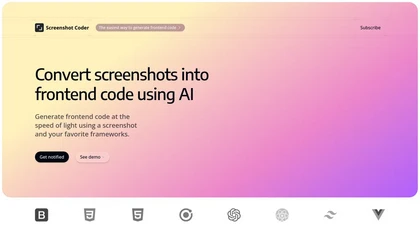
Screenshot Coder transforms visual mockups into production‑ready frontend code in seconds, supporting Tailwind CSS, Bootstrap, and React. It delivers responsive, clean UI code directly from screenshots, accelerating prototyping for designers and developers.
Free
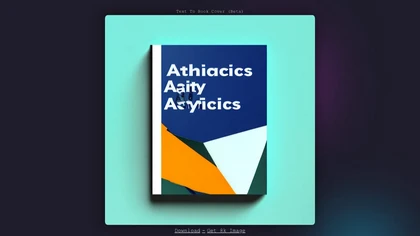
Stockimg AI generates logos, illustrations, wallpapers, posters, avatars, stock photos, and short‑form video from text prompts. It auto‑adds audio, subtitles, and offers a social‑media dashboard to edit, schedule, and publish across multiple accounts.
Subscription
- $12/mo
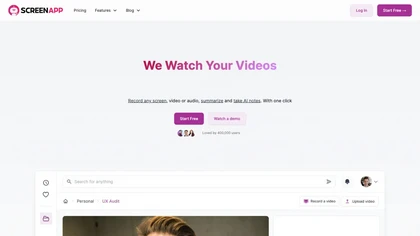
ScreenApp records and transcribes audio/video meetings, extracts key points and action items, and delivers searchable summaries and exports. It integrates with Zoom, Google Meet, YouTube and supports real‑time translation, helping teams quickly locate information.
Subscription
- $199/mo
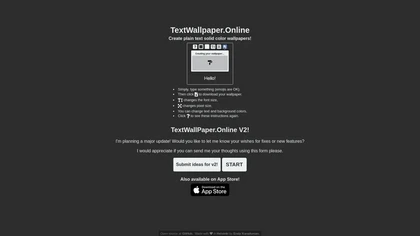
Generate custom phone or desktop wallpapers from any text. Choose emojis, fonts, text size, colors, and dimensions. Download directly from the browser. The fully online, open‑source tool requires no JavaScript.
Freemium
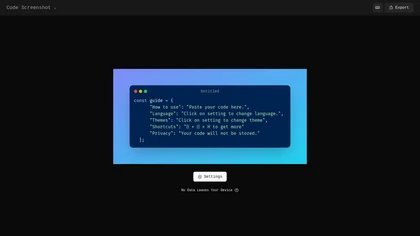
Code Screenshot allows developers to convert code snippets into visually appealing images with syntax highlighting for various languages. It features customizable themes, keyboard shortcuts for efficiency, and local storage for enhanced privacy in sensitive projects.
Freemium
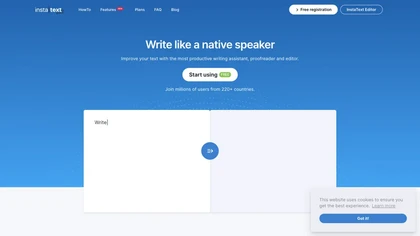
InstaText is an AI editing assistant that highlights suggestions for clarity, flow, word choice, and grammar. Users can accept or reject each change, select dialect, formality, or add custom terms. It works on Chrome, Gmail, Slack, Docs, Overleaf, and Word.
Paid
- $9.99/mo
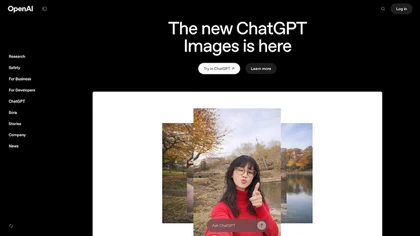
OpenAI’s ChatGPT Images, powered by GPT Image 1.5, elevates creative workflows by offering rapid, precise image generation and editing directly within ChatGPT. It’s a versatile tool for visual content creation and design.
Freemium
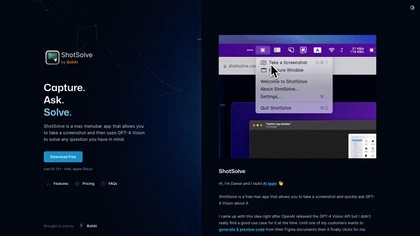
ShotSolve is a native macOS app that captures screenshots and uses GPT‑4o for instant queries. It offers a clean chat interface with themes, code styling, context controls, secure key storage, and configurable parameters for custom AI interactions.
Free
- $29/mo

AI Text Generator creates original drafts, blog posts, emails, reports, and social captions from prompts, keywords or source text. Browser-based, it lets users set length, tone and audience, refine outputs, and copy or download results.
Freemium
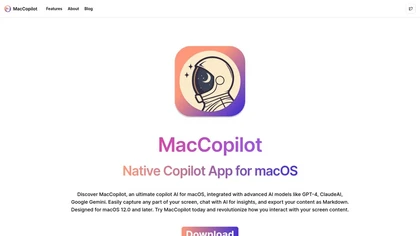
MacCopilot lets macOS users select any screen area, capture screenshots, and chat with AI models—GPT‑4o, Claude, Gemini, or local Ollama—to receive instant visual analysis, code reviews, design feedback, and contextual insights directly on‑screen. Hotkeys and history improve workflow.
Free
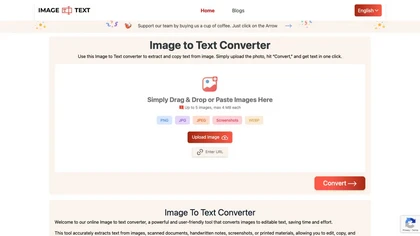
Image to Text Converter extracts text from images, PDFs, and handwritten notes in 30+ languages. It accepts JPEG, PNG, WebP, GIF, PDF, handles blurry files, and can recognize equations. Users can crop regions, and outputs editable TXT, PDF, or DOCX.
Free
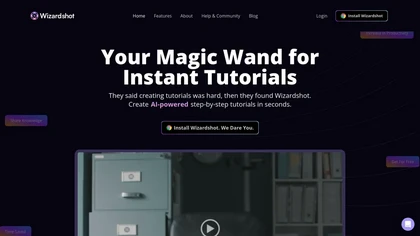
Wizardshot is a web app and Chrome extension that automatically converts screen recordings into structured, step‑by‑step tutorials. It exports to PDF/DOC, GIFs, embeds videos, supports team collaboration, role‑based access, blurs sensitive data, and provides analytics on usage and gaps.
Free
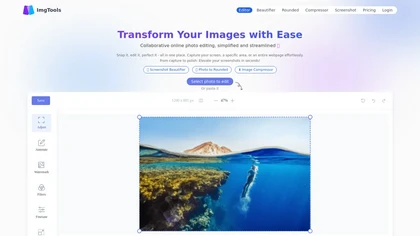
ImgTools is a versatile screenshot tool that simplifies capturing, editing, and enhancing images efficiently. It offers features like screenshot beautifier, advanced editing options, collaborative online editing, and customization tools to elevate your visuals effortlessly.
Freemium
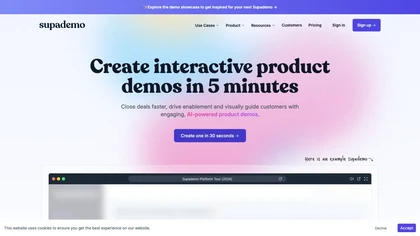
Supademo records user interactions and auto‑generates guided walkthroughs for web, mobile, and desktop apps. It offers HTML cloning, screenshots, Figma integration, multi‑language voiceovers, branching logic, analytics, and CRM integration to accelerate onboarding and support sales cycles.
Free trial
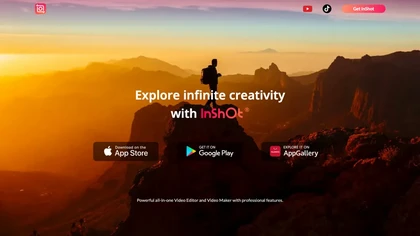
InShot is a mobile video editor that lets users cut, trim, and layer clips, auto‑generate multilingual captions, add music, intros/outros, and apply AI‑driven, 3D, glitch, and lens transitions, text, stickers, and picture‑in‑picture overlays.
Free
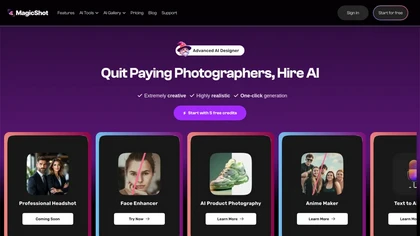
MagicShot.ai creates images, videos, and audio from text or photos. It offers AI image generation for product shots, logos, icons, and book covers, and a video generator that animates photos. Editing, avatars, stickers, QR codes, and 3D tools streamline design.
Paid
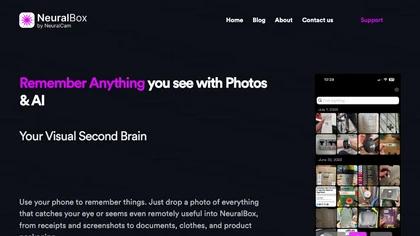
NeuralBox captures photos instantly via camera, lock‑screen widget, or share extension, auto‑imports screenshots, and offers a scanning mode. AI image recognition and OCR enable keyword searches; similarity browsing groups images by visual traits. Files sync locally or in the cloud.
Subscription
- $5.99/mo
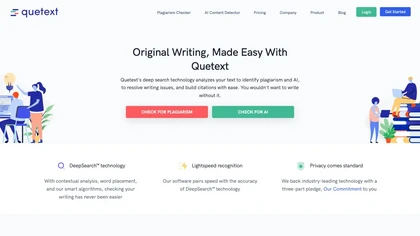
Quetext is an all‑in‑one writing platform offering plagiarism detection, AI content detection, real‑time grammar and spell correction, summarization, paraphrasing, and citation generation. It supports PDF, DOC, TXT files with bulk uploads for students, teachers, researchers, and creators.
Freemium
- $8/mo

TechScreen is an AI interview assistant that provides real-time support during technical interviews on video platforms. It processes audio and on-screen content, offers quick responses to coding challenges, and supports multiple programming languages to enhance interview efficiency.
Free trial
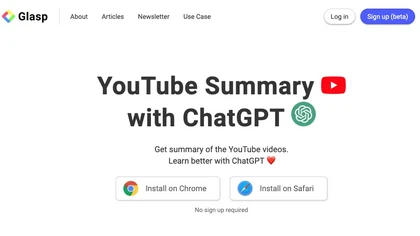
YouTube sumamry chrome extension is a YouTube video summary tool developed by Glasp Inc., currently in beta testing and requires installation on Chrome or Safari browsers along with sign-up.
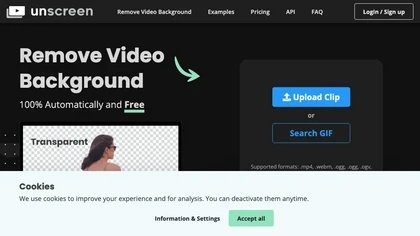
Unscreen is a cloud video editor that removes backgrounds from clips and exports them instantly, with format conversion and resizing. It offers plugins for After Effects and Premiere Pro and integrates with Canva for AI‑enhanced features.
Freemium
- $9
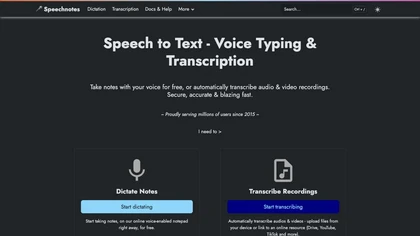
Speechnotes is a web‑based speech‑to‑text tool for real‑time dictation and batch transcription in multiple languages. It offers speaker tagging, timestamps, subtitle export, and imports from Google Drive, YouTube, or local files. Export to text, markdown, PDF while preserving privacy.
Freemium
- $1.9/mo
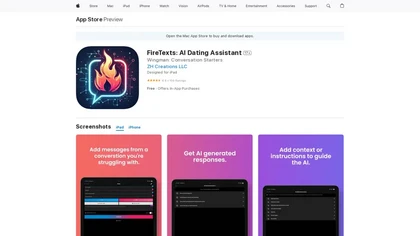
FireTexts Dating Assistant is an AI-powered tool that generates conversation starters and responses for online dating using GPT technology. Users can upload chat screenshots for tailored reply suggestions and set communication goals like humor or assertiveness.
Freemium
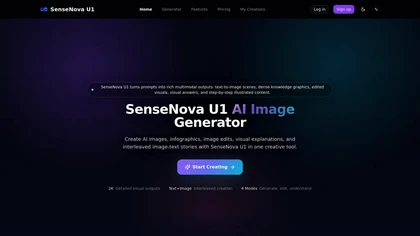
sensenovau1.com is a multimodal AI platform that generates and edits images, infographics, and illustrated stories from text prompts. It supports visual Q&A, prompt-based editing, and exports up to 2K detailed outputs for designers, educators, and marketers.
Subscription
- $12/mo
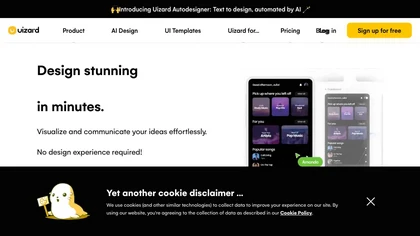
Uizard converts text or screenshots into editable wireframes, mockups, and prototypes using AI. It offers screenshot and wireframe scanners, theme generation, ready‑made templates, a shared component library, real‑time collaboration, version control, and export to Figma and other tools.
Freemium
- $39/mo
Photoleap is an iOS‑only photo editing app that uses AI for quick enhancements, background removal, object deletion, collage creation, filters, text‑to‑image, video from stills, 4K upscaling, style transfer, portrait retouching, and hair color simulation.
Free trial
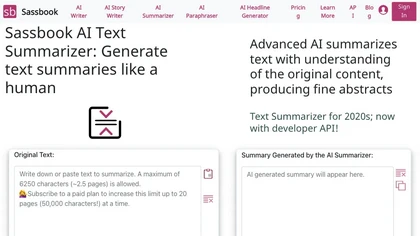
Sassbook AI Text Summarizer is an advanced tool that uses AI to generate high-quality summaries from large amounts of text with configurable options.
Freemium
- $15/mo
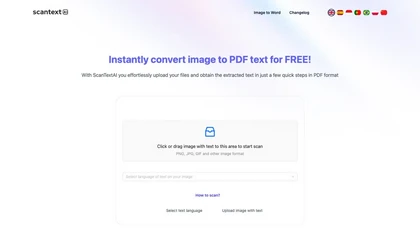
ScantextAI turns images—JPG, PNG, BMP, GIF, TIFF, WEBP—into editable PDF text. Supports 50+ languages, inline editing, and local storage for privacy. Useful for students, finance, healthcare, and content creators across various industries.
Free
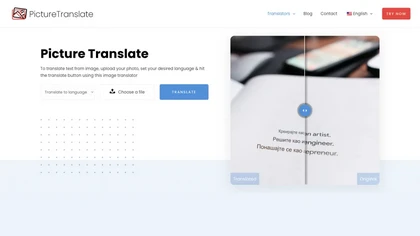
Picture Translate extracts text from images using OCR and instantly translates it into one of 100+ languages. It displays results in the browser, lets you copy or download a translated PNG, and operates securely without installation.
Free
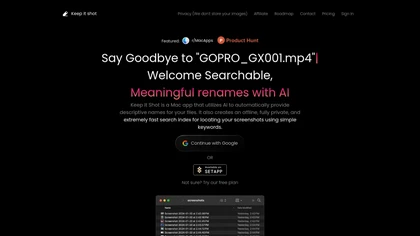
Keep It Shot is a macOS app that auto‑generates descriptive names for screenshots, builds a local index for quick keyword search, allows bulk renaming with two clicks, and can revert to original filenames if needed. OCR adds metadata.
Subscription
- $8/mo

TwoShot Coproducer is an AI assistant for music and audio production that generates tracks from text, isolates stems, cleans and restores recordings, creates voices and sound effects, and offers an in-browser DAW, sample library, API and collaboration tools.
Free
Glasp is a web app that enables users to highlight and take notes on online articles, curate and organize their reading materials, share insights with the Glasp community, and discover like-minded individuals through its social network feature.
Describe Image & Picture extracts text, alt descriptions, and HTML snippets from PNG, JPEG, or WEBP files up to 2 MB, converting visuals into editable Markdown or code, auto‑tagging photos, and generating Flux image variants for creators, developers, and marketers.
Freemium
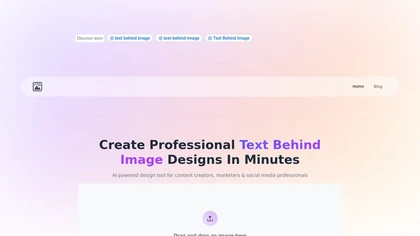
Text Behind Image Tool enables users to integrate customizable text into images easily. It offers optimal text placement suggestions, a drag-and-drop interface, real-time previews, and supports various social media dimensions, ensuring privacy and unlimited, high-quality downloads.
Free

TestSprite automates full‑stack test generation and execution, converting source code and user flows into CI/CD‑ready suites. It offers a no‑code visual editor, continuous regression checks, and unified batch coverage for API, UI, and data testing, streamlining release reliability.
Freemium
- $69/mo
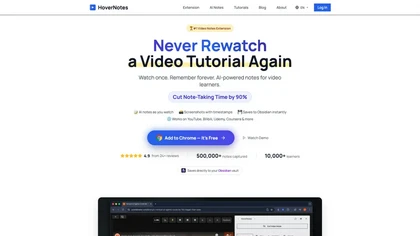
HoverNotes is an AI browser extension that enhances note-taking for videos by capturing key concepts, screenshots, and timestamps. It integrates with Obsidian for organized storage, making it ideal for students and professionals engaged in technical subjects.
Free trial
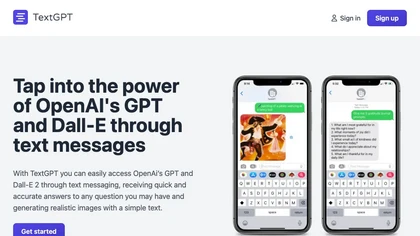

images2.ai is a high-resolution AI image generator and editor that creates detailed 4096×4096 images with accurate text rendering. It features built-in editing tools for content creation and offers commercial licensing for professional use.
Freemium

SnapEdit is an AI‑driven photo editor that removes objects, backgrounds, and text, provides 100+ background templates, upsamples images to HD/4K, and offers skin retouching, all accessible via web, iOS, and Android.
Freemium
TextCortex centralizes AI agent creation, deployment, and governance with a visual builder that integrates Slack, Teams, and a browser extension. It offers a secure model hub, GDPR‑compliant data sovereignty, knowledge search, spreadsheet analysis, and auditable workflows to reduce manual effort.
Free
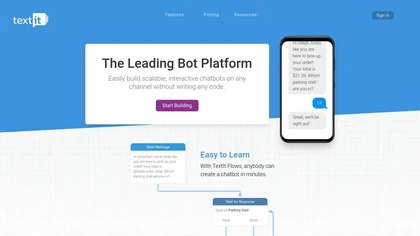
TextIt lets users build and deploy interactive chatbots via a drag‑and‑drop flow designer, supporting omni‑channel messaging (Facebook, WhatsApp, SMS, etc.). It offers a contact database, automated follow‑ups, real‑time monitoring, and Zapier/Wit.ai integrations.
Freemium
- $25/mo
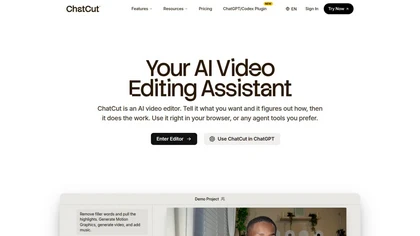
ChatCut is a browser and ChatGPT-plugin video editor that uses transcript-based editing to remove fillers, trim and reorder talking-head footage, assemble coherent cuts, generate motion graphics, B-roll, captions (100+ languages) and AI music, and export timelines.
Subscription
- $25

Jelli is a Chrome extension that captures screenshots with a hotkey and copies them to the clipboard. Users can annotate by drawing arrows or rectangles directly on the image, then paste into Slack, Jira, or documents.
Freemium
- $19.99/mo