
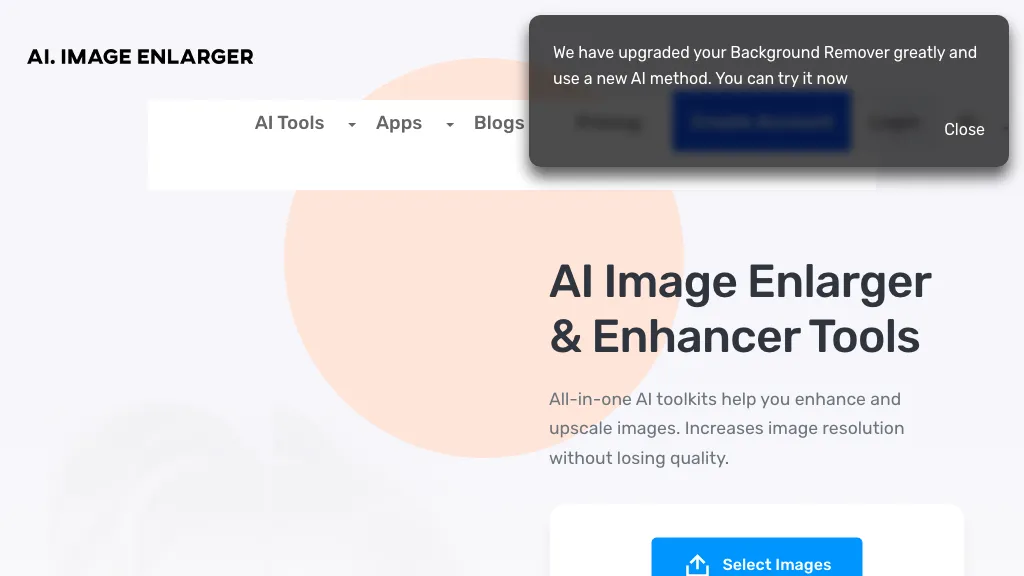
What is AI Image Enlarger?
Imglarger is an online AI image enhancer that can upscale photos up to 8× while preserving detail and reducing blur.
The platform offers batch processing, allowing users to enlarge, denoise, or sharpen dozens of images simultaneously.
Built‑in AI tools include background remover, object remover, and face retouching for portrait work.
A dedicated converter handles WebP, JPEG, PNG, SVG, and JFIF formats with zero uploads to external servers.
Content creators, photographers, and designers can apply quick adjustments such as brightness, contrast, gamma, and saturation.
The service supports common file sizes, with free users limited to 1200×1200 and paid users up to 4000×4000 pixels.
AI Image Enlarger details
- Built for
- Individuals
AI Image Enlarger pricing
Freemium- Refund window
- 7 days
Verify on the official pricing page.
View plansAI Image Enlarger's key features
-
Resize multiple images simultaneously
-
Drag‑and‑drop file selection
-
Supports JPG, PNG, BMP, AVIF, WEBP
-
Enter custom dimensions via toolbar
-
Process and download as zip
-
All processing done locally in browser
AI Image Enlarger use cases
-
Upscale low-resolution product images for an e-commerce catalog to 8× resolution, automatically improving clarity and detail for better customer engagement
-
Batch process and remove backgrounds from thousands of user-generated photos for a social media marketing campaign, ensuring consistent branding across all visuals
-
Enhance and retouch portrait photos for a photography portfolio, applying face smoothing, noise reduction, and brightness adjustments directly on the mobile app
AI Image Enlarger user reviews
Based on 21 reviews, 76% of users recommend AI Image Enlarger, rated highly for ease of use.
Liked for
Disliked for
Would you recommend AI Image Enlarger?
Who is AI Image Enlarger for?
-
Visual artists
-
Digital marketers
-
Technology developers
-
E-commerce sellers
-
Strategic planners
AI Image Enlarger FAQ
Is AI Image Enlarger free?
Partly. AI Image Enlarger has a free plan with usage limits, and paid plans unlock the full feature set. Plans include Business at $19/ mo, Starter at $4.9/ mo and Premium at $9.9/ mo.
Is AI Image Enlarger safe to use?
AI Image Enlarger carries the TopAI.tools verified mark, which we award after a manual review of pricing transparency, published terms, public following and working functionality. It has a substantial audience that is independently measured month to month.
Is AI Image Enlarger good?
AI Image Enlarger has a 76% recommendation rate from 21 reviewers on TopAI.tools. Reviewers rate it highest on ease of use and quality of results.
What are the best alternatives to AI Image Enlarger?
The closest alternatives to AI Image Enlarger are Img Upscaler, Imgupscaler AI, Bigjpg AI, Let’s Enhance and HitPaw Online Photo Enhancer. You can compare them side by side in the alternatives section further down this page.
What does AI Image Enlarger do with my data?
Its privacy policy states that personal data is not sold or shared for marketing purposes. Data may be shared with third-party service providers that help run the product.
Does AI Image Enlarger auto-renew or offer refunds?
AI Image Enlarger states a 7-day refund window.
Compliance, privacy and billing terms are as stated in each product's own published documentation and have not been independently verified by TopAI.tools.


Sunil DJ remix is Gold Bollywood Remix Feel the 90s Vibe Sahil rimex hub