
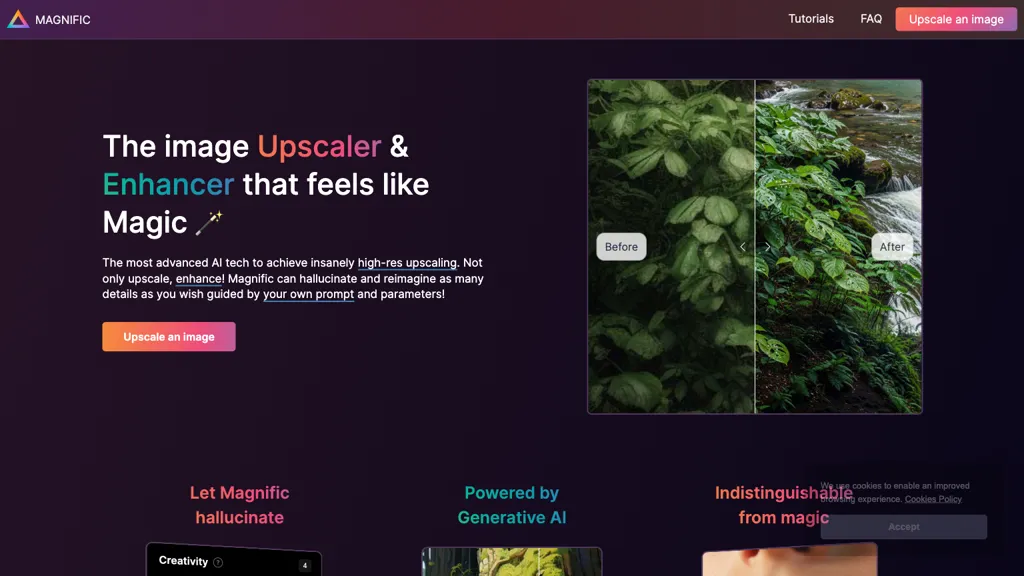
What is Magnific AI?
Magnific AI is an AI‑powered image upscaler, enhancer, transformer, and generator that delivers high‑resolution outputs for photographs, illustrations, graphic design, architecture, interior design, food photography, and video game assets.
Users can direct the upscaling process with natural language prompts and adjust detail levels through sliders for Creativity, HDR, and Resemblance, enabling controlled hallucination of new details.The tool supports batch processing and integrates with professional workflows, making it suitable for photographers, graphic designers, digital artists, marketers, and hobbyists who require sharp, detail‑rich images.
Built by Javi Lopez and Emilio Nicolas, Magnific AI offers an intuitive interface, tutorial library, and community resources for creators of all skill levels.
Magnific AI pricing
FreemiumMagnific AI offers a free plan with paid upgrades available.
Verify on the official pricing page.
View plansMagnific AI's key features
-
High-res image upscaling
-
Prompt-driven transformation
-
Creativity slider for hallucinations
-
HDR and resemblance controls
-
Supports illustration & graphics
-
Background processing capability
Magnific AI use cases
-
Generate high‑resolution concept art for indie game assets by upscaling low‑res sketches, applying controlled hallucination for texture detail, and batch processing multiple frames without any coding knowledge or additional tools
-
Enhance wedding photographs by upscaling and sharpening details, automatically correcting exposure with HDR sliders, and exporting 4K prints directly from the tool without any extra software
-
Create professional product images for an e‑commerce catalog by refining background blur, improving texture fidelity, and producing multiple resolutions in a single batch workflow without any coding expertise
Magnific AI user reviews
Based on 24 reviews, 67% of users recommend Magnific AI, rated highly for value for money.
Liked for
Disliked for
Would you recommend Magnific AI?
Who is Magnific AI for?
-
Digital artists
-
Graphic designers
-
Photographers
-
Visual developers
-
Illustrators
Magnific AI FAQ
Is Magnific AI free?
Partly. Magnific AI has a free plan with usage limits, and paid plans unlock the full feature set.
Is Magnific AI safe to use?
Magnific AI carries the TopAI.tools verified mark, which we award after a manual review of pricing transparency, published terms, public following and working functionality. It has a substantial audience that is independently measured month to month.
Is Magnific AI good?
Magnific AI has a 67% recommendation rate from 24 reviewers on TopAI.tools. Reviewers rate it highest on value for money and ease of use.
What are the best alternatives to Magnific AI?
The closest alternatives to Magnific AI are Img Upscaler, Upscale.media, Upsampler, Let’s Enhance and Imgupscaler AI. You can compare them side by side in the alternatives section further down this page.
Does Magnific AI have an API?
Yes. Magnific AI offers an API, so you can call it from your own applications instead of using the interface directly.


