
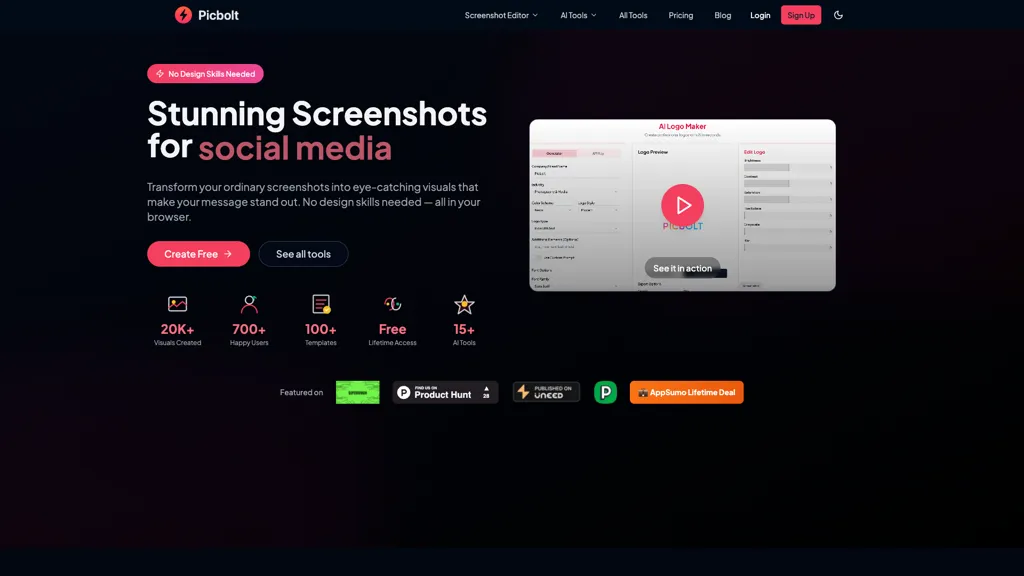
What is Picbolt?
Picbolt is a screenshot editor and design tool that facilitates the creation of visually appealing mockups and marketing materials. It allows users to transform standard screenshots into impressive visuals by applying frames, backgrounds, and shadows in one click.
With over 20 ready-made presets, Picbolt simplifies the design process for both seasoned professionals and those without extensive design skills. The tool supports smart cropping and auto-resizing, ensuring optimized dimensions for various social media platforms.
Users can enhance their designs by adding text, images, and code snippets, making it suitable for educators, content creators, and small business owners alike. Picbolt also features specialized tools for creating realistic device mockups and annotations, helping users effectively communicate information in their projects.
Picbolt details
- Built for
- Individuals
Picbolt tech specs
- Works with
- OpenAI / GPT
Picbolt pricing
Free trialVerify on the official pricing page.
Start free trialPicbolt's key features
-
Screenshot editing
-
One-click visual transformation
-
Smart cropping and auto-resizing
-
Device mockup creation
-
Template library
Picbolt use cases
-
Transform standard screenshots into stunning marketing visuals for social media campaigns using Picbolt's one-click presets, ensuring optimal dimensions and visual appeal without needing design expertise
-
Create realistic device mockups for app presentations or product launches with Picbolt's specialized tools, enhancing communication with stakeholders and potential users effortlessly
-
Design visually engaging educational materials by adding text, images, and code snippets to screenshots using Picbolt, making complex information more accessible and relatable for students
Picbolt user reviews
Based on 1 review, 100% of users recommend Picbolt, rated highly for quality results.
Liked for
Would you recommend Picbolt?
Who is Picbolt for?
-
Educators
-
Content creators
-
Small business owners
-
Designers
-
Annotators
Picbolt FAQ
Is Picbolt free?
Not permanently. Picbolt gives you a free trial, after which a paid plan is required. Plans include Lifetime at $199.
What are the best alternatives to Picbolt?
The closest alternatives to Picbolt are ImgTools, Screenshot-to-Code, Code Screenshot, QuickTools by Picsart and Shotva. You can compare them side by side in the alternatives section further down this page.
What does Picbolt do with my data?
Its privacy policy states that personal data is not sold or shared for marketing purposes.
Does Picbolt have an API?
Yes. Picbolt offers an API, so you can call it from your own applications instead of using the interface directly.
Which AI models does Picbolt use?
Picbolt is built on OpenAI / GPT. Which models you can reach may depend on your plan.
Compliance, privacy and billing terms are as stated in each product's own published documentation and have not been independently verified by TopAI.tools.


