
Screen Recording Documentation
The best 50 Screen Recording Documentation AI tools - Free & Paid
Explore 50 AI for Screen Recording Documentation
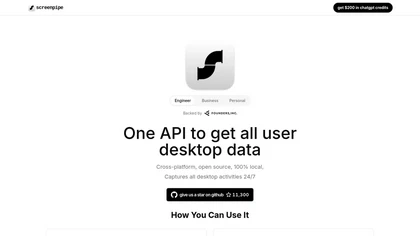
Screenpipe records screen and microphone continuously on macOS, Windows, or Linux, stores data locally, indexes it by text/audio, and runs AI agents that update CRMs, transcribe meetings, track expenses, or monitor competitors, delivering structured data to apps like Slack or Notion. Privacy is kept
Subscription
- $35/mo
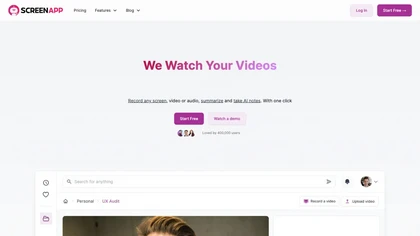
ScreenApp records and transcribes audio/video meetings, extracts key points and action items, and delivers searchable summaries and exports. It integrates with Zoom, Google Meet, YouTube and supports real‑time translation, helping teams quickly locate information.
Subscription
- $199/mo
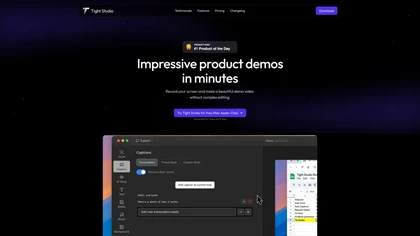
Tight Studio is a screen recording tool that enables users to create professional videos quickly. Features include smart zoom, captioning, background music, AI narration, and dynamic text overlays, making it ideal for tutorials, demos, and presentations.
Freemium
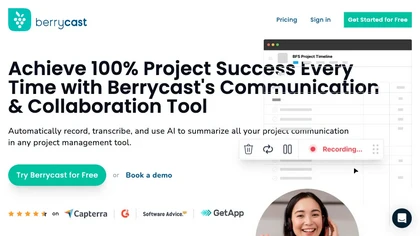
Berrycast is a cross‑platform screen‑recording tool that captures webcam, screen activity, and live voice narration. It instantly shares screencasts, integrates into productivity apps, and meets GDPR privacy and data‑security standards.
Subscription
- $1.33/mo
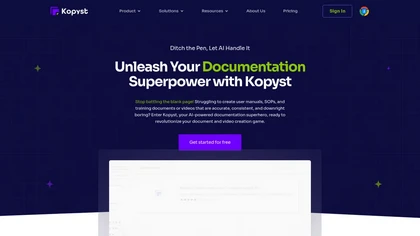
Kopyst is a documentation tool that enhances workflow efficiency by capturing and recording content. It enables team collaboration for creating SOPs, training materials, and customer walkthroughs, streamlining onboarding and process documentation across platforms.
Free trial
- $15/mo
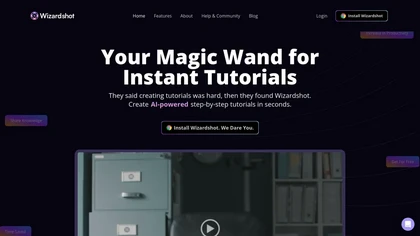
Wizardshot is a web app and Chrome extension that automatically converts screen recordings into structured, step‑by‑step tutorials. It exports to PDF/DOC, GIFs, embeds videos, supports team collaboration, role‑based access, blurs sensitive data, and provides analytics on usage and gaps.
Free

Tella is a cross-platform screen recorder and video editor that captures screen and webcam in 4K, offers clip-based recording with multi-camera layouts, transcript-driven and AI-assisted editing (filler removal, silence trim), templates, hosting and export options.
Free trial
- $13/mo
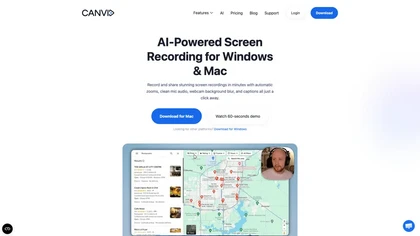
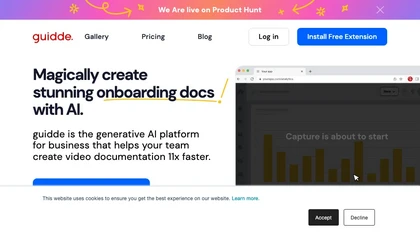
Guidde records screen activity, auto‑generates step‑by‑step video guides with AI narration and captions, editable and embeddable into platforms like Salesforce. Supports export, multilingual translation, and enterprise security for teams and knowledge bases.
Free trial
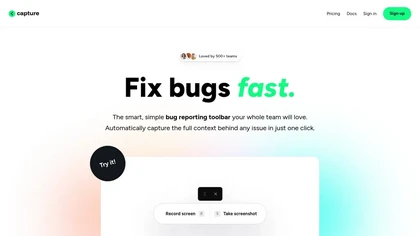
Capture.dev is a bug reporting tool that simplifies issue reporting with an intuitive toolbar, automatically captures context, and integrates with collaboration tools. It enhances communication and productivity by generating detailed bug reports and annotated playback for efficient resolution.
Free trial

CodeVideo records editor edits, terminal output, and UI events into an event-sourced, deterministic timeline for creating editable, scrubable code tutorials and training; export to video, Markdown, PDF, PPTX, HTML, framework-specific projects, or programmatic workflows via API/JSON.
Subscription
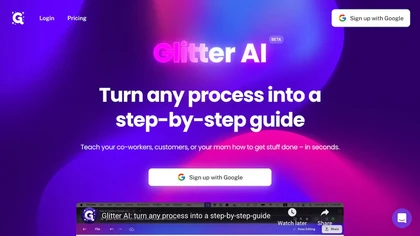
Glitter AI transforms video or screen‑capture recordings into structured step‑by‑step guides, SOPs, and onboarding documents. It auto‑transcribes, extracts key moments, and generates content with screenshots, exportable to PDF, HTML, Markdown, and popular knowledge‑base platforms.
Freemium
- $16/mo
SyncSketch is a cloud-based collaboration tool for visual effects and gaming professionals, enabling remote teams to review media efficiently with synchronized presentations, frame-accurate annotations, version comparisons, and mobile access, while integrating with platforms like Jira and ShotGrid.
Free trial

Motionik is a Windows and macOS screen recording and editing app combining cursor-tracking auto-zoom, timeline editing, overlays (titles, captions, webcam, mobile capture), trimming and masks, background replacement, AI transcripts and noise reduction for efficient demos and tutorials.
Free

Riverside is a comprehensive platform for recording high-quality video and audio, with AI-powered editing and live streaming tools. It centralizes hosting, publishing, and analytics for podcasts and videos, supporting remote collaboration and content repurposing.
Freemium
- $24/mo

TechScreen is an AI interview assistant that provides real-time support during technical interviews on video platforms. It processes audio and on-screen content, offers quick responses to coding challenges, and supports multiple programming languages to enhance interview efficiency.
Free trial
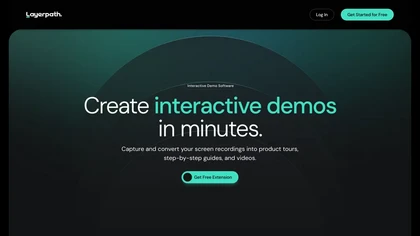
Layerpath converts a single screen recording into interactive demos, step‑by‑step guides, or videos, automatically capturing clicks and UI changes. It lets you edit steps, add multilingual narration, embed forms, apply branding, view analytics, and share via embed, link, or export.
Freemium
- $129/mo
Stork Voice Notes records voice, video, and screen sessions, transcribes them in real‑time, and generates concise summaries with highlighted action items. Time‑stamped comments and searchable transcripts enable quick navigation and knowledge‑base creation for remote teams.
Freemium
- $9.99/mo
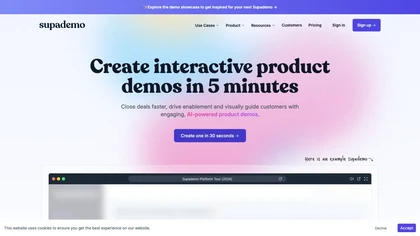
Supademo records user interactions and auto‑generates guided walkthroughs for web, mobile, and desktop apps. It offers HTML cloning, screenshots, Figma integration, multi‑language voiceovers, branching logic, analytics, and CRM integration to accelerate onboarding and support sales cycles.
Free trial
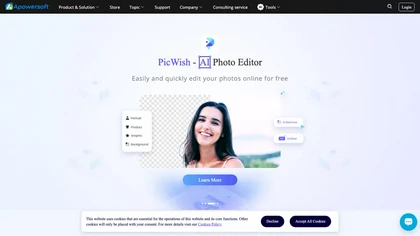
Apowersoft delivers cross‑platform screen, audio, and video capture with high‑fidelity recording, along with versatile media conversion, editing, and PDF OCR. It also offers background removal, data recovery for mobile/desktop, HEIC conversion, and multi‑monitor support for creators and businesses.
Free
Rewind is an AI tool that records, searches, and eliminates note-taking across apps and web pages for privacy and local storage. It can also record meetings.
Freemium
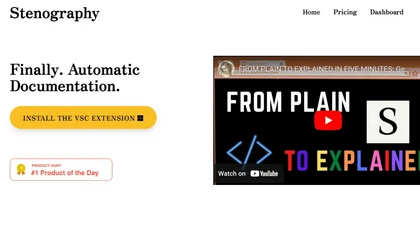
Stenography auto‑generates documentation for your codebase in VS Code or other editors whenever you save a file. It offers a local API, supports multiple languages, and keeps your code on your machine—no external storage needed.
Paid
- $10/mo
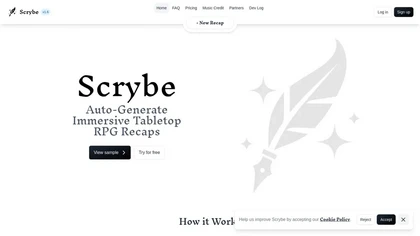
Scrybe Quill automatically generates audio/video recaps for tabletop RPG sessions by recording gameplay. Users can choose narrators and background music, preserving key moments and enhancing storytelling for future adventures.
Free trial
DocsHound is a Chrome extension that records product demos and auto‑generates step‑by‑step guides, FAQs, and code blocks. It provides a visual editor, voice‑command editing, and AI chatbots for quick, accurate knowledge base creation.
Freemium
- $150/mo

Supercut is an asynchronous video messaging platform that records screen and webcam (up to 4K), auto-edits and chapters recordings, provides branded shareable links with embedded CTAs, analytics and engagement tracking, collaboration tools, and enterprise-grade security.
Free trial
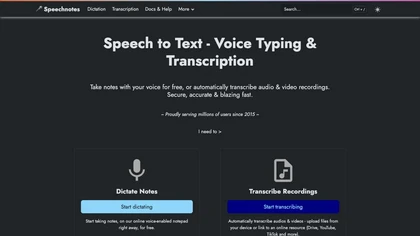
Speechnotes is a web‑based speech‑to‑text tool for real‑time dictation and batch transcription in multiple languages. It offers speaker tagging, timestamps, subtitle export, and imports from Google Drive, YouTube, or local files. Export to text, markdown, PDF while preserving privacy.
Freemium
- $1.9/mo
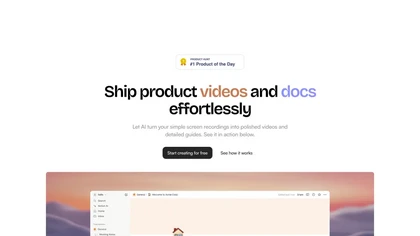
Trupeer turns browser screen recordings into product videos with AI‑generated scripts, voiceovers, and annotations. It supports 65+ languages, brand assets, avatars, and templates, and outputs videos, PDFs, or embed code. Centralized asset storage, searchable knowledge base, analytics, and security.
Freemium
- $19/mo
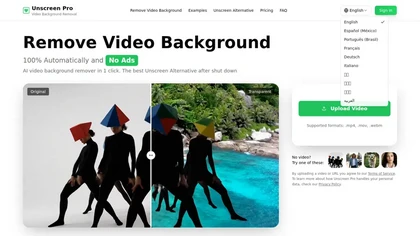
Unscreen Pro automatically removes video backgrounds frame by frame, no greenscreen, producing transparent outputs (MP4, MOV, WebM, AVI) at original or upscaled resolution, with live preview, batch processing and an API for workflow integration.
Freemium
- $4.99/mo
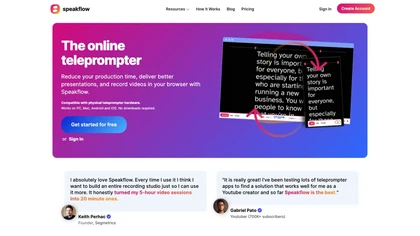
Speakflow is a web‑based teleprompter that lets users scroll scripts by voice or manually with real‑time speed control. It offers autosave editing, collaborative drafting, device‑synchronization, 1080p browser recording, and hardware compatibility.
Freemium
Fathom.video is a free AI-powered tool that automatically transcribes, highlights, summarizes, generates call notes and integrates with various communication and organization platforms for Zoom calls.
Free
GhostInterview is a real-time AI interview copilot that provides live coding, system design, and OOD support. It transcribes audio, parses screenshots, and delivers stealth-visible hints and solution outlines during live interviews.
Free trial
- $99/mo

Classroom Screen is a web-based dashboard that consolidates essential teaching widgets like timers, polls, and a noise monitor onto one shared screen. It supports classroom management, pacing, and engagement for in-person, hybrid, or remote instruction without switching apps.
Free
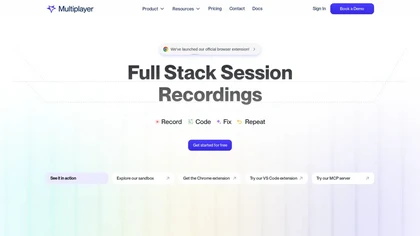
Multiplayer.app is a full-stack session recording tool that automatically captures user sessions for debugging. It provides AI-ready recordings with annotations and sharing to help teams resolve issues faster.
Freemium
- $25/mo
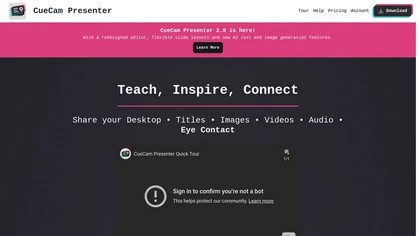
CueCam Presenter enables live or recorded webcam presentations with integrated slides, videos, and screen shares. Built‑in teleprompter, real‑time annotation, media slot system, and audio utilities support seamless delivery across macOS, iPad, iPhone, and major conferencing apps.
Subscription
- $4.99/mo
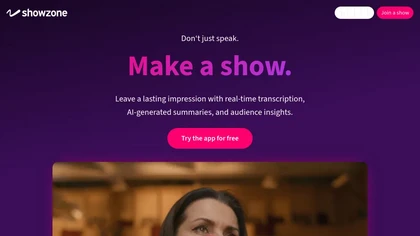
Showzone lets presenters upload slides or video, broadcast live via QR code, and provide real‑time transcription and AI‑generated slide summaries. Attendees view content on their phones, receive concise summaries, and organizers collect secure contact data for lead tracking.
Freemium
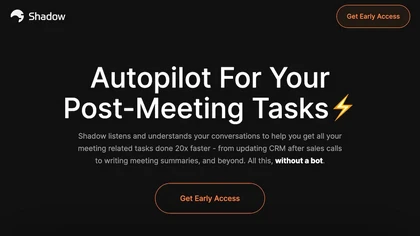
Shadow automatically records, transcribes, and summarizes spoken and visual content from virtual or in‑person meetings. It tags speakers, stores data locally, produces concise notes, action items, and draft emails, and supports export to Markdown or Zapier integrations.
Freemium
- $8/mo
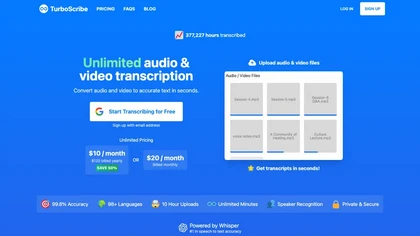
TurboScribe is an AI-powered transcription tool offering ultra-fast conversion of audio and video files to text. It supports over 98 languages, handles uploads up to 10 hours long, and features speaker recognition for meetings, interviews, and podcasts.
Freemium
- $10/mo

HappyScribe captures audio from Google Meet, Teams, and Zoom, providing AI transcription, instant meeting notes, summaries, and action items. It supports over 120 languages, offers human‑edited reviews, secure GDPR‑compliant cloud storage, collaboration, integrations, and usage analytics.
Subscription
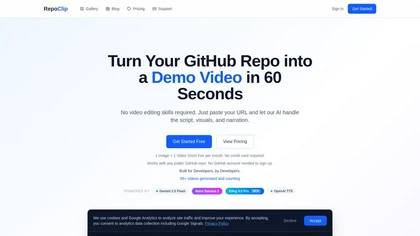
RepoClip is an AI tool that converts code repositories into narrated tutorial and demo videos. It analyzes a project's structure to automatically generate synchronized visual walkthroughs and demonstrations for documentation and onboarding.
Freemium
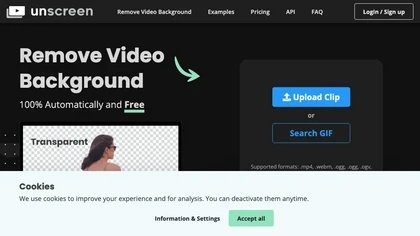
Unscreen is a cloud video editor that removes backgrounds from clips and exports them instantly, with format conversion and resizing. It offers plugins for After Effects and Premiere Pro and integrates with Canva for AI‑enhanced features.
Freemium
- $9
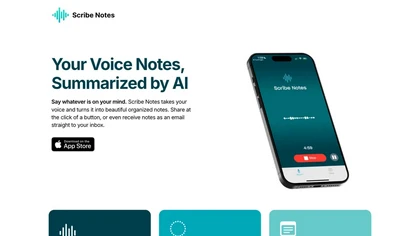
Scribe Notes records spoken audio on iOS, transcribes with Whisper, and summarizes via GPT‑4o into concise, structured notes. Notes sync across devices; Apple Watch, Home‑Screen, and Lock‑Screen widgets enable quick capture.
Freemium
KROCK centralizes video, audio, and visual assets for review and approval, offering time‑coded comments, drawing, attachment tools, automated visual difference detection, and AI storyboard generation. It integrates with DaVinci Resolve, Adobe CC, and Final Cut Pro for streamlined collaboration.
Freemium
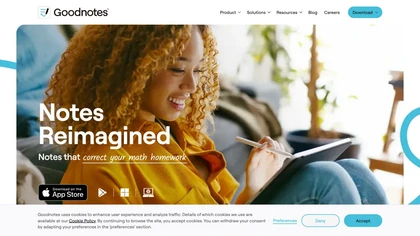
GoodNotes is a digital notebook that records voice, text, or handwriting and supports collaboration. AI transcribes audio, summarizes meetings, turns notes into searchable flashcards, and syncs audio to slides for students and teachers across iOS, macOS, Windows, Android, and Web.
Freemium
- $0.58/mo
SoWork is a browser‑based virtual workspace that enables instant, unscheduled collaboration, recording, transcribing, and archiving meetings. It syncs with calendars, offers real‑time availability, and customizable avatars, streamlining communication for remote teams of any size.
Freemium
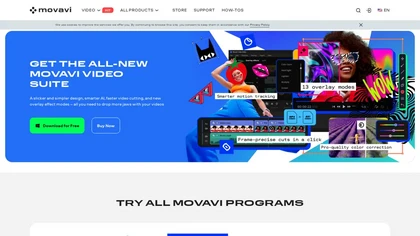
Movavi Video Editor is a desktop app for Mac and Windows that lets users trim, crop, color‑grade footage and add titles, overlays, and filters. AI features automate subtitles, noise suppression, and motion tracking. It includes a screen recorder for tutorials.
Paid
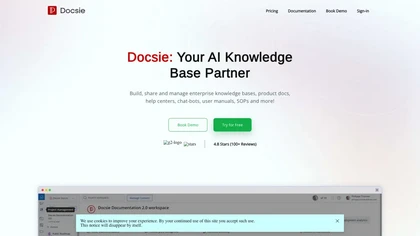
Docsie converts videos, PDFs, and web content into searchable documents instantly, extracting workflows and step‑by‑step guides. It supports versioning, collaboration, translations, granular permissions, audit trails, and integration with ERPs, CRMs, and Microsoft 365.
Freemium
- $170/mo