
What is Layerpath?
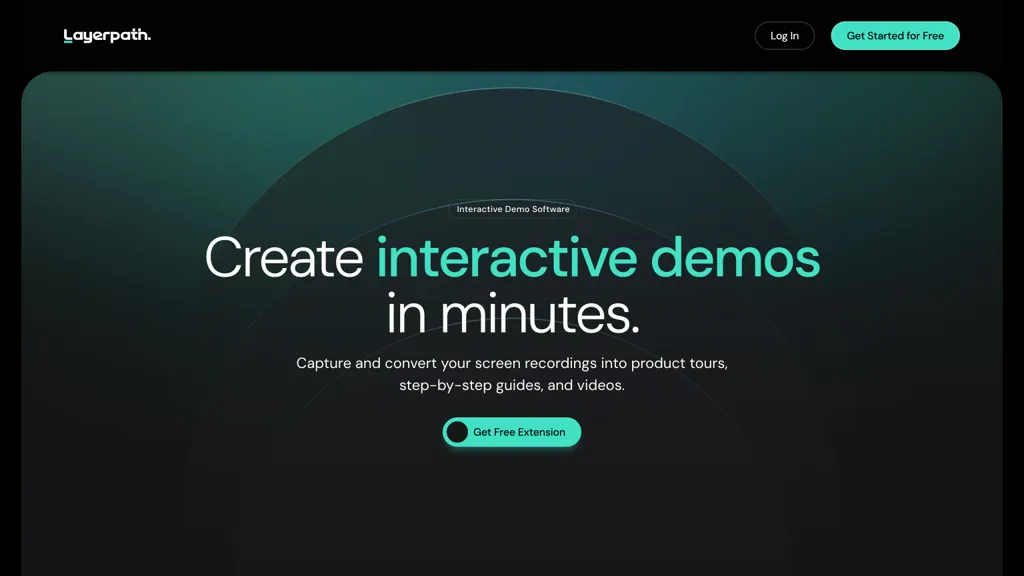
Layerpath transforms a single screen recording into interactive demos, step‑by‑step guides, and video tutorials. It captures clicks, context, and UI changes automatically, allowing users to edit or update individual steps without re‑recording the entire workflow.
One recording can be exported in three formats—click‑through walkthrough, readable guide, or video—providing a single link for human viewers and a structured format for AI parsing. The tool offers built‑in analytics that track viewer engagement, completion rates, and drop‑off points, and can embed forms to capture viewer data for lead nurturing.
Branding can be applied through a brand kit that sets colors, fonts, and logos, ensuring consistent on‑brand presentation. Users can add narration in multiple languages, bundle tours into playlists for sequential learning, and share content via embed code, a shareable link, or export files in HTML, Markdown, or PDF.
Layerpath pricing
FreemiumVerify on the official pricing page.
View plansLayerpath's key features
-
Record single session for multiple outputs
-
Auto update walkthroughs after UI changes
-
Generate interactive clickable demos
-
Export as video, guide, or demo
-
Include forms for viewer data capture
-
Generate narration from script
-
Publish link, embed, or export
Layerpath use cases
-
Create a no-code interactive onboarding guide for your SaaS platform, recording each user action, editing steps, adding a multilingual narration, embedding a lead capture form, and sharing it as a link or iframe
-
Build a branded step‑by‑step product tour video with Layerpath, customizing UI highlights, applying your company's color scheme, adding voice‑over in multiple languages, and exporting the final video for embedding on your marketing page
-
Publish a click‑through demo that captures real‑time user interactions, embed it in your support portal, and monitor engagement with the built‑in analytics dashboard to optimize the tutorial flow
Layerpath user reviews
Would you recommend Layerpath?
Who is Layerpath for?
-
Digital product managers
-
Visual marketing designers
-
Interactive designers
-
Training facilitators
-
Content creators
Layerpath FAQ
Is Layerpath free?
Partly. Layerpath has a free plan with usage limits, and paid plans unlock the full feature set. Plans include Pro at $129/mo.
What are the best alternatives to Layerpath?
The closest alternatives to Layerpath are Wizardshot, Guidejar, Supademo 2.0, Trupeer.ai and Glitter AI. You can compare them side by side in the alternatives section further down this page.


