
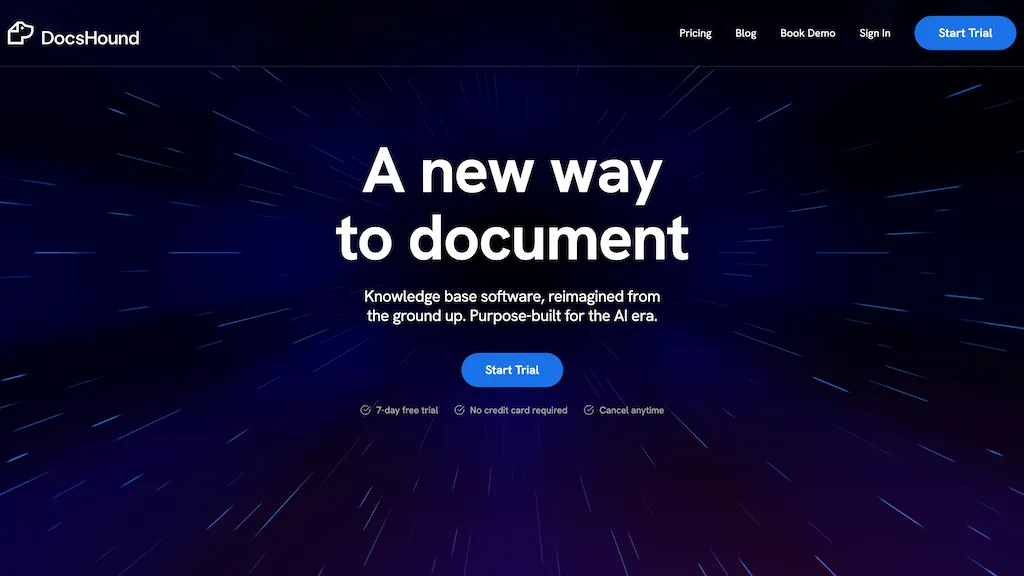
What is DocsHound?
DocsHound is a Chrome extension that automatically converts product demos into structured documentation, support content, and AI‑driven insights. It captures screenshots, produces step‑by‑step guides, FAQs, tables, code blocks, and embeds video or iframe content.
The platform offers a visual editor with drag‑and‑drop, voice‑command editing, and live preview for rapid content refinement. Users can publish pages to custom domains with auto‑SEO, brand‑aware styling, and version control. Built‑in AI powers chatbots and support agents that understand product features and customer signals.
DocsHound details
- Company
- DocsHound, Inc.
- Jurisdiction
- Delaware, United States
- Built for
- Individuals
DocsHound tech specs
- Analytics
- Google Analytics PostHog
- Integrations
- Slack HubSpot Zendesk
DocsHound pricing
Freemium- Free trial
- 30 days
- Auto-renewal
- Yes
Verify on the official pricing page.
View plansDocsHound's key features
-
Screen recording to docs
-
AI auto screenshots
-
AI auto annotations
-
One-click publish
-
Sync docs with releases
-
Automatic SEO optimization
-
UI image generation
DocsHound use cases
-
Record an onboarding walkthrough of a new SaaS dashboard, auto‑generate a step‑by‑step guide with embedded screenshots and code snippets, and publish it to a custom domain—no manual writing required.
-
Capture a live API integration demo, have DocsHound auto‑create FAQs, pull relevant code blocks into the knowledge base, and use the AI chatbot to answer user questions instantly.
-
Use voice‑command editing to produce a product manual for a new hardware device, organize content with the visual drag‑and‑drop editor, and publish SEO‑friendly documentation that boosts search visibility.
DocsHound user reviews
Based on 7 reviews, 71% of users recommend DocsHound, rated highly for quality results.
Liked for
Disliked for
Would you recommend DocsHound?
Who is DocsHound for?
-
Technical writers
-
Software engineers
-
Content creators
-
Product managers
-
Saas founders
DocsHound FAQ
Is DocsHound free?
Partly. DocsHound has a free plan with usage limits, and paid plans unlock the full feature set. Plans include Starter at $150/mo and Growth at $550/mo.
Is DocsHound safe to use?
DocsHound is operated by DocsHound, Inc., registered in Delaware, United States.
What are the best alternatives to DocsHound?
The closest alternatives to DocsHound are Supademo 2.0, Guidejar, DocsBot AI, Guideflow and Chatprd. You can compare them side by side in the alternatives section further down this page.
What does DocsHound do with my data?
DocsHound states that customer content may be used to train its models. Its privacy policy states that personal data is not sold or shared for marketing purposes.
Does DocsHound auto-renew or offer refunds?
DocsHound subscriptions renew automatically until you cancel.
Who made DocsHound?
DocsHound is built and operated by DocsHound, Inc., a company registered in Delaware, United States.
What does DocsHound integrate with?
DocsHound connects with Slack, HubSpot and Zendesk.
Compliance, privacy and billing terms are as stated in each product's own published documentation and have not been independently verified by TopAI.tools.


