
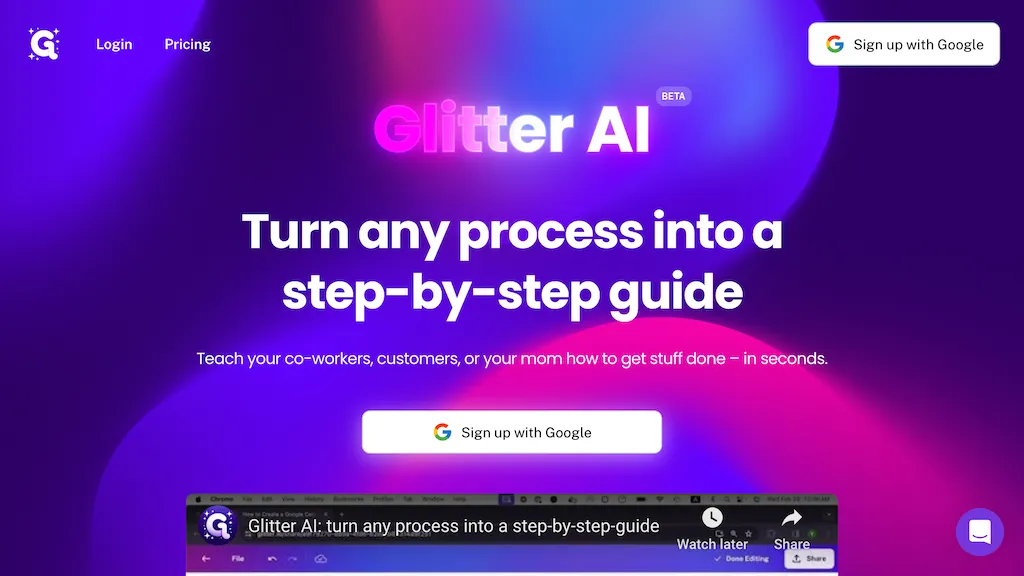
What is Glitter AI?
Glitter AI turns video recordings or live screen captures into structured, step‑by‑step guides, SOPs, and onboarding documentation. It automatically transcribes spoken instructions, extracts key moments, and generates written content with embedded screenshots.
Users can record through a desktop app, browser extension, or upload existing videos—including meetings, screen recordings, and mobile footage—in over 99 languages. The platform offers multi‑format exports (PDF, HTML, Markdown) and embed options for knowledge bases, Confluence, Notion, Zendesk, and more.
- Start Recording: Begin by clicking the “Record” button in Glitter.ai.
- Perform the Task: Go through the steps of the task you want to document, speaking aloud as you explain each action.
- Stop Recording: When you’re finished, click “Stop” to end the recording.
- Edit and Enhance: Glitter.ai automatically generates a draft guide. Review and edit the guide, adding any additional details or clarifications.
- Share Your Guide: Once you’re satisfied with the final guide, share it with your intended audience.
Glitter AI details
- Company
- Glitter AI, Inc.
- Jurisdiction
- Delaware
- Built for
- Businesses and teams
- Stated compliance
- SOC 2, HIPAA
Compliance as stated in Glitter AI's own published documentation.
Glitter AI tech specs
- Cloud
- Azure
- Integrations
- Salesforce Microsoft Teams Zendesk
Glitter AI pricing
Freemium- Auto-renewal
- Yes
Verify on the official pricing page.
View plansGlitter AI's key features
-
AI transcription in 99 languages
-
Auto step detection with screenshots
-
Built-in screenshot editor
-
Export to PDF, HTML, Markdown
-
Team collaboration with shared workspace
-
Voice narration integrated with AI
-
Convert existing videos to SOP
Glitter AI use cases
-
Create an onboarding SOP for new hires by converting a screen capture of the HR portal walkthrough into a step‑by‑step guide with screenshots, exportable to Markdown and embedable in your knowledge base
-
Generate multilingual video documentation for a software product by transcribing and translating recorded tutorial videos into localized SOPs, exportable to PDF and HTML for easy sharing
-
Build a knowledge base article from a product demo recording, automatically extracting key moments and creating a visual guide with captions that can be directly embedded into your help center
Glitter AI user reviews
Based on 4 reviews, 50% of users recommend Glitter AI, rated highly for quality results.
Liked for
Disliked for
Would you recommend Glitter AI?
Who is Glitter AI for?
-
Technical writers
-
Product managers
-
E-commerce sellers
-
Content creators
-
Digital marketers
Glitter AI FAQ
Is Glitter AI free?
Partly. Glitter AI has a free plan with usage limits, and paid plans unlock the full feature set. Plans include Enterprise at from $8k/year, Pro at $16/member/mo and Team at $60/mo.
Is Glitter AI safe to use?
Glitter AI states SOC 2 and HIPAA compliance in its own published documentation. Glitter AI is operated by Glitter AI, Inc., registered in Delaware. It has a substantial audience that is independently measured month to month.
What are the best alternatives to Glitter AI?
The closest alternatives to Glitter AI are guidde, Kopyst, Docsie 2.0, VideoToPage and Trupeer.ai. You can compare them side by side in the alternatives section further down this page.
What does Glitter AI do with my data?
Glitter AI states that customer content is not used to train its models. Its privacy policy states that personal data is not sold or shared for marketing purposes. Data may be shared with third-party service providers that help run the product.
Does Glitter AI auto-renew or offer refunds?
Glitter AI subscriptions renew automatically until you cancel.
Who made Glitter AI?
Glitter AI is built and operated by Glitter AI, Inc., a company registered in Delaware.
What does Glitter AI integrate with?
Glitter AI connects with Salesforce, Microsoft Teams and Zendesk.
Compliance, privacy and billing terms are as stated in each product's own published documentation and have not been independently verified by TopAI.tools.


