
What is Scribe Notes?
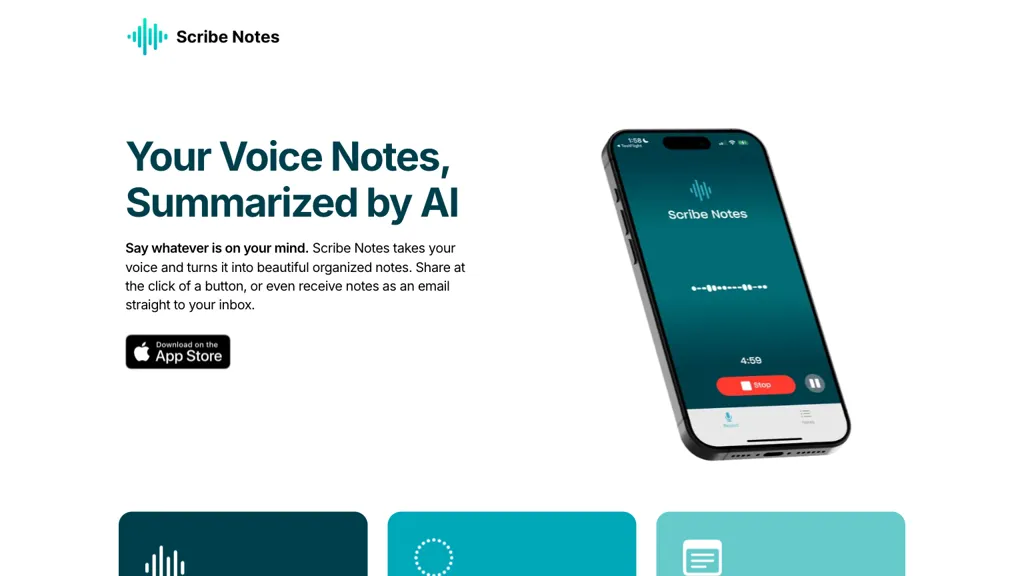
Scribe Notes is an iOS AI voice memo app that records spoken content and transcribes it with Whisper. The transcription is summarized by GPT‑4o to produce concise, structured notes. Users receive the summary automatically via email or can copy it to the clipboard for instant sharing.
Notes sync across devices, and the app offers an Apple Watch companion, Home‑Screen and Lock‑Screen widgets for quick capture. Free accounts are limited to 10 notes and 3‑minute recordings, while the Premium plan removes these limits and adds 15‑minute recording, custom formatting instructions, auto‑paragraph insertion, and additional sharing options.
Scribe Notes details
- Jurisdiction
- State of California
- Built for
- Individuals
Scribe Notes tech specs
- Works with
- OpenAI / Whisper
Scribe Notes pricing
FreemiumScribe Notes offers a free plan with paid upgrades available.
- Free trial
- 7 days
Verify on the official pricing page.
View plansScribe Notes's key features
-
Voice transcription via Whisper
-
AI summarization with GPT-4o
-
Automatic email summaries
-
Sync across devices
-
Apple Watch recording support
-
Home and Lock Screen widgets
-
Custom Instructions personalization
Scribe Notes use cases
-
Record classroom lectures on iPhone, get Whisper transcription and GPT‑4o summaries, then email concise study notes to classmates, all synced across iPads and Macs.
-
During team huddles, use Apple Watch to quickly record discussions, have Scribe auto‑transcribe, summarize action items, and push structured minutes to the project channel.
-
Capture client calls, generate summarized transcripts with key decisions, automatically attach to CRM ticket and send follow‑up email to client.
Scribe Notes user reviews
Would you recommend Scribe Notes?
Who is Scribe Notes for?
-
Note-taking writers
-
Digital content creators
-
Mobile app enthusiasts
-
Business administrators
-
Knowledge workers
Scribe Notes FAQ
Is Scribe Notes free?
Partly. Scribe Notes has a free plan with usage limits, and paid plans unlock the full feature set.
What are the best alternatives to Scribe Notes?
The closest alternatives to Scribe Notes are Whisper Memos, Voicenotes, superwhisper, Notegpt and Voicepen. You can compare them side by side in the alternatives section further down this page.
What does Scribe Notes do with my data?
Scribe Notes states that customer content is not used to train its models. Its privacy policy states that personal data is not sold or shared for marketing purposes. Data may be shared with third-party service providers that help run the product.
Which AI models does Scribe Notes use?
Scribe Notes is built on OpenAI / Whisper. Which models you can reach may depend on your plan.
Compliance, privacy and billing terms are as stated in each product's own published documentation and have not been independently verified by TopAI.tools.


