
What is CodeVideo?
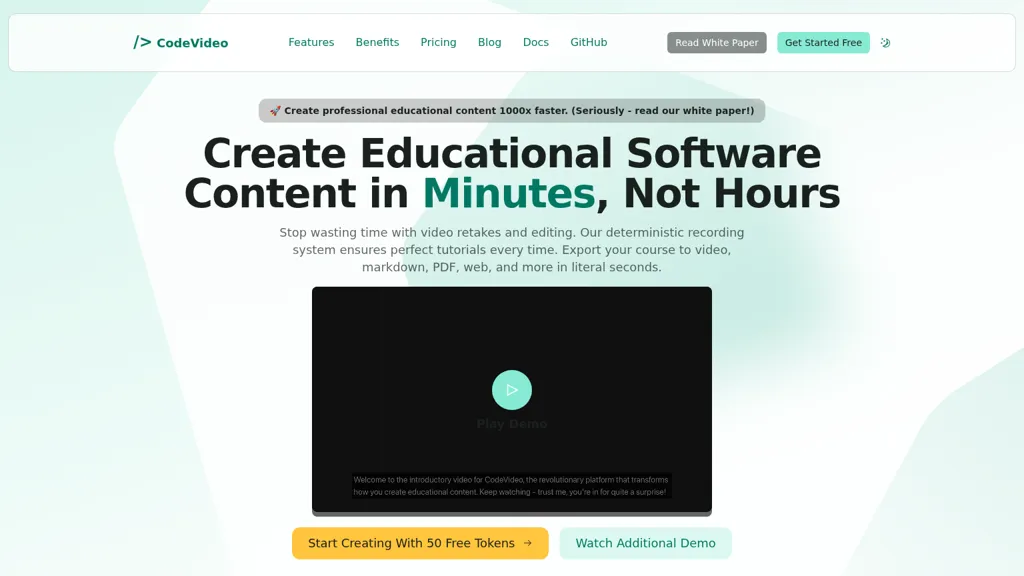
CodeVideo, an authoring tool for creating code tutorials and software training using event-sourced action recording and deterministic timelines.
Convert editor actions, terminal output, and narrated steps into video, MP4, Markdown, PDF, PPTX, HTML, or framework-specific exports (React, Angular, Vue).
Event-sourced timeline captures file edits, mouse events, and terminal commands for precise, scrubable replays.
Edit, insert, or remove actions to correct lessons without re-recording, then export updated content in seconds.
API and JSON exports enable automation, custom integrations, and cloud or S3 workflows for programmatic generation.
CodeVideo pricing
SubscriptionPricing details aren't listed here — check the official pricing page below.
Verify on the official pricing page.
View plansCodeVideo's key features
-
Event-sourced deterministic action timeline (captures every editor/terminal/mouse action as editable actions)
-
Multi-format export to video, Markdown, PDF, HTML, PPTX, JSON and frontend framework formats (React/Angular/Vue)
-
Instant replay and timeline scrubbing of recorded coding sessions
-
Real-time collaborative editing and review within CodeVideo Studio
-
Programmatic API and integrations (JSON action ingest, AWS/cloud integration, and export endpoints for mp4/html/markdown)
CodeVideo use cases
-
Create scrubable, editable code tutorials by recording editor edits, terminal output, and UI events into a deterministic timeline, then export to video, Markdown, PDF, PPTX, HTML or framework-specific projects for embedding in docs, course platforms, or marketing assets
-
Develop collaborative, step-by-step coding lessons with teammates using the event-sourced recorder and editable action timeline to add annotations and corrections in real time, then publish as interactive HTML or push programmatic workflows via API/JSON for LMS and onboarding integrations
-
Produce reproducible training modules and coding assessments that capture terminal output and UI interactions for exact replay and automated grading, export as framework-specific projects and instructor-ready PPTX/Markdown, or generate customized lesson variants programmatically through the API
CodeVideo user reviews
Would you recommend CodeVideo?
Who is CodeVideo for?
-
Course designers
-
Software developers
-
Technical writers
-
Content creators
-
Team leads
CodeVideo FAQ
Is CodeVideo free?
No. CodeVideo is a paid product and requires a paid plan to use.
Does CodeVideo have an API?
Yes. CodeVideo offers an API, so you can call it from your own applications instead of using the interface directly.