
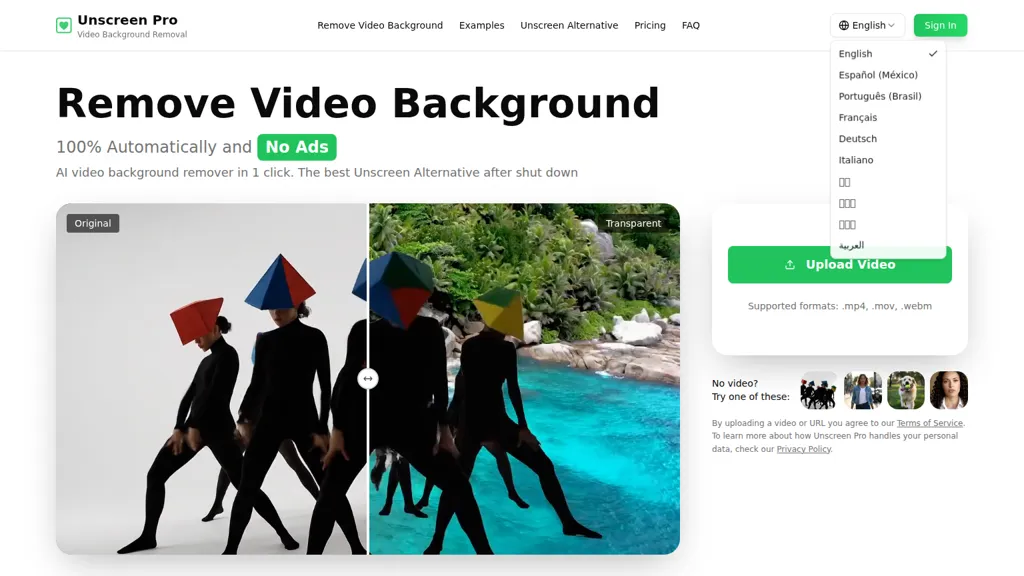
What is Unscreen?
Unscreen Pro, Unscreen Pro is an AI video background remover that automatically removes backgrounds from videos and exports transparent video files.
Automatic frame-by-frame segmentation removes backgrounds without a greenscreen, handling people, pets and objects.
Supports major formats (MP4, MOV, WebM, AVI) and preserves original resolution with optional upscaling and transparent output.
Live preview, batch processing and a background removal API enable integration into editing workflows and automation pipelines.
Processing scales to long recordings and high-resolution footage to reduce manual masking and rotoscoping time.
Use cases include social media creators, video editors, marketing teams and corporate training or presentation videos.
Uploads are encrypted during transfer and processing, and files are deleted after processing to limit retention.
Unscreen details
- Built for
- Individuals
- Data residency
- global
Unscreen pricing
FreemiumVerify on the official pricing page.
View plansUnscreen's key features
-
AI-powered fully automatic frame-by-frame video background removal (no greenscreen or manual editing)
-
Supports major video formats (MP4, MOV, AVI, WebM) and extended video lengths (e.g., up to 30 minutes)
-
Detects and removes subjects and specific objects (people, pets, and unwanted elements)
-
Developer API for integration, automation, and batch processing
-
Live preview and pay-after-preview workflow with priority processing options
Unscreen use cases
-
Create product demo and marketing videos using Unscreen Pro to automatically remove backgrounds frame-by-frame without a greenscreen, export transparent MP4/MOV/WebM/AVI at original or upscaled resolution, and batch-process multiple clips to overlay on promotional scenes or websites
-
Produce polished online course and presentation content by isolating instructors with Unscreen Pro’s live preview and frame-by-frame segmentation, export transparent videos to layer over slides or animations, and integrate the workflow into your LMS or editor via the API
-
Streamline social media and motion-graphics workflows for creators and agencies by removing video backgrounds with Unscreen Pro, batch-process reels and ads, upscale to high-resolution transparent outputs, and connect the process to your editing pipeline using the API
Unscreen user reviews
Would you recommend Unscreen?
Who is Unscreen for?
-
Video editors
-
Digital marketers
-
Web developers
-
E-commerce sellers
-
Creative directors
Unscreen FAQ
Is Unscreen free?
Partly. Unscreen has a free plan with usage limits, and paid plans unlock the full feature set. Plans include Plus at $4.99/mo and Premium at $99.00/mo.
What are the best alternatives to Unscreen?
The closest alternatives to Unscreen are Backgroundremover.video, Removebackgroundai, Background Remover, Remove.bg and Removal.ai. You can compare them side by side in the alternatives section further down this page.
What does Unscreen do with my data?
Its privacy policy states that personal data is not sold or shared for marketing purposes. Data may be shared with third-party service providers that help run the product. Customer data is held in global.
Does Unscreen have an API?
Yes. Unscreen offers an API, so you can call it from your own applications instead of using the interface directly.
Compliance, privacy and billing terms are as stated in each product's own published documentation and have not been independently verified by TopAI.tools.


