
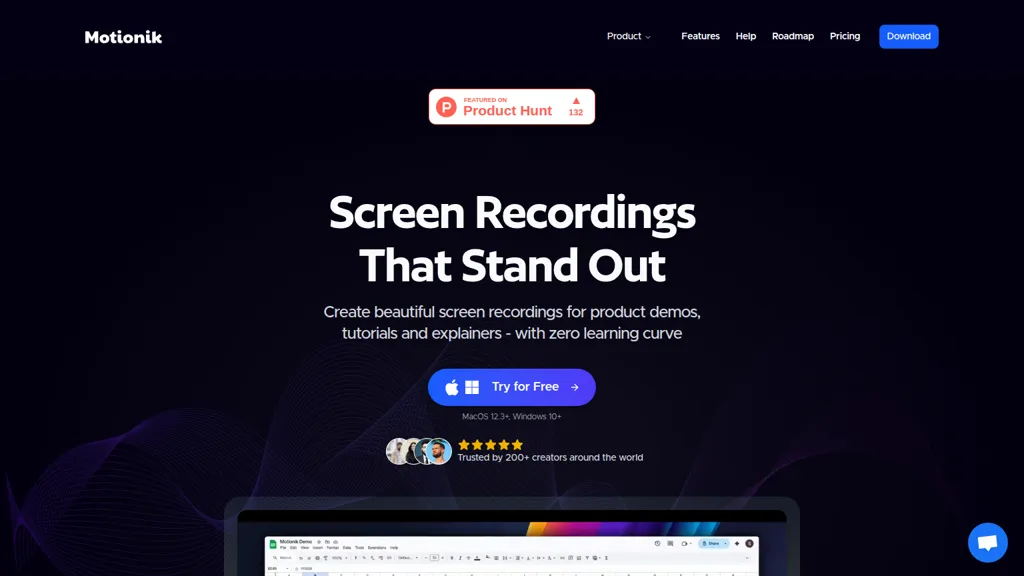
What is Motionik?
Motionik is a screen recording and editing app for Windows and macOS that integrates recording, cursor-tracking auto-zoom, and timeline editing.
Features include automatic and manual zoom, cursor customization, click effects, motion blur, and pan control for focused product demos and tutorials.
Overlays support titles, captions, images, audio tracks, webcam input, and mobile device capture (iPhone/iPad via USB) for app demos and explainers.
Editing tools include trimming, content masks to hide sensitive information, background replacement, inset/shadow styling, rounded corners, and export in multiple formats and aspect ratios.
AI-driven features provide automatic transcripts and background noise reduction to accelerate post-production and improve accessibility.
Recording modes cover full-screen, window, or area capture with separate webcam and microphone inputs plus camera placement and timeline control.
Motionik details
- Jurisdiction
- Wyoming, USA
- Built for
- Individuals
- Data residency
- United States
- Stated compliance
- GDPR
Compliance as stated in Motionik's own published documentation.
Motionik pricing
Free- Auto-renewal
- Yes
Verify on the official pricing page.
Get started freeMotionik's key features
-
Auto Zoom with cursor tracking (automatic/manual zoom), zoom animation control and pan control
-
Customizable cursor and click effects (cursor styles, click animations, motion blur, click sounds, click speed/ease)
-
Multi‑source recording: full screen, window, area, webcam, microphone, system audio and mobile (iPhone/iPad via USB)
-
Built‑in editor and overlays: trim, add text/images/audio tracks, dynamic text, content masks, highlights, appearance controls (inset/shadow, rounded corners)
-
Export and AI features: multiple export formats and aspect ratios, automatic transcripts and background noise reduction
Motionik use cases
-
Record step-by-step product demos and tutorials with Motionik’s cursor-tracking auto-zoom, mobile device capture and timeline editing, then add titles, captions, webcam overlay and AI transcripts to produce searchable, production-ready videos without complex editing tools
-
Create polished internal training and onboarding videos using Motionik’s background noise reduction, automatic transcripts, sensitive-info masking and trimming, combining overlays and timeline edits to build role-specific modules that are easy to update and share across teams
-
Produce bug-reproduction recordings and client walkthroughs with Motionik’s mobile capture, precise masking and timeline editing, export noise-reduced clips with clear captions and AI transcripts to accelerate debugging, reviews and stakeholder communication
Motionik user reviews
Would you recommend Motionik?
Who is Motionik for?
-
Screen recorders
-
Video editors
-
Demo creators
-
Tutorial designers
-
Digital marketers
Motionik FAQ
Is Motionik free?
Yes. Motionik is free to use and does not require a credit card.
Is Motionik safe to use?
Motionik states GDPR compliance in its own published documentation.
What are the best alternatives to Motionik?
The closest alternatives to Motionik are Tella, Tight Studio, Movavi, InShot and CapCut. You can compare them side by side in the alternatives section further down this page.
What does Motionik do with my data?
Its privacy policy states that personal data is not sold or shared for marketing purposes. Data may be shared with third-party service providers that help run the product. Customer data is held in United States.
Does Motionik auto-renew or offer refunds?
Motionik subscriptions renew automatically until you cancel.
Compliance, privacy and billing terms are as stated in each product's own published documentation and have not been independently verified by TopAI.tools.


