
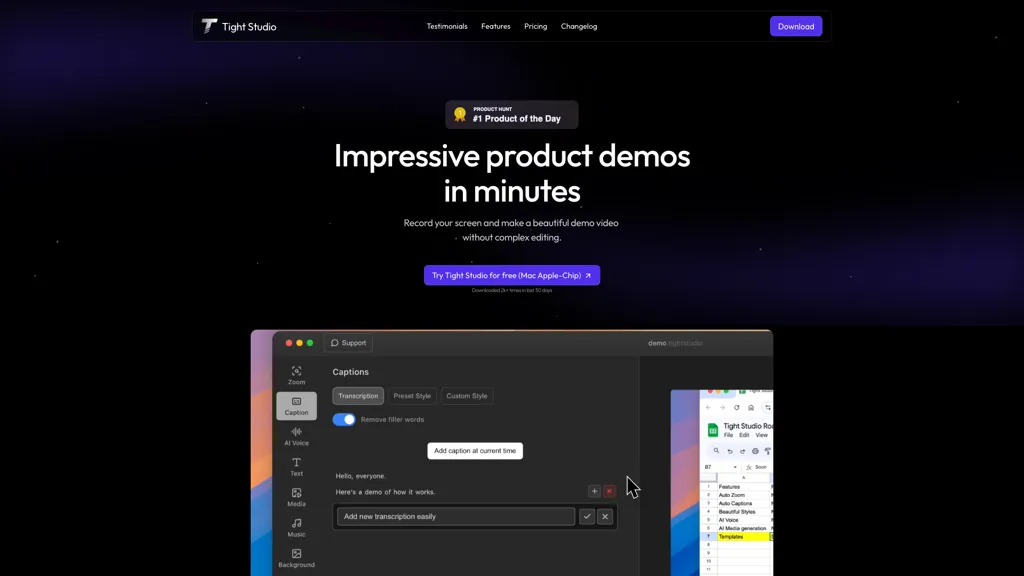
What is Tight Studio?
Tight Studio is a screen recording tool that streamlines the creation of professional video content. Users can record high-quality screen captures in just minutes, making it suitable for tutorials, product demos, and presentations. The smart zoom feature automatically follows user actions, emphasizing key moments for viewers.
With the ability to add professional captions quickly, Tight Studio enhances viewer engagement and accessibility, ensuring that messages are conveyed even if the audio is not heard. Additionally, the platform offers a library of curated background music and AI narration to improve audio quality and set the right tone for each video.
Dynamic text overlays allow users to highlight essential points and create an inviting presentation style, further enriching their content with imported media. Tight Studio is ideal for educators, marketers, and professionals looking to effectively share knowledge and engage audiences without the complexities of traditional video editing.
Tight Studio details
- Built for
- Individuals
- Stated compliance
- PCI DSS
Compliance as stated in Tight Studio's own published documentation.
Tight Studio pricing
Freemium- Refund window
- 60 days
Verify on the official pricing page.
View plansTight Studio's key features
-
High-quality screen recording
-
Smart zoom feature
-
Professional captions addition
-
Library of curated background music
-
Dynamic text overlays
Tight Studio use cases
-
Create engaging online courses with Tight Studio by recording professional-quality screen tutorials that utilize smart zoom and dynamic text overlays to captivate students and make complex topics easier to understand.
-
Produce impactful product demonstration videos quickly, leveraging the ability to add professional captions and curated background music, enabling potential customers to grasp the product features effectively.
-
Develop marketing presentations that combine screen recordings with AI narration and imported media, creating a seamless viewing experience that enhances audience engagement and conveys key messages without the need for extensive editing skills.
Tight Studio user reviews
Would you recommend Tight Studio?
Who is Tight Studio for?
-
Content creators
-
Presenters
-
Tutorial makers
-
Product designers
-
Strategic managers
Tight Studio FAQ
Is Tight Studio free?
Partly. Tight Studio has a free plan with usage limits, and paid plans unlock the full feature set. Plans include Pro at $20/mo.
Is Tight Studio safe to use?
Tight Studio states PCI DSS compliance in its own published documentation.
What are the best alternatives to Tight Studio?
The closest alternatives to Tight Studio are Tella, CapCut, Motionik, InShot and ZapCap. You can compare them side by side in the alternatives section further down this page.
What does Tight Studio do with my data?
Tight Studio states that customer content is not used to train its models. Its privacy policy states that personal data is not sold or shared for marketing purposes. Data may be shared with third-party service providers that help run the product.
Does Tight Studio auto-renew or offer refunds?
Tight Studio states a 60-day refund window.
Compliance, privacy and billing terms are as stated in each product's own published documentation and have not been independently verified by TopAI.tools.


