
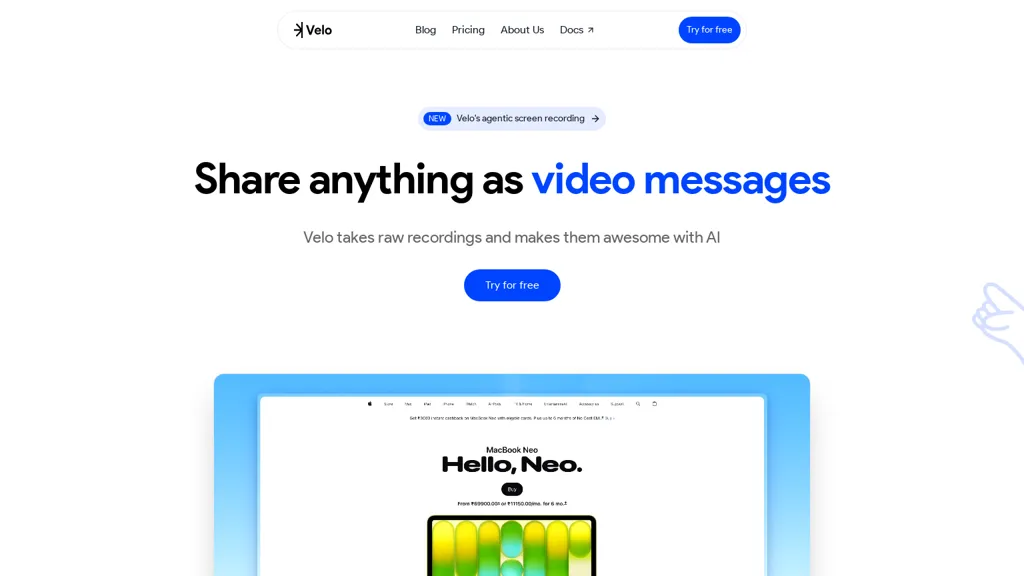
What is Velo AI?
Velo is a browser-based AI video tool that records screen and audio via a Chrome extension and in-browser recorder.An agentic recorder captures clicks and user instructions, then automatically processes raw recordings into edited video messages with synchronized audio and on-screen actions.
Real-time processing delivers near-instant edited output and exports ready-to-share video files and links.Built-in voice cloning and narration options let users generate consistent spoken narration or upload a recorded voice.
Automatic transcription and one-click conversion create structured written documents, searchable transcripts, and summaries from each video.The editor offers brand kits, customizable cursor styles, personas, script rewriting, and shareable links for distribution.
Use cases include sales pitches, product walkthroughs, onboarding and support guides, tutorials, and educational courses — screen recording, AI video editing, voice cloning, and video transcription.
Velo AI details
- Company
- Flowframe, Inc.
- Jurisdiction
- Delaware
- Built for
- Businesses and teams
Velo AI pricing
Free trial- Auto-renewal
- Yes
Verify on the official pricing page.
Start free trialVelo AI's key features
-
Browser-based screen and audio recording via Chrome extension and in-browser recorder
-
Agentic recorder that captures clicks and user instructions and auto-edits synchronized on-screen actions and audio
-
Real-time processing for near-instant edited output and export of video files and shareable links
-
Built-in voice cloning and narration with options to generate or upload voices
-
Automatic transcription and one-click conversion to structured documents, searchable transcripts, and summaries
Velo AI use cases
-
Create interactive product walkthroughs and feature demos with Velo by capturing screen, clicks and audio via the Chrome extension, auto-editing synchronized clips in real time, applying brand kits and AI voice cloning, then exporting shareable, transcripted and summarized videos for sales enablement or help center pages
-
Personalize customer support and asynchronous video replies using Velo to record step-by-step troubleshooting with click-tracked screen recording and audio, generate transcripts and concise AI summaries for faster issue resolution, and deliver branded, voice-cloned responses that reduce back-and-forth
-
Create internal training and onboarding courses with Velo’s auto-edited screen captures and click-aware recordings, produce chaptered transcripts and summaries for quick reference, apply company templates and voice cloning for consistency, and publish searchable, exportable lessons for new hires and compliance documentation
Velo AI user reviews
Based on 2 reviews, 100% of users recommend Velo AI, rated highly for quality results.
Liked for
Would you recommend Velo AI?
Who is Velo AI for?
-
Software developers
-
Instructional designers
-
Course creators
-
Technical writers
-
Product designers
Velo AI FAQ
Is Velo AI free?
Not permanently. Velo AI gives you a free trial, after which a paid plan is required. Plans include Pro at $20/mo and Ultra at $200/mo.
Is Velo AI safe to use?
Velo AI is operated by Flowframe, Inc., registered in Delaware.
What are the best alternatives to Velo AI?
The closest alternatives to Velo AI are Trupeer.ai, Canvid, guidde, wondershare.net and YouTube Summary with ChatGPT. You can compare them side by side in the alternatives section further down this page.
What does Velo AI do with my data?
Velo AI states that customer content is not used to train its models. Its privacy policy states that personal data is not sold or shared for marketing purposes. Data may be shared with third-party service providers that help run the product.
Does Velo AI auto-renew or offer refunds?
Velo AI subscriptions renew automatically until you cancel.
Who made Velo AI?
Velo AI is built and operated by Flowframe, Inc., a company registered in Delaware.
Compliance, privacy and billing terms are as stated in each product's own published documentation and have not been independently verified by TopAI.tools.


