
Lossless Video Trimming
The best 50 Lossless Video Trimming AI tools - Free & Paid
Explore 50 AI for Lossless Video Trimming
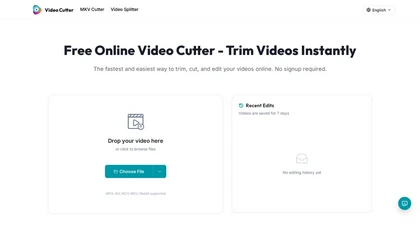
Video Cutter is a free online tool for precise, lossless trimming and splitting of videos in multiple formats. It features a drag-and-drop interface, preserves audio and subtitles, and allows quick export and sharing of clips.
Free

EZTrimmer is a browser-based video editor for trimming, splitting, and merging clips with a timeline interface. It enables quick preparation of short-form content for platforms like TikTok and YouTube Shorts with frame-accurate cuts and drag-and-drop simplicity.
Free
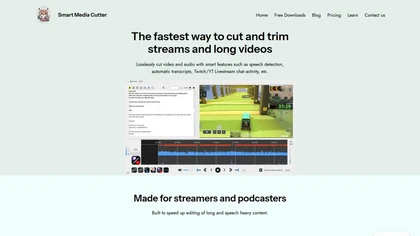
Smart Media Cutter is a desktop tool for streamers and editors that enables frame-accurate, lossless cutting of video and audio. It uses AI transcription, chat activity overlays, and automated silence removal to quickly find highlights and export clips for social media.
Free
SliceTube trims and downloads YouTube videos directly, offering start‑and‑end selection and export to MP4, MP3, or WEBM up to 4K. Browser‑based, watermark‑free, and privacy‑protected, it’s useful for creators and educators needing quick clips.
Paid
- $5

Audio Cut is a browser-based tool for trimming and cutting audio files without installation. It supports multiple formats, processes files securely in your browser, and allows for lossless export.
Free
CapCut is an AI-powered video editor & design tool with social media templates, background removal, upscaling, color correction, portrait generation, text-to-speech, voice changers, and team collaboration support - accessible online and for Mac download.
Free trial

removefrom.video uses AI video inpainting to remove watermarks, logos, text, subtitles and unwanted objects from MP4, MOV and WEBM files. Drag-and-drop upload, automatic detection and manual masking with cloud processing that preserves motion and lighting.
Freemium
- $8.33/mo
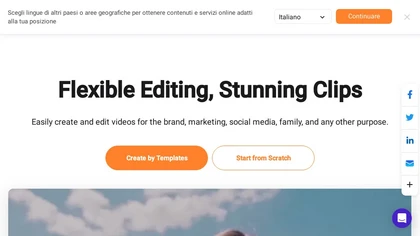
FlexClip is an online video editor with templates, resources, and powerful tools to create and edit videos for various purposes, as well as integration with royalty-free stock media providers and easy social media sharing.
Freemium
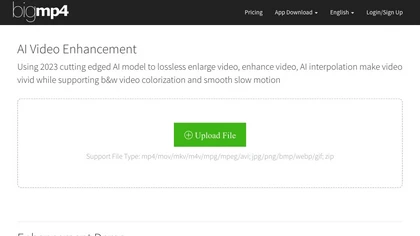
AI Video Enhancement enlarges and improves video/images with no quality loss, scaling to 2K/4K/8K, noise‑reducing, colorizing black‑and‑white, interpolating up to 240fps for smooth slow‑motion. Supports MP4, MOV, MKV, AVI, JPG, PNG, BMP, GIF, WEBP; batch ZIP; desktop for Mac/Windows.
Paid
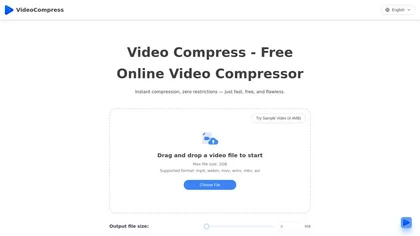
VideoCompress.ai is a free online tool that drastically reduces video file sizes by up to 80% using advanced H.265 encoding. It allows you to preview the compression in real-time while ensuring your files are secured with end-to-end encryption.
Free
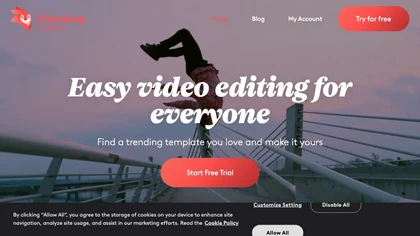
Videoleap is a cross‑platform editor with AI background removal, infinite‑zoom, text‑to‑video, audio cutting, subtitles, and built‑in filters. It offers templates for TikTok, Reels, Shorts, and ads, plus a drag‑and‑drop interface for quick professional videos on web or mobile.
Free trial
Clipdrop is an AI image editor that adjusts aspect ratios, extends boundaries, and adds background space while preserving detail. It offers background removal, object cleanup, relighting, universal resizing, upscale, and text‑to‑image generation for photographers and designers.
Freemium
- $15/mo
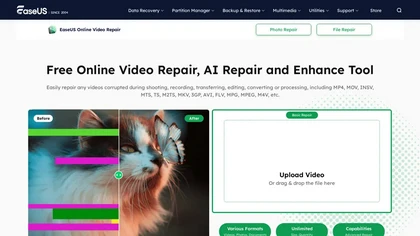
EaseUS Online Video Repair is an AI tool that repairs corrupted video files in formats like MP4, MOV, and AVI. It automatically fixes issues like pixelation and audio syncing while preserving original quality and offers advanced recovery options.
Free
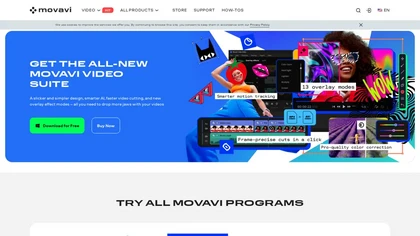
Movavi Video Editor is a desktop app for Mac and Windows that lets users trim, crop, color‑grade footage and add titles, overlays, and filters. AI features automate subtitles, noise suppression, and motion tracking. It includes a screen recorder for tutorials.
Paid
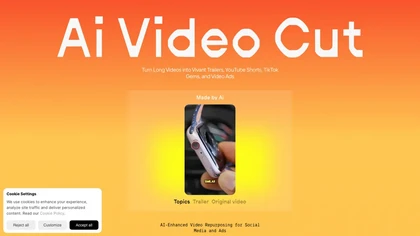
AI Video Cut uses prompt‑based AI to transform long videos into short, platform‑optimized clips. It auto‑detects faces, crops frames, adds multilingual captions, and supports multiple aspect ratios for fast, high‑quality content creation.
Freemium
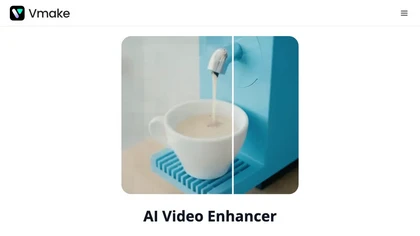
Vmake AI Video Enhancer upsamples MP4, MOV, AVI, etc. to 2K/4K/AI 4K+, removes artifacts, improves low‑light, reduces noise, and offers watermark/text removal, background elimination, and subtitle generation, giving creators, e‑commerce, and gamers sharper, cleaner videos.
Subscription
- $9.99/mo

TensorPix enhances SD video to 4K 60FPS, removes artifacts from VHS and old footage, offers real‑time call improvement, batch processing, API integration, and cloud GPU processing—no local install needed.
Freemium
vcut.lol is an AI-powered video editing tool that streamlines production by automating error correction and enhancement. It quickly extracts key moments, enabling creators to focus on content while reducing time spent on editing tasks.
Freemium
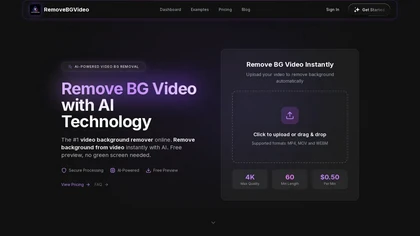
RemoveBGVideo is an AI tool that automatically removes backgrounds from videos, supporting HD/4K footage up to 60 minutes. It offers batch processing, green-screen support, and exports with transparent or custom backgrounds for content creators and e-commerce.
Freemium
- $6
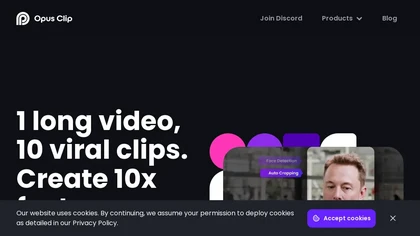
OpusClip is an AI-powered video tool that transforms long videos into shareable short clips with one click. It uses AI to identify compelling moments, generate captions, and optimize for social media.
Freemium
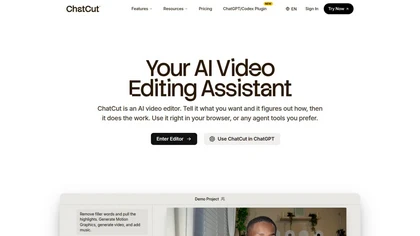
ChatCut is a browser and ChatGPT-plugin video editor that uses transcript-based editing to remove fillers, trim and reorder talking-head footage, assemble coherent cuts, generate motion graphics, B-roll, captions (100+ languages) and AI music, and export timelines.
Subscription
- $25
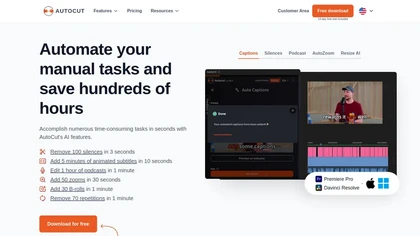
AutoCut AI is a Premiere Pro and DaVinci Resolve extension that automates routine editing—removing silences, auto‑captions, speaker‑driven angle cuts, context zooms, key moment extraction, stock integration, duplicate discard, profanity filtering, chapter markers, and social‑media resizing.
Paid
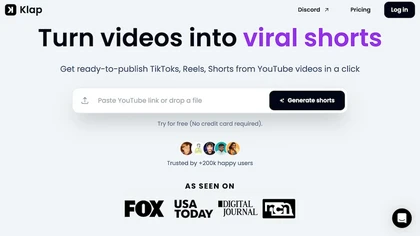
Klap automatically extracts key moments from long videos, reframes them for vertical formats, adds multilingual subtitles, and lets you customize branding. Upload files or YouTube links, then share or schedule ready‑to‑publish clips across TikTok, Instagram, LinkedIn, and YouTube.
Paid
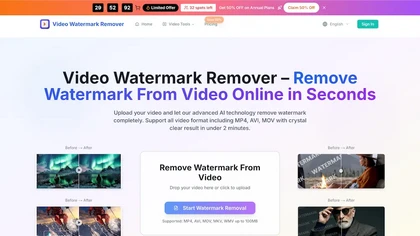
videowatermarkremover.org is a web-based AI tool that removes watermarks, logos, text, and unwanted objects from video files while preserving original resolution and detail. It supports batch processing, API integration, and works across common video formats for content creators, marketers, and team
Free trial
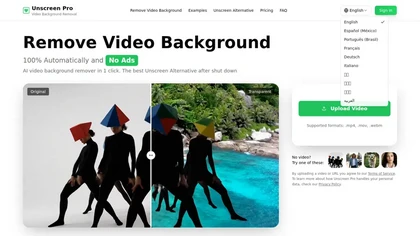
Unscreen Pro automatically removes video backgrounds frame by frame, no greenscreen, producing transparent outputs (MP4, MOV, WebM, AVI) at original or upscaled resolution, with live preview, batch processing and an API for workflow integration.
Freemium
- $4.99/mo

Streamladder is a video editing tool for Twitch, YouTube, and TikTok that enables users to trim, split, and combine video segments easily. It offers customizable templates, effects, and integrated sharing options to enhance and distribute content efficiently.
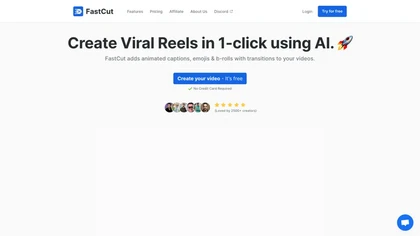
FastCut uses AI to transform raw footage into short‑form videos for TikTok, Reels, Shorts, and social ads. It trims clips, removes silence, adds captions, selects B‑rolls, and provides music and overlays, cutting editing time by up to 90%.
Freemium
- $20/mo
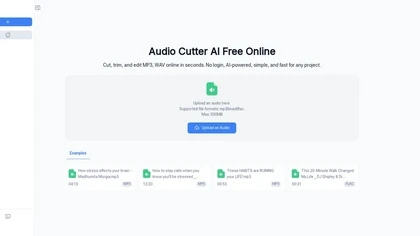
Audio Cutter AI is a browser-based tool for trimming and editing MP3, WAV, and FLAC files with AI-assisted cut point detection and precise interval selection. It enables a simple three-step workflow—upload, set trim points, and download—for creating polished audio clips without any local software.
Freemium
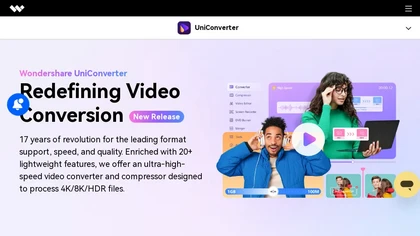
Wondershare UniConverter is an AI‑powered all‑in‑one tool that converts, enhances, compresses, records, and edits video and audio. It supports 1,000+ formats, delivers ultra‑fast conversions, upscales to 4K/8K, adds subtitles, removes backgrounds, and preserves metadata for creators and SMBs.
Paid
opencut.app is an open-source, privacy-first video editor in early beta that enables cross-platform timeline editing with dark theme and standard export formats. It prioritizes local, auditable workflows for creators and developers, supported by an active community and public roadmap.
Freemium

Upload video files (MP4, MOV, MKV, M4V, AVI) and apply AI models—Face, Animation, Denoise, Low‑Light, Colorize—to improve clarity, reduce noise, brighten dark scenes, or add color. Preview changes, upscale to 4K, then download without watermarks.
Paid
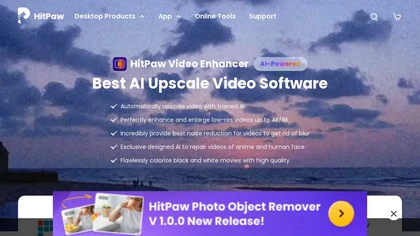
HitPaw Video Enhancer is an AI-powered tool that upscales and enhances low-resolution videos to higher resolutions and improves video quality without losing it.
Free trial

VideoWatermarkRemove is an AI-powered online tool that intelligently removes watermarks, logos, and text from videos. It analyzes surrounding pixels to erase unwanted elements while preserving the original video quality.
Freemium

Supercut is an asynchronous video messaging platform that records screen and webcam (up to 4K), auto-edits and chapters recordings, provides branded shareable links with embedded CTAs, analytics and engagement tracking, collaboration tools, and enterprise-grade security.
Free trial
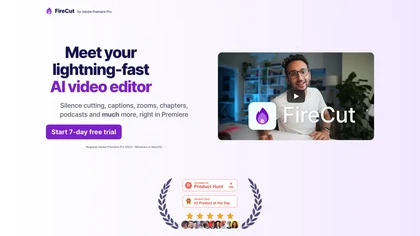
FireCut is an AI‑powered plugin for Premiere Pro and DaVinci Resolve that cuts silence, filler words, profanity, and repetitions. It auto‑generates multilingual captions, adds chapter markers, auto‑zoom, B‑roll, music, voiceover transcription, and short‑video exports for social media.
Subscription
- $10/mo
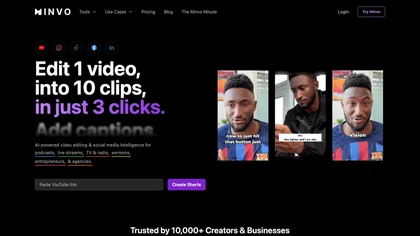
Minvo automates video editing and social media scheduling, converting long videos into short clips, images, and subtitles. Features include AI clip extraction, B‑roll insertion, multi‑language translation, animated captions, branding templates, and cross‑platform posting with performance analytics.
Subscription
- $6.99/mo
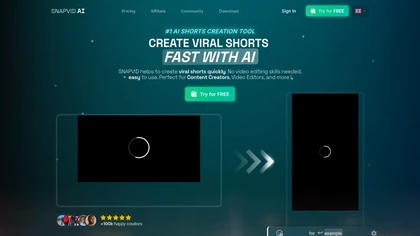
SNAPVID.AI automates cutting long videos into 30‑second clips, removes filler pauses, adds multi‑language subtitles, offers 4K output, AI‑generated B‑roll, audio cleanup, and batch processing with a credit‑based monthly reset for creators.
Subscription
- $16/mo
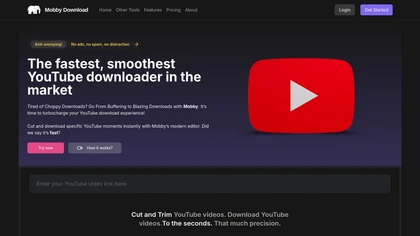
Mobby Download enables users to trim and download YouTube videos easily, offering support for multiple export formats like MP4 and MP3. Its user-friendly interface and fast processing speeds make it suitable for both casual and professional creators.
Free trial
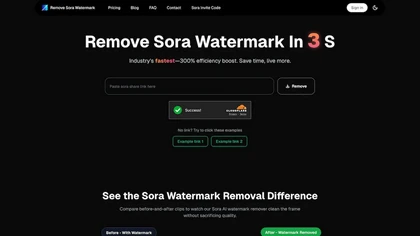
RemoveSoraWatermark is an AI tool that instantly removes the Sora watermark from any video link. It delivers high-quality, watermark-free videos without any loss in quality, ensuring your privacy as files are never stored.
Freemium
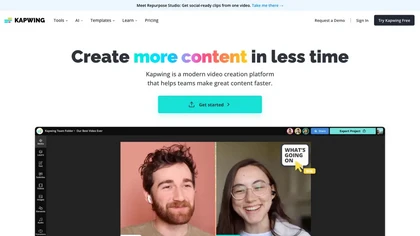
Kapwing is an online video platform offering drag‑and‑drop editing for trimming, layering, overlays, and team collaboration. Its audio tools record, edit, and clean tracks; subtitler auto‑generates captions in 40+ languages.
Freemium
2short.ai automatically extracts the most engaging segments from long videos to create 1080p YouTube Shorts, using facial‑tracking, one‑click animated subtitles, and flexible aspect ratios. It supports multiple languages, direct Drive/URL imports, and brand presets for consistent visuals.
Freemium
- $9.9/mo

InShot is a mobile video editor that lets users cut, trim, and layer clips, auto‑generate multilingual captions, add music, intros/outros, and apply AI‑driven, 3D, glitch, and lens transitions, text, stickers, and picture‑in‑picture overlays.
Free
Browser‑based AI upscaler uses WebGPU and open‑source algorithms like Anime4K and RealESRGAN to enlarge video and image resolution. It processes each frame client‑side, preserving privacy, with drag‑and‑drop, side‑by‑side comparison, and selectable output sizes.
Free
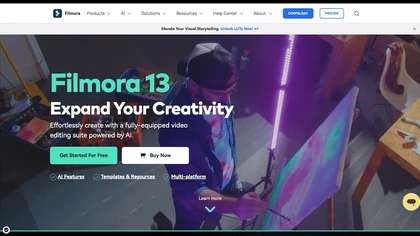
Wondershare Filmora is a cross‑platform video editor featuring AI tools like Video Extender, Image‑to‑Video, Text‑to‑Video, AI Music Generator, and AI Object Remover. It offers a timeline, dual‑timeline editing, motion‑path tools, AI‑assisted asset matching, GPU acceleration, and export presets for
Paid

Trimmr: Automated video editing with AI-powered presets, captions, and animations for efficient content creation.
Freemium
- $7/mo

Browser-based Online Audio Converter converts 300+ audio/video formats to MP3, WAV, M4A, FLAC, OGG, etc., extracts audio from video, offers bitrate/sample rate/channel controls, fade/reverse/voice removal, batch conversion, metadata editing, and cloud export.
Subscription
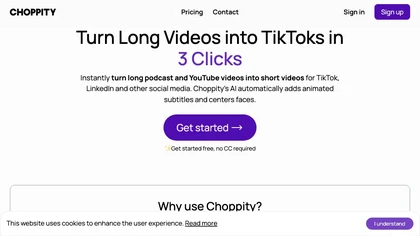
Choppiti is an AI-based video editing tool that repurposes longer videos for social media platforms and adds animated subtitles and face centering. It's faster and cheaper than traditional software or outsourcing, making it accessible to anyone.
Freemium
- $1.17/mo
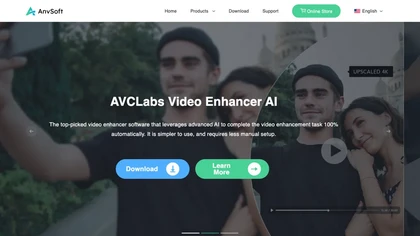
AVCLabs Video Enhancer AI uses deep learning to upscale, denoise, sharpen, colorize, and interpolate frames, automatically detecting and refining faces. It supports batch conversion, preview comparison, multiple formats, preserves frame rates, and leaves originals unaltered.
Free

Topaz Video AI is a powerful video enhancement tool that uses AI models to upscale, deinterlace, stabilize, and interpolate frames for high-quality results.
Paid
- $99