
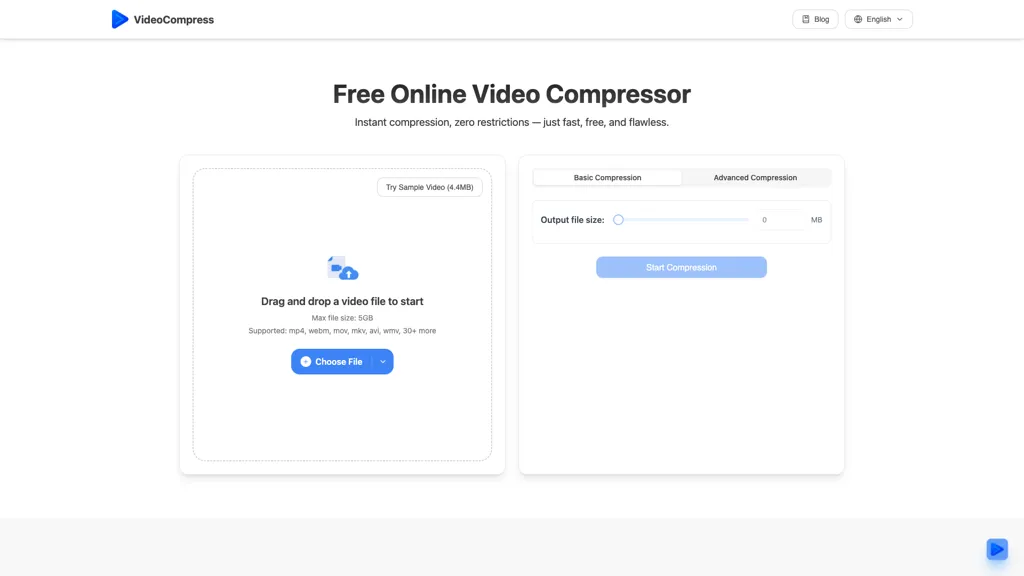
What is VideoCompress.ai?
VideoCompress is an online AI-powered tool that quickly compresses videos while maintaining high quality. It supports major formats like MP4, MOV, AVI, WMV, and MKV and outputs compressed files in MP4. Users can choose from compression presets for web, storage, or HD quality and preview results in real time. The tool also allows format conversion and secures all files with end-to-end encryption. Cloud-based processing handles even large 4K videos efficiently. Ideal for content creators, marketers, and businesses, it simplifies video sharing, storage, and online publishing.
VideoCompress.ai details
- Built for
- Individuals
- Data residency
- United States or other international territories
VideoCompress.ai tech specs
- Integrations
- Discord Google Workspace
VideoCompress.ai pricing
FreeThis tool is free to use, with no credit card required.
- Refund window
- 1 days
- Auto-renewal
- Yes
Verify on the official pricing page.
Get started freeVideoCompress.ai's key features
-
H.265/HEVC encoding
-
Supports MP4, AVI, and MOV formats
-
Upload videos up to 2GB
-
Real-time previews
-
End-to-end encryption
VideoCompress.ai use cases
-
Easily compress large video files for faster uploads to social media platforms without sacrificing visual quality, using Video Compress's H.265/HEVC encoding.
-
Share high-resolution videos with friends or family by reducing file sizes to make them more manageable for email or messaging apps, ensuring quick delivery and seamless playback.
-
Streamline your video editing workflow by using Video Compress to quickly compress raw footage before sharing it with collaborators or clients, optimizing storage use while maintaining quality.
VideoCompress.ai user reviews
Based on 5 reviews, 40% of users recommend VideoCompress.ai, rated highly for ease of use.
Liked for
Disliked for
Would you recommend VideoCompress.ai?
Who is VideoCompress.ai for?
-
Content creators
-
Social media managers
-
Video editors
-
Marketing specialists
-
Digital enthusiasts
VideoCompress.ai FAQ
Is VideoCompress.ai free?
Yes. VideoCompress.ai is free to use and does not require a credit card.
What are the best alternatives to VideoCompress.ai?
The closest alternatives to VideoCompress.ai are Vmake Video Enhancer, Wondershare Uniconverter, Topaz Video AI, Video Quality Enhancer - AIAI.com and anvsoft.com. You can compare them side by side in the alternatives section further down this page.
What does VideoCompress.ai do with my data?
Its privacy policy states that personal data is sold or shared for marketing purposes. Data may be shared with third-party service providers that help run the product. Customer data is held in United States or other international territories.
Does VideoCompress.ai auto-renew or offer refunds?
VideoCompress.ai subscriptions renew automatically until you cancel. It states a 1-day refund window.
What does VideoCompress.ai integrate with?
VideoCompress.ai connects with Discord and Google Workspace.
Compliance, privacy and billing terms are as stated in each product's own published documentation and have not been independently verified by TopAI.tools.


