
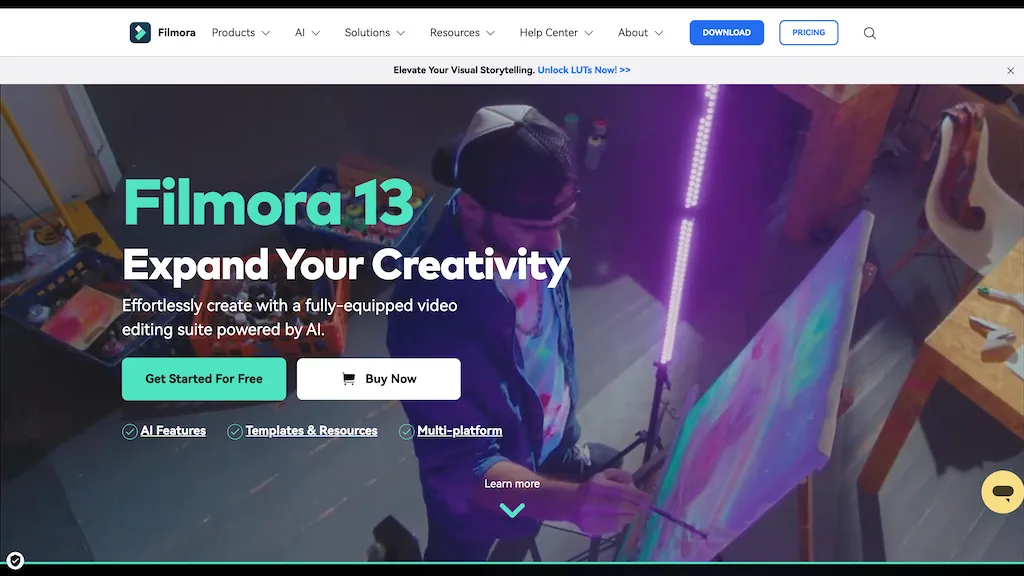
What is Wondershare Filmora?
Wondershare Filmora is a cross‑platform video editor that integrates AI tools such as Video Extender, Image‑to‑Video, Text‑to‑Video, AI Music Generator, Text‑to‑Speech, and AI Object Remover to accelerate content creation. The interface offers a drag‑and‑drop timeline, dual‑timeline editing, a Pen Tool for precise motion paths, and Anchor & Keyframe control for detailed animation.
Users gain access to over 2.9 million royalty‑free assets—including templates, stickers, transitions, and sound effects—streamlined by AI‑assisted matching and automatic audio synchronization. The software supports GPU acceleration and, on Mac, Metal rendering for faster rendering and smoother playback.
Export formats cover MP4, MOV, AVI, MKV, and platform‑optimized presets for YouTube, TikTok, and Vimeo. Filmora caters to beginners and advanced editors alike by providing intuitive workflow tools, AI‑enhanced audio editing, and a comprehensive media library.
Wondershare Filmora details
- Company
- Wondershare Technology Group Co., Ltd
- Jurisdiction
- People's Republic of China
Wondershare Filmora tech specs
- Works with
- Google / Veo
Wondershare Filmora pricing
PaidVerify on the official pricing page.
View plansWondershare Filmora's key features
-
AI Video Generator
-
AI Video Extender
-
AI Audio Extender
-
AI Beauty Filter
-
AI Video Object Remover
-
AI Voice Enhancer
-
AI Text-to-Video
Wondershare Filmora use cases
-
Convert a collection of wedding photos into a cinematic video slideshow with AI Music Generator creating a custom soundtrack, use Image‑to‑Video to add motion, and export with an Instagram preset
-
Generate a 60‑second product advertisement by scripting key points, using Text‑to‑Video to create animated captions, removing background clutter with AI Object Remover, and combining assets on the dual timeline
-
Take a 3‑minute interview clip and extend it into a 15‑minute feature using Video Extender, automatically adding royalty‑free background footage that matches the theme via AI‑assisted asset matching, then render with GPU acceleration
Wondershare Filmora user reviews
Based on 4 reviews, 75% of users recommend Wondershare Filmora, rated highly for ease of use.
Liked for
Disliked for
Would you recommend Wondershare Filmora?
Who is Wondershare Filmora for?
-
Video editors
-
Creative designers
-
Music producers
-
Thumbnail creators
-
Digital marketers
Wondershare Filmora FAQ
How much does Wondershare Filmora cost?
Wondershare Filmora is a paid product with no free plan. Plans include Annual plan at us$155.88 and The team plan at us$155.88.
Is Wondershare Filmora safe to use?
Wondershare Filmora is operated by Wondershare Technology Group Co., Ltd, registered in People's Republic of China. It has a substantial audience that is independently measured month to month.
What are the best alternatives to Wondershare Filmora?
The closest alternatives to Wondershare Filmora are CapCut, WonderShare ToMoviee AI, AIImageToVideo Pro, Videoleap and Aivideo. You can compare them side by side in the alternatives section further down this page.
What does Wondershare Filmora do with my data?
Wondershare Filmora states that customer content is not used to train its models. Its privacy policy states that personal data is sold or shared for marketing purposes. Data may be shared with third-party service providers that help run the product.
Who made Wondershare Filmora?
Wondershare Filmora is built and operated by Wondershare Technology Group Co., Ltd, a company registered in People's Republic of China.
Which AI models does Wondershare Filmora use?
Wondershare Filmora is built on Google / Veo. Which models you can reach may depend on your plan.
Compliance, privacy and billing terms are as stated in each product's own published documentation and have not been independently verified by TopAI.tools.


