
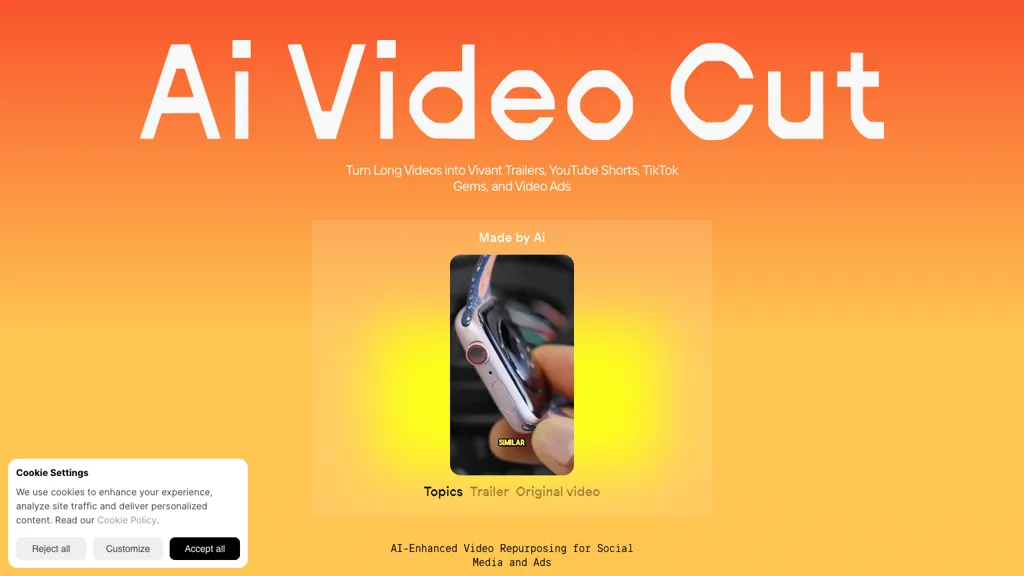
What is AI Video Cut?
AI Video Cut is an AI‑driven video editing platform that transforms long videos into short, platform‑optimized clips. It uses prompt‑based cutting to generate viral trailers, product highlights, tutorials, testimonials, and more, and allows custom prompts for precise editing.
The tool automatically detects speaker faces, crops frames, and adds captions in multiple languages, with selectable caption styles. Export options support 9,16, 4,3, 1,1, and 16,9 aspect ratios, and clip length can be set to 7, 15, or 25 phrases. Users can regenerate new clips from the same source video by applying different prompts or caption styles.
The service is designed for content creators, digital marketers, social media managers, e‑commerce businesses, event planners, and podcasters, enabling fast creation of high‑quality short‑form video assets for YouTube Shorts, TikTok, Instagram Reels, and other platforms.
AI Video Cut details
- Company
- OmniSale GMBH
- Jurisdiction
- Switzerland
- Built for
- Individuals
- Stated compliance
- GDPR
Compliance as stated in AI Video Cut's own published documentation.
AI Video Cut tech specs
- Integrations
- Google Workspace
AI Video Cut pricing
FreemiumAI Video Cut's key features
-
AI-Powered Video Cutting
-
Prompt-Based Content Generation
-
Transcript Editing for Fine-Tuning
-
Smart Crop & Face Detection
-
Multilingual Transcription Support
-
Custom Aspect Ratio Export
-
Telegram Bot Access
AI Video Cut use cases
-
Produce 60‑second teaser clips from a 15‑minute interview, auto‑cropping faces and adding multilingual captions for Instagram Reels and TikTok without manual editing
-
Generate platform‑optimized highlight reels from live event recordings, automatically detecting key moments, applying face focus and aspect‑ratio adjustments for YouTube Shorts and Facebook Stories
-
Create viral trailer snippets from product demos, using AI to crop and caption in multiple languages, and output ready‑to‑post formats for LinkedIn and Twitter
AI Video Cut user reviews
Based on 2 reviews, 50% of users recommend AI Video Cut, rated highly for quality results.
Liked for
Disliked for
Would you recommend AI Video Cut?
Who is AI Video Cut for?
-
Content creators
-
Video editors
-
Digital marketers
-
Social media managers
-
Telegram hobbyists
AI Video Cut FAQ
Is AI Video Cut free?
Partly. AI Video Cut has a free plan with usage limits, and paid plans unlock the full feature set. Plans include Starter at $10 and Pro at $12.50.
Is AI Video Cut safe to use?
AI Video Cut states GDPR compliance in its own published documentation. AI Video Cut is operated by OmniSale GMBH, registered in Switzerland. It has a substantial audience that is independently measured month to month.
What are the best alternatives to AI Video Cut?
The closest alternatives to AI Video Cut are CapCut, 2Short.Ai, AICut, Video Editor AI and Short AI. You can compare them side by side in the alternatives section further down this page.
What does AI Video Cut do with my data?
Its privacy policy states that personal data is not sold or shared for marketing purposes. Data may be shared with third-party service providers that help run the product.
Does AI Video Cut auto-renew or offer refunds?
AI Video Cut subscriptions do not renew automatically.
Who made AI Video Cut?
AI Video Cut is built and operated by OmniSale GMBH, a company registered in Switzerland.
What does AI Video Cut integrate with?
AI Video Cut connects with Google Workspace.
Compliance, privacy and billing terms are as stated in each product's own published documentation and have not been independently verified by TopAI.tools.


