
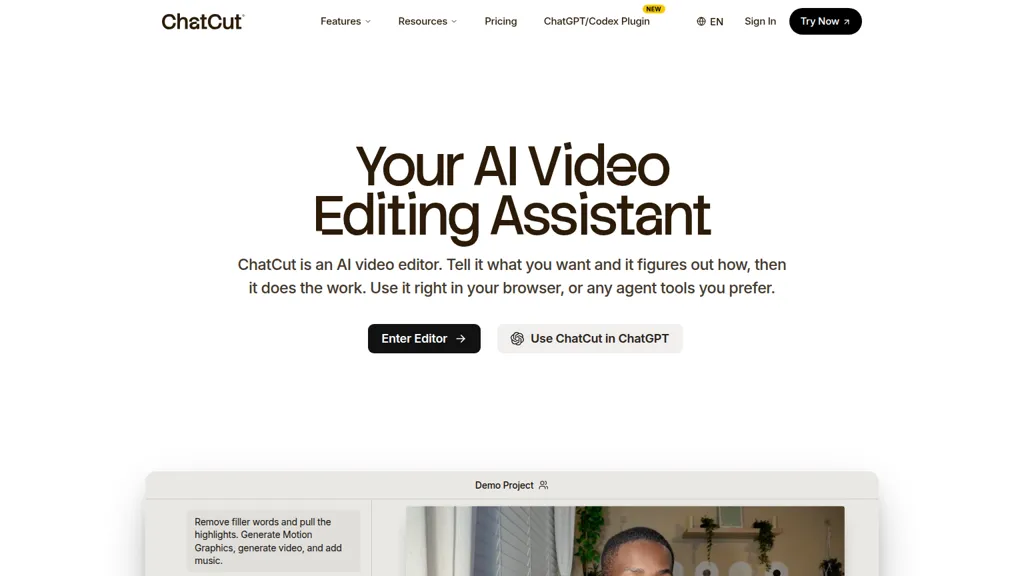
What is ChatCut?
ChatCut is an AI video editor that runs in the browser and via a ChatGPT plugin, enabling prompt-driven editing workflows. It uses transcript-based editing to remove filler words, trim sentences, and reorder talking-head footage so edits mirror document-style text changes.
The editor detects highlights and repeated takes to assemble a coherent first cut while allowing manual timeline adjustments. An AI motion graphics generator builds chapter cards, charts, timelines, and emphasis effects from plain-language descriptions and places them on the timeline.
Built-in AI image and video generation produce B-roll, establishing shots, or reference images from prompts and reference frames to match existing footage. Auto captions in 100+ languages and an AI music generator create synchronized subtitles and royalty-free tracks at exact video lengths.
ChatCut details
- Company
- ChatCut Inc.
- Jurisdiction
- Delaware, United States
- Built for
- Individuals
ChatCut tech specs
- Works with
- OpenAI / GPT Anthropic / Claude Google / Nano Banana Kling ByteDance / Seedance
ChatCut pricing
Subscription- Auto-renewal
- Yes
Verify on the official pricing page.
View plansChatCut's key features
-
Agent-driven automated video editing that analyzes footage to find highlights, remove filler/repeated takes, and assemble a first cut
-
Text-based transcript editing that updates the timeline when you edit or remove words/sentences
-
AI motion-graphics generator that builds chapter cards, charts, timelines and animations from plain-English prompts onto the timeline
-
AI image and video generation from prompts (including B-roll and establishing shots) with reference-image consistency and direct timeline insertion
-
AI music generator that produces royalty-free tracks of specified vibe and exact length via prompts
ChatCut use cases
-
Create polished tutorial and course videos using ChatCut's transcript-based editing to remove fillers, trim and reorder talking-head footage, add AI-generated B-roll and motion graphics, and export ready-to-upload timelines with multilingual captions (100+ languages)
-
Edit long-form interviews and podcast recordings into punchy social clips with prompt-driven timeline text edits, automatic filler removal, AI music, generated motion graphics and B-roll, and auto captions to maximize cross-platform engagement
-
Produce localized marketing and product demo videos quickly—iterate cuts via transcript edits, auto-generate captions in 100+ languages, apply AI motion graphics and B-roll for brand polish, and export clean timelines for further post-production
ChatCut user reviews
Would you recommend ChatCut?
Who is ChatCut for?
-
Content creators
-
Video editors
-
Podcasters
-
Youtubers
-
Social media marketers
ChatCut FAQ
How much does ChatCut cost?
ChatCut is a paid product with no free plan. Plans include Starter at $25, 100 credits at $100, Seedance 2.0 at $100 and Gpt image 2 at $100.
Is ChatCut safe to use?
ChatCut is operated by ChatCut Inc., registered in Delaware, United States. It has a substantial audience that is independently measured month to month.
What are the best alternatives to ChatCut?
The closest alternatives to ChatCut are Cliptalk, CapCut, Clipfly AI Video Generator, AI Video Cut and Clipfly. You can compare them side by side in the alternatives section further down this page.
What does ChatCut do with my data?
ChatCut states that customer content is not used to train its models.
Does ChatCut auto-renew or offer refunds?
ChatCut subscriptions renew automatically until you cancel.
Who made ChatCut?
ChatCut is built and operated by ChatCut Inc., a company registered in Delaware, United States.
Which AI models does ChatCut use?
ChatCut is built on OpenAI / GPT, Anthropic / Claude, Google / Nano Banana, Kling and ByteDance / Seedance. Which models you can reach may depend on your plan.
Compliance, privacy and billing terms are as stated in each product's own published documentation and have not been independently verified by TopAI.tools.


