
What is RemoveFrom.Video?
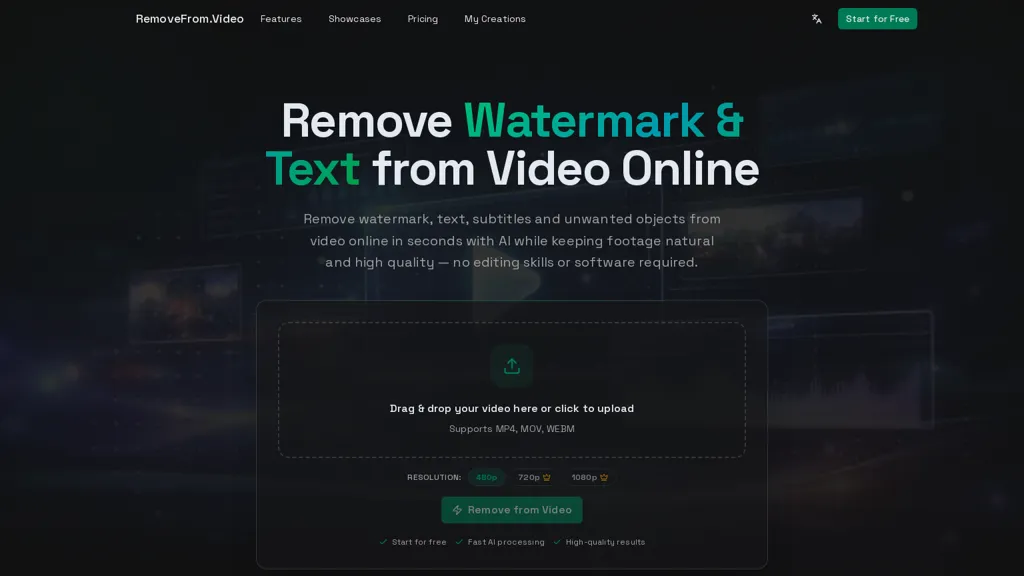
removefrom.video removes watermarks, text, subtitles and unwanted objects from MP4, MOV and WEBM videos using AI video inpainting. The online video watermark remover and logo eraser offers drag-and-drop upload, automatic detection plus manual masking, and dedicated modes for watermarks, text, subtitles or object removal. Cloud processing reconstructs background pixels across frames to preserve motion, lighting and original clarity without frame-by-frame editing. Designed for creators, marketers, educators and vloggers who repurpose content for TikTok, YouTube Shorts, Instagram Reels or produce tutorials, demos and screen recordings. Outputs are previewable and downloadable in a browser without installing editing software, streamlining social media and marketing workflows.
RemoveFrom.Video details
- Built for
- Individuals
RemoveFrom.Video tech specs
- Integrations
- Discord
RemoveFrom.Video pricing
FreemiumVerify on the official pricing page.
View plansRemoveFrom.Video's key features
-
AI video inpainting to remove watermarks, text, subtitles and unwanted objects
-
Supports MP4, MOV and WEBM input formats
-
Drag-and-drop upload with automatic detection and manual masking
-
Dedicated modes for watermark, text, subtitle and object removal
-
Cloud-based background reconstruction across frames to preserve motion and lighting without frame-by-frame editing
RemoveFrom.Video use cases
-
Clean up personal or owned video footage by removing camera timestamps, watermarks, and unwanted objects from MP4/MOV/WEBM with drag-and-drop cloud processing that preserves motion and lighting for social-media-ready clips
-
Prepare licensed or original content for repurposing by erasing logos, hardcoded subtitles or on-screen text from videos you own, creating clean masters to export localized versions and short-form edits without re-shooting
-
Restore archival or user-generated clips for professional use by automatically detecting and manually masking distracting overlays and objects, removing subtitles while maintaining natural motion and lighting for compilations and promotional assets
RemoveFrom.Video user reviews
Would you recommend RemoveFrom.Video?
Who is RemoveFrom.Video for?
-
Video editors
-
Content creators
-
Social media managers
-
Educators
-
Vloggers
RemoveFrom.Video FAQ
Is RemoveFrom.Video free?
Partly. RemoveFrom.Video has a free plan with usage limits, and paid plans unlock the full feature set. Plans include Hobby at $8.33/mo or $99.90/year, Basic at $15.83/mo or $189.90/year and Pro at $29.99/mo or $359.90/year.
What are the best alternatives to RemoveFrom.Video?
The closest alternatives to RemoveFrom.Video are Video Water Mark Remover, Unwatermark AI, VideoWatermarkRemove, Dewatermark AI and Remove Watermark - MarkGone. You can compare them side by side in the alternatives section further down this page.
What does RemoveFrom.Video integrate with?
RemoveFrom.Video connects with Discord.


