
What is FireCut?
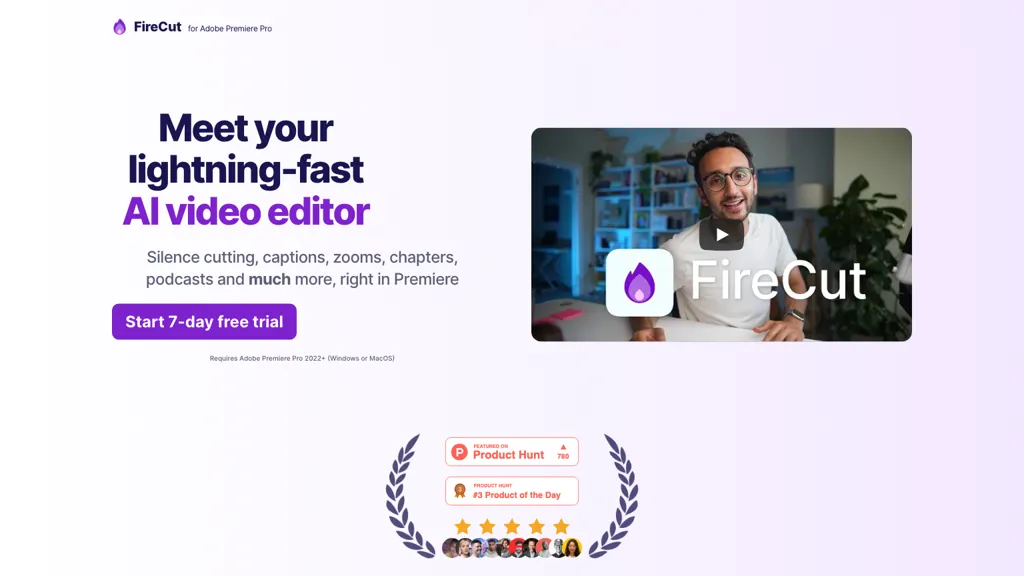
FireCut is an AI‑powered video editing plugin that integrates directly into Adobe Premiere Pro and DaVinci Resolve.
It automatically removes silence, filler words, repetitions, and profanity from recorded footage, speeding up post‑production for broadcasters, podcasters, and content creators.
The tool generates captions in over 50 languages and can add animated caption overlays with a single click, helping creators meet accessibility and SEO requirements.
FireCut creates chapter markers, auto‑zoom cuts at optimal moments, and auto‑B‑roll inserts sourced from Storyblocks to enhance visual storytelling.
Additional features include auto‑music placement, voiceover transcription, and short‑video export for social media platforms.
The plugin is designed for editors who need to streamline repetitive tasks while maintaining professional output quality.
FireCut details
- Built for
- Individuals
FireCut tech specs
- Integrations
- Discord
FireCut pricing
SubscriptionVerify on the official pricing page.
View plansFireCut's key features
-
Automatically remove silences
-
Remove filler words
-
Add animated captions
-
Auto B‑roll insertion
-
Auto music addition
-
Auto edit podcasts
FireCut use cases
-
Cutting out silence and filler words from interviews while adding multilingual captions in Premiere Pro, letting editors focus on storytelling
-
Enhancing training videos in DaVinci Resolve with auto‑zoom, B‑roll insertion, and chapter markers, producing a polished final product in minutes
-
Transforming long webinars into short, captioned TikTok reels using FireCut's auto‑music placement and export function, ready for social media
FireCut user reviews
Would you recommend FireCut?
Main competitors of FireCut
Here are some of the major competitors comparisons vs. FireCut.

Who is FireCut for?
-
Video editors
-
Content creators
-
Podcasters
-
Digital marketers
-
Adobe creators
FireCut FAQ
How much does FireCut cost?
FireCut is a paid product with no free plan. Plans include Ai speech generation at +$10/mo, Firecut for davinci resolve at $24/mo billed yearly, Firecut for premiere pro at $24/mo billed yearly and Firecut for davinci resolve at $34/mo billed mo.
What are the best alternatives to FireCut?
The closest alternatives to FireCut are AutoCaption, AI Video Cut, Submagic, SNAPVID and Cleanvoice AI. You can compare them side by side in the alternatives section further down this page.
What does FireCut do with my data?
Its privacy policy states that personal data is not sold or shared for marketing purposes. Data may be shared with third-party service providers that help run the product.
What does FireCut integrate with?
FireCut connects with Discord.
Compliance, privacy and billing terms are as stated in each product's own published documentation and have not been independently verified by TopAI.tools.


