
What is Audio Cut?
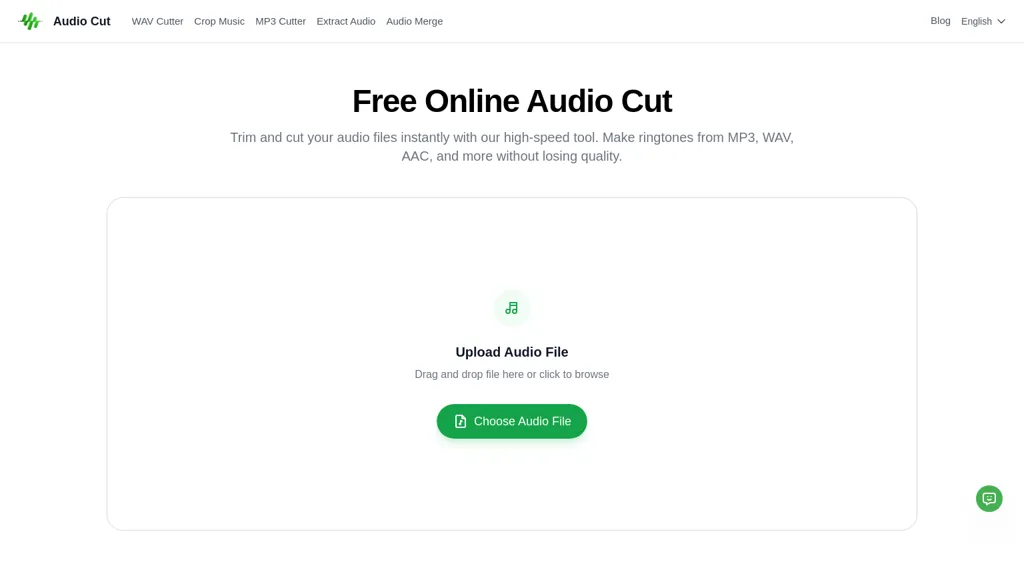
Audio Cut is a browser-based audio cutter and trimmer for mp3, wav, aac, flac, m4a, ogg and m4r files.It provides in-browser trimming, clipping, and lossless export for ringtone creation, podcast episode edits, interview trimming, and music sample extraction.
Users upload via drag-and-drop or file browse, set start/end points with sliders, preview segments, and export in the chosen format.Supported input and output formats include mp3, wav, aac, flac, ogg, m4a and m4r, with on-export format conversion and basic merge options.
Processing runs in the browser without software installation, minimizing local resource use and enabling use on Windows, macOS, Linux and mobile devices.Transfers use encrypted connections and processed files are removed from servers after export to support secure, short-term handling of uploads.
Audio Cut pricing
FreeThis tool is free to use, with no credit card required.
Verify on the official pricing page.
Get started freeAudio Cut's key features
-
Runs entirely in the browser (client-side processing; no installation; cross-platform)
-
Drag-and-drop and file-browse uploads with start/end sliders and segment preview
-
Supports mp3, wav, aac, flac, m4a, ogg, m4r as input/output with on-export format conversion and basic merge options
-
In-browser trimming, clipping, and lossless export
-
Encrypted transfers and automatic deletion of processed files after export
Audio Cut use cases
-
Create custom phone ringtones and notification sounds using Audio Cut without installing any software, trim and preview segments directly in-browser, convert and export lossless m4r/mp3 files and keep files private with encrypted short-term handling
-
Prepare podcast episodes by trimming intros, outros and filler, merge clips and convert to the required format in-browser with lossless export and instant preview for fast publishing without additional tools
-
Extract music samples or sound-design snippets for production, precisely cut and combine segments losslessly, convert between wav/flac/mp3 for DAWs or collaborators and handle files securely with short-term encrypted processing
Audio Cut user reviews
Based on 7 reviews, 71% of users recommend Audio Cut, rated highly for quality results.
Liked for
Disliked for
Would you recommend Audio Cut?
Who is Audio Cut for?
-
Podcast creators
-
Musicians
-
Audio editors
-
Journalists
-
Content creators
Audio Cut FAQ
Is Audio Cut free?
Yes. Audio Cut is free to use and does not require a credit card.
What are the best alternatives to Audio Cut?
The closest alternatives to Audio Cut are Video Cutter, Audio Cutter AI, EZTrimmer, SLICETUBE and Onlinevocalremover.com. You can compare them side by side in the alternatives section further down this page.


