
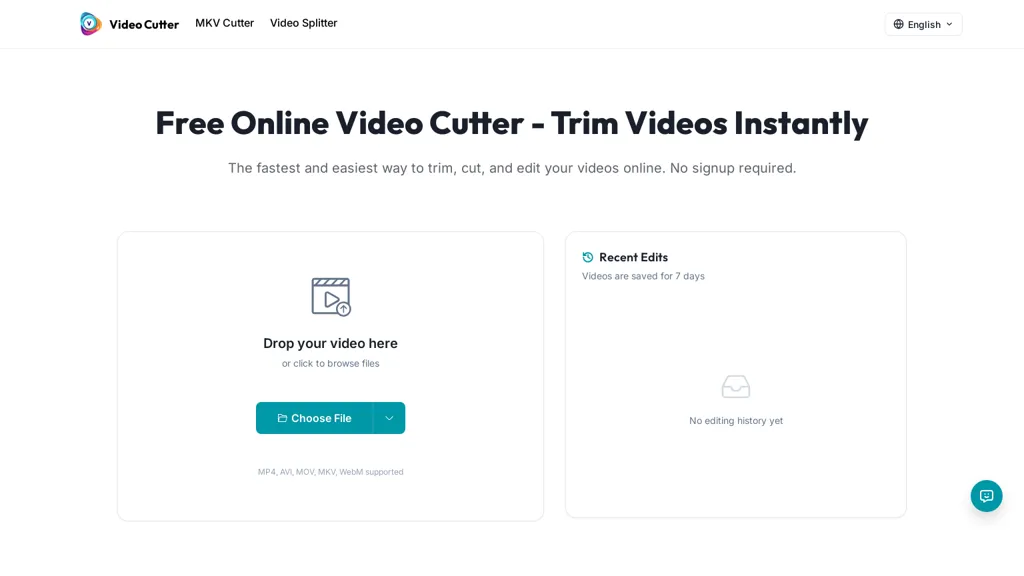
What is Video Cutter?
Video cutter is an online video trimming and cutting tool that supports MP4, AVI, MOV, MKV and WebM files.
Use a drag-and-drop interface or file browser to set start/end points on a timeline and trim videos precisely.
Supports lossless trimming and preserves audio tracks, subtitles and chapter data for MKV files; export trimmed clips in multiple formats.
Includes a video splitter for batch segmenting and timeline handles for precise cuts; processes files for quick downloads and sharing.
Optional account saves recent edits and editing history for up to seven days; help resources include tips and tutorials.
Upload limits are 500 MB or 30 minutes per file; videos are processed securely and deleted after processing.
Designed for content creators, social media managers, and presenters who need fast, format-preserving trimming and splitting tools.
Video Cutter pricing
FreeThis tool is free to use, with no credit card required.
- Refund window
- 1 days
- Auto-renewal
- Yes
Verify on the official pricing page.
Get started freeVideo Cutter's key features
-
Supports MP4, AVI, MOV, MKV and WebM file formats
-
Drag-and-drop and file-browser interface with timeline start/end handles for precise trimming
-
Lossless trimming that preserves audio tracks, subtitles and MKV chapter data
-
Video splitter for batch segmenting
-
Export trimmed clips in multiple output formats
Video Cutter use cases
-
Split long MKV/MP4 recordings into chaptered clips using the online video cutter's drag-and-drop timeline, performing lossless cuts that preserve audio, subtitles and MKV chapters for immediate publishing without re-encoding
-
Batch-segment large batches of surveillance, lecture, or event footage into smaller, format-preserving files with quick, secure processing and optional short-term edit history so you can revert changes and maintain original metadata
-
Create social-media-ready highlights from raw MOV/AVI/WebM files by precisely trimming with frame-accurate controls, preserving audio and subtitles losslessly and exporting ready-to-upload clips fast
Video Cutter user reviews
Based on 6 reviews, 67% of users recommend Video Cutter, rated highly for quality results.
Liked for
Disliked for
Would you recommend Video Cutter?
Who is Video Cutter for?
-
Content creators
-
Video editors
-
Social media managers
-
Video presenters
-
Academic students
Video Cutter FAQ
Is Video Cutter free?
Yes. Video Cutter is free to use and does not require a credit card.
What are the best alternatives to Video Cutter?
The closest alternatives to Video Cutter are FlexClip, SLICETUBE, Audio Cut, Smart Media Cutter and CapCut. You can compare them side by side in the alternatives section further down this page.
What does Video Cutter do with my data?
Its privacy policy states that personal data is not sold or shared for marketing purposes. Data may be shared with third-party service providers that help run the product.
Does Video Cutter auto-renew or offer refunds?
Video Cutter subscriptions renew automatically until you cancel. It states a 1-day refund window.
Compliance, privacy and billing terms are as stated in each product's own published documentation and have not been independently verified by TopAI.tools.


