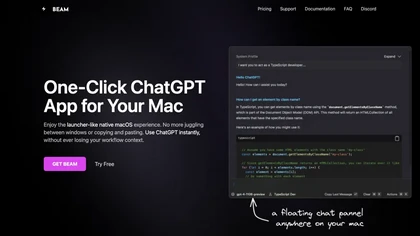
Macos AI Screenshot
The best 50 Macos AI Screenshot tools - Free & Paid
Explore 50 AI for Macos AI Screenshot
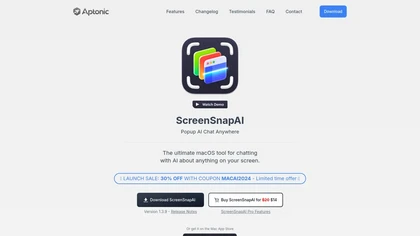
ScreenSnapAI auto‑renames and tags screenshots on macOS, letting users open an AI chat for instant content explanations. Accessible via menu or shortcut, it organizes images with AI‑generated metadata, speeding knowledge capture and retrieval on Intel and Apple Silicon machines.
Freemium
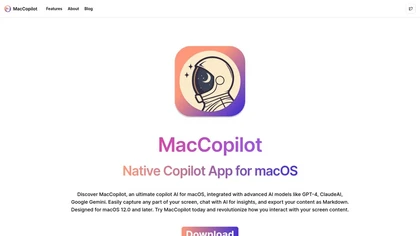
MacCopilot lets macOS users select any screen area, capture screenshots, and chat with AI models—GPT‑4o, Claude, Gemini, or local Ollama—to receive instant visual analysis, code reviews, design feedback, and contextual insights directly on‑screen. Hotkeys and history improve workflow.
Free
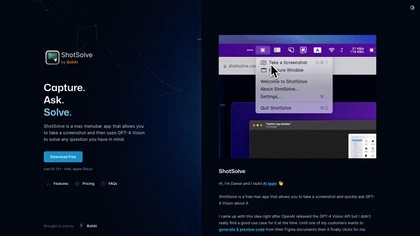
ShotSolve is a native macOS app that captures screenshots and uses GPT‑4o for instant queries. It offers a clean chat interface with themes, code styling, context controls, secure key storage, and configurable parameters for custom AI interactions.
Free
- $29/mo
The Amaz AI tool generates text descriptions into images using stable diffusion deep learning on macOS 13.1 or later with Silicon Apple chips, follows Creative ML Openrail-m licensing restrictions, and is currently available in English.
Free
AI Actions is a powerful tool that provides additional AI-related actions and shortcuts on macOS, including the ability to interact with the ChatGPT API. It requires macOS 13 or higher and is not available in China.
Free
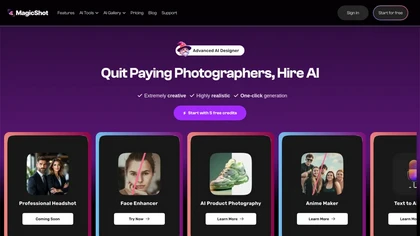
MagicShot.ai creates images, videos, and audio from text or photos. It offers AI image generation for product shots, logos, icons, and book covers, and a video generator that animates photos. Editing, avatars, stickers, QR codes, and 3D tools streamline design.
Paid
MacGaiver is a macOS AI assistant that, via a shortcut, captures a screenshot of the active window and sends it to OpenAI’s Vision API to deliver quick text or audio answers within any application.
Free
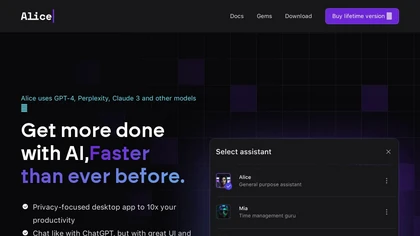
Alice is an AI assistant for macOS, Windows, and Linux that launches via hotkey, stores context locally, supports multiple LLMs through API keys, offers keyboard shortcuts, custom commands via Zapier/Make, and handles files, web, images, and visuals for reliable responses.
Paid
- $99
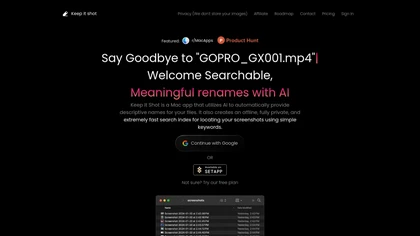
Keep It Shot is a macOS app that auto‑generates descriptive names for screenshots, builds a local index for quick keyword search, allows bulk renaming with two clicks, and can revert to original filenames if needed. OCR adds metadata.
Subscription
- $8/mo
Describe Image & Picture extracts text, alt descriptions, and HTML snippets from PNG, JPEG, or WEBP files up to 2 MB, converting visuals into editable Markdown or code, auto‑tagging photos, and generating Flux image variants for creators, developers, and marketers.
Freemium
Omnipilot is a macOS AI copilot that provides context‑aware typing assistance in any application. It auto‑completes emails, generates Bash commands, offers code suggestions, drafts documents, and creates meeting summaries, reducing typing and context switching.
Freemium
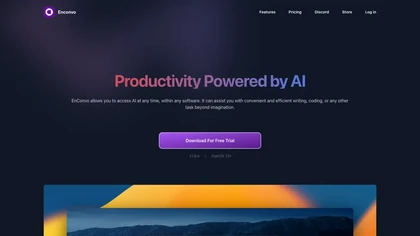
EnConvo turns macOS apps into AI agents via SmartBar, PopBar, and Companion Orb, offering voice input, live screen and camera sharing, multi‑provider web search, image generation, custom workflows, document chat, offline LLMs, open‑source plugins, and real‑time captions.
Freemium
- $10/mo
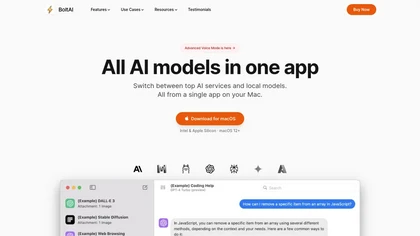
BoltAI is a native macOS app that lets users switch between 300+ AI models, including OpenAI, Anthropic, Google Gemini, and local Ollama. It supports multimodal analysis, fine‑grained controls, project management, local storage, and secure cloud sync.
Paid
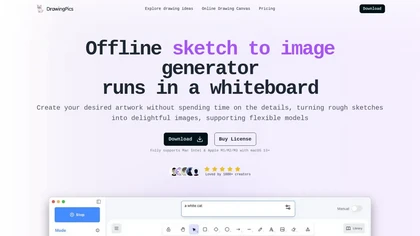
DrawingPics is an offline macOS AI art generator that turns sketches into detailed 512×512 images on a whiteboard. Using Metal GPU acceleration, it produces results in under six seconds, supports precision mode, iterative refinement, and local Stable Diffusion downloads.
Free trial
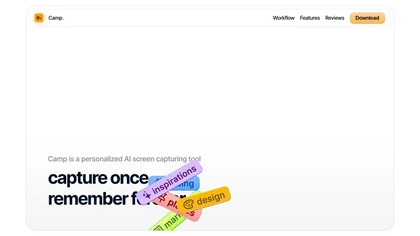
Camp is a macOS and iOS screen‑capture app that stores screenshots locally, auto‑tags and titles them, supports keyboard shortcuts, lets users annotate, search by keyword, and pin favorites for quick access.
Freemium
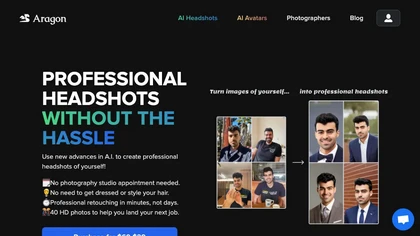
Aragon.ai is an AI-powered headshots generator that transforms selfies into professional, studio-quality headshots in minutes. It features curated outfits, customizable backgrounds, and advanced editing options for versatile personal and professional use.
Paid
- $49
Raycast is an AI tool that can help developers write code faster, access a new layer of context, and accelerate tasks without any coding required.
Freemium

AI image enhancer that upscales up to 4×, removes noise, sharpens blur, and can enhance faces or colorize. Handles .png/.jpg/.webp/.tif/.bmp/.raw and outputs the same formats. Windows, macOS and Photoshop plugin supported.
Free trial
Omnipilot is a macOS AI copilot that types in any app, offering context‑aware email drafting, Bash assistance, and streamlined updates. It supports coding, writing, and data tasks without extra software for developers, writers, and business professionals.
Freemium
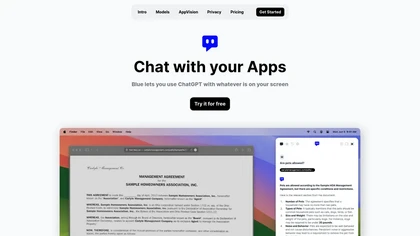
Blue is a macOS app that integrates ChatGPT capabilities for tasks like summarizing and translating, enhancing productivity. It features on-device processing, data privacy, and context-aware assistance through screen analysis, ensuring a seamless workflow for professionals.
Free trial
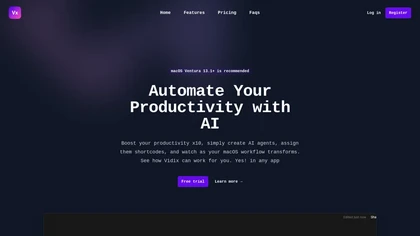
Vidix for macOS lets users select text, press a shortcut, and insert AI‑generated responses directly into documents. It supports code‑review workflows, a visual workflow canvas, image assistance, multi‑provider model control, optional local execution, and local logging for privacy.
Subscription
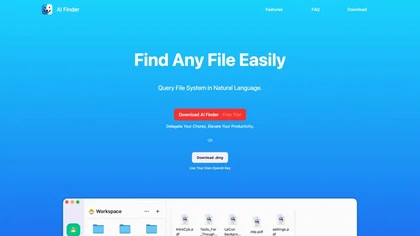
AI Finder is a macOS file‑management agent that uses GPT to locate documents by content, tags, timestamps, and duplicate status. It supports natural‑language and voice queries, PDF interaction, and local processing for privacy.
Freemium

Atua is a macOS app that lets users trigger AI tasks in app via text, screenshots, or voice. Custom commands fetch or generate responses from chosen LLMs, then write back to Notes, calendars, files, or run scripts—keeping workflow in place.
Free

AI-driven image upscaler that enlarges photos to 7680 × 7680 px, supporting JPEG, PNG, WebP and up to 500 images per batch. It offers an API for sharpening, noise reduction, and a Mac app with background removal, photographers, designers, marketers, and social media managers.
Subscription
- $19.99/mo
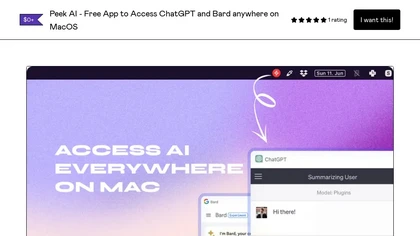
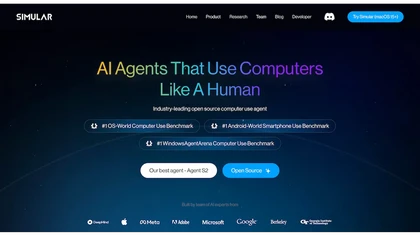
Simular.ai is an open-source AI tool for macOS that automates workflows using human-like interactions. It records and scripts actions to streamline business processes across healthcare, finance, and customer service.
Free

banana-nano.ai is an AI image generator and editor for creating and modifying visuals via text prompts or reference images. It specializes in advanced edits like character/scene manipulation and offers batch processing for scalable, high-resolution asset production.
Freemium
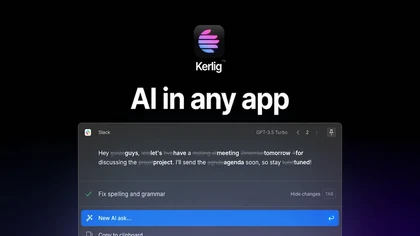
Kerlig is a macOS‑native AI assistant that edits, proofreads, summarizes, and generates content across apps via a hotkey. It supports 350+ cloud and local models, custom presets, and works with PDFs, Word, and web pages.
Paid
- $27
Photoleap is an iOS‑only photo editing app that uses AI for quick enhancements, background removal, object deletion, collage creation, filters, text‑to‑image, video from stills, 4K upscaling, style transfer, portrait retouching, and hair color simulation.
Free trial
IRIS is a macOS AI assistant that streamlines scheduling by interpreting natural‑language prompts, auto‑filling meeting details, buffer times, and venue suggestions. It overlays as a floating column, learns user preferences, offers an enhanced screenshot tool, and features a quick onboarding flow.
Freemium
Gimme AI is a platform that converts text prompts into high-resolution images and enables precise, pixel-level edits—like object replacement or background changes—using natural language. It offers curated styles (3D chibi, retro, photorealistic) with physics-aware rendering for consistent lighting a
Free trial
AI Photo Editor lets users upload up to ten images or generate new ones from text prompts, instantly editing or converting images into short videos. All processing runs client‑side, supporting face completion and consistent character edits for design and work.
Subscription
- $7.9/mo
AI Icon Generator uses machine‑learning to produce custom app icons in seconds. Users describe the icon, choose one of 11 styles, set colors, and receive a 1024×1024 HD PNG/JPG or clipboard copy with full commercial rights.
Paid
- $17
Cross‑platform personal knowledge manager consolidating notes, bookmarks, articles, images, and quotes into one private space. Auto‑classifies content, generates AI summaries, and enables search by color, keyword, brand, or date. Real‑time sync across iOS, Android, macOS, Chrome, Edge, and Safari.
Subscription
- $24.92/mo

AIImageToVideo Pro is an AI tool that transforms static images and text prompts into short videos using models like Veo and Kling, offering control over motion, duration, and resolution. It features editing for text overlays and captions, with export options for creating watermark-free content for s
Freemium
- $9.99/mo

Picsman is an AI‑powered editor that removes or replaces backgrounds, ups image resolution, and applies styles like Ghibli or cartoon. It also offers text‑prompt editing, video generation, image extending, and watermark removal for quick, high‑definition results.
Free
- $5.99/mo
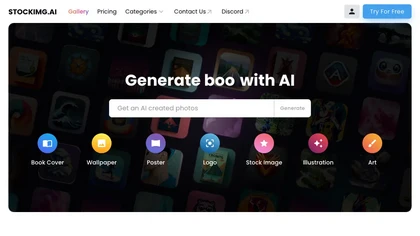
Stockimg AI produces logos, illustrations, photos, and social‑media assets from text prompts and builds short video clips with audio and subtitles. Users edit, schedule, and publish across multiple platforms, streamlining content creation for agencies, marketers, and creators.
Paid
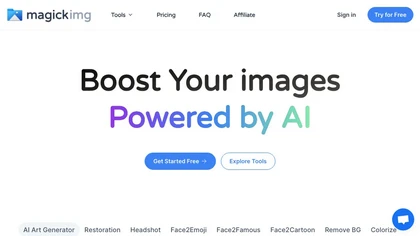
MagickImg is an AI image enhancement platform that uses deep‑learning models for upscaling, colorizing, background removal, and headshot generation. Its simple interface processes images quickly, securely deletes files after an hour, and uses a credit system for transparent usage.
Freemium
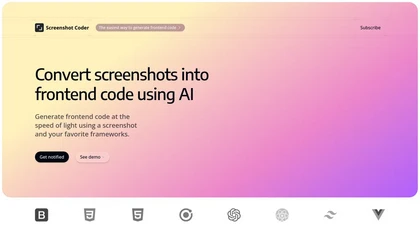
Screenshot Coder transforms visual mockups into production‑ready frontend code in seconds, supporting Tailwind CSS, Bootstrap, and React. It delivers responsive, clean UI code directly from screenshots, accelerating prototyping for designers and developers.
Free
AI Portrait Generator turns a single selfie into over 2,000 AI‑style portraits—including ID photos, comics, oil paintings, cartoons, anime, and avatars—using Midjourney V5. The web app delivers results in 30‑60 seconds and never stores your images.
Freemium
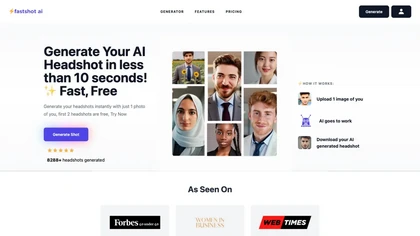
Fastshot AI is a rapid headshot generator that crafts customized digital portraits in just 30 seconds. Offering free creation of the first 2 headshots, this tool delivers high-quality results with minimal user input, boasting over 8288 headshots created.
Free trial

PhotoEditor.ai edits JPG, PNG, HEIC, and WEBP images up to 15 MB in a browser or mobile app. It offers portrait transformation, background removal, detail enhancement, and 4K upscaling, delivering instant downloads for photographers, marketers, and designers.
Paid
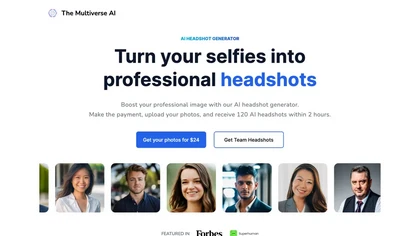
Transforms selfies into up to 100 high‑resolution professional headshots in 30 minutes. Offers text‑based editing for clothing, background, lighting, and facial details. Ideal for LinkedIn, resumes, portfolios, and corporate teams.
Paid
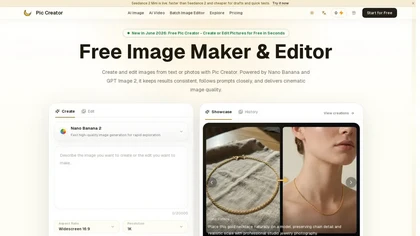
PicCreator.ai is an AI image maker and editor that combines text-to-image generation with robust photo editing tools. It enables prompt-based creation, inpainting/outpainting, batch editing, and high-resolution upscaling for marketers, designers, and photographers.
Freemium
- $5.99/mo
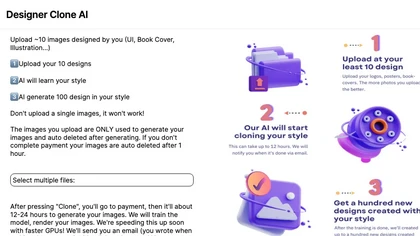
Stockimg AI generates logos, illustrations, and social‑media assets from text prompts, offering background removal, bulk scheduling, and cross‑platform publishing via an integrated calendar. A mobile app allows on‑the‑go daily editing.
Subscription
- $12/mo