
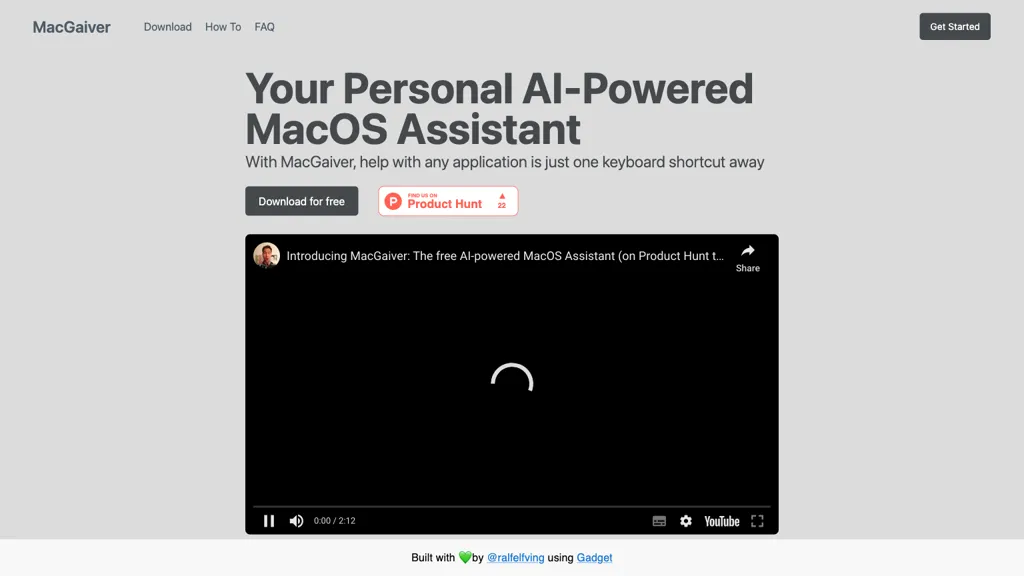
What is MacGaiver?
MacGaiver is a keyboard‑shortcut‑based AI assistant for macOS that delivers context‑aware answers directly within any application.
By capturing a screenshot of the active window and sending it to OpenAI’s Vision API, it provides rapid, text‑or‑audio responses tailored to the current content.
Users can activate the tool from any app, type or speak queries, and receive explanations or instructions without leaving the workflow.
The solution supports a wide range of Mac apps, improving efficiency for developers, designers, writers, and general users.
MacGaiver pricing
FreeThis tool is free to use, with no credit card required.
Verify on the official pricing page.
Get started freeMacGaiver's key features
-
Keyboard shortcut activation in any app
-
Voice or text query input
-
Contextual answers within current app
-
Audio answer playback
-
OpenAI Vision API integration
-
Active window screenshot capture
MacGaiver use cases
-
Get instant translation of foreign text in a screenshot while working in any app
-
Summarize code snippets or design mockups from your IDE screenshot for quick understanding
-
Receive audible explanations of UI elements in a screenshot to aid accessibility and reduce manual navigation
MacGaiver user reviews
Would you recommend MacGaiver?
Who is MacGaiver for?
-
Tech developers
-
System administrators
-
Data analysts
-
Mac owners
-
Creative designers
MacGaiver FAQ
Is MacGaiver free?
Yes. MacGaiver is free to use and does not require a credit card.
What are the best alternatives to MacGaiver?
The closest alternatives to MacGaiver are Alice App, Omnipilot, Omnipilot, MacCopilot and Macaify. You can compare them side by side in the alternatives section further down this page.
Does MacGaiver have an API?
Yes. MacGaiver offers an API, so you can call it from your own applications instead of using the interface directly.


