
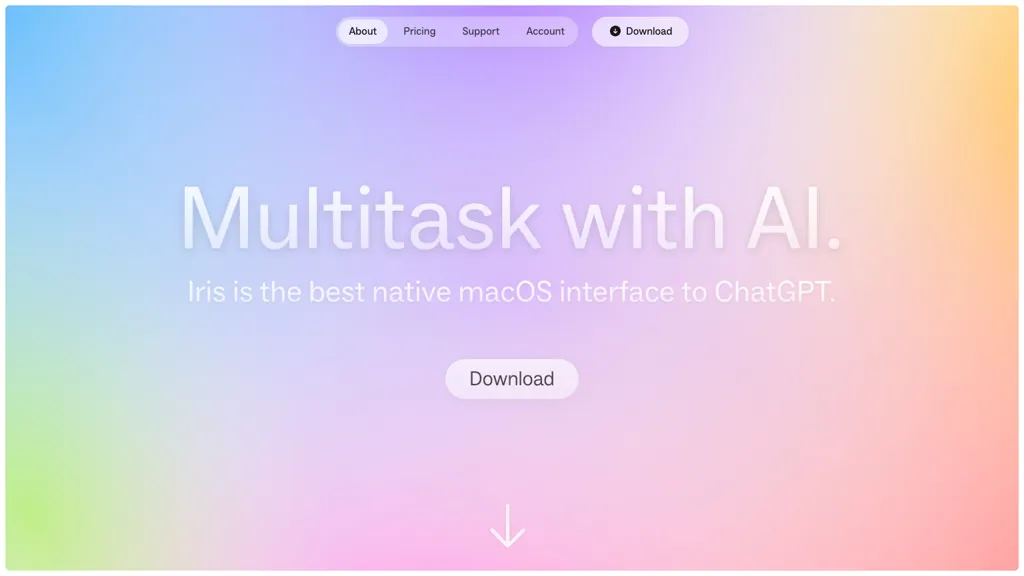
What is Iris?
IRIS is a macOS AI assistant designed to streamline scheduling and cross‑app coordination. The app offers an intelligent calendar that understands natural‑language prompts and automatically fills in meeting details, buffer times, and venue suggestions.
It operates as a floating narrow column that overlays any active application, allowing the assistant to identify context and execute actions without interrupting workflow. Iris learns user preferences over time, adjusting meeting durations, preferred locations, and buffer intervals to match typical patterns.
Additional features include an enhanced screenshot tool and a redesigned onboarding experience to reduce setup time. The tool is available in beta, encouraging early testers to contribute feedback while the platform expands to include email, task, and note integration.
Iris pricing
FreemiumIris offers a free plan with paid upgrades available.
Verify on the official pricing page.
View plansIris's key features
-
Intelligent calendar scheduling
-
Natural language event creation
-
Auto-draft events from emails
-
App-aware context recognition
-
Floating narrow column overlay
-
Direct control interface
-
Improved screenshot tool
Iris use cases
-
Schedule a client demo by simply saying 'Schedule a 45‑minute demo with the marketing team on Friday at 10 am', and let IRIS auto‑fill the Zoom link, add a 10‑minute buffer, and suggest the nearest conference room based on your calendar preferences
-
Automatically sync meeting requests from Slack messages and emails into your macOS Calendar, with IRIS adding buffer times and avoiding conflicts, all while staying in the background via its floating overlay
-
Create context‑rich meeting invites on the fly: while reading an email about a new product launch, click IRIS’s floating column to generate a meeting, auto‑capture a screenshot of the email, and attach it to the invite, saving you time and ensuring all details are preserved
Iris user reviews
Would you recommend Iris?
Who is Iris for?
-
Content creators
-
Product designers
-
E-commerce sellers
-
Writers
-
Customer support agents
Iris FAQ
Is Iris free?
Partly. Iris has a free plan with usage limits, and paid plans unlock the full feature set.
What are the best alternatives to Iris?
The closest alternatives to Iris are Motion AI, Clockwise, Reclaim AI, FloatBoat AI and tl;dv. You can compare them side by side in the alternatives section further down this page.


