
What is Camp for macOS?
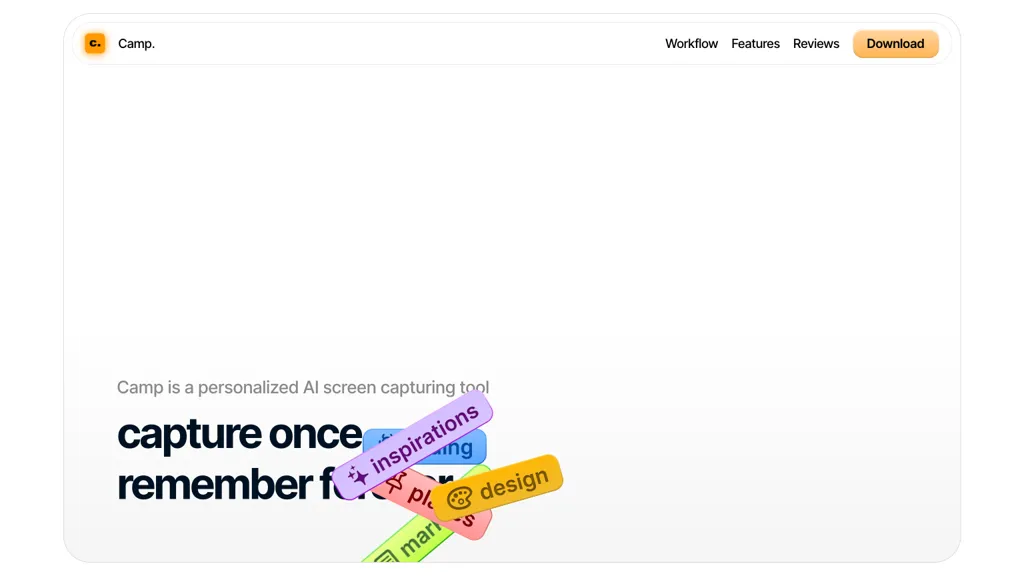
Camp is a dedicated screen‑capture application that stores screenshots locally, ensuring data privacy.
It automatically titles and tags every image, making later retrieval fast and accurate.
Keyboard‑optimized controls and hot‑key support (⌘ ⌥ V) streamline workflow and reduce mouse use.
The tool allows users to annotate screenshots and search by context or keyword without leaving the app.
Favorites can be pinned for instant access, while an instant search feature quickly surfaces stored images.
Designed for macOS and iOS, Camp supports capturing any visible content, storing it on-device, and organizing it via built‑in tagging and search capabilities.
Camp for macOS pricing Freemium
Camp for macOS offers a free plan with paid upgrades available.
Verify on the official pricing page.
View plansCamp for macOS user reviews
Would you recommend Camp for macOS?
Camp for macOS's key features
-
AI-powered screen capturing
-
Automatic titles and tags
-
Keyboard-optimized intuitive controls
-
Local data privacy protection
-
Instant fast search
-
Hot key shortcut support
-
Pin favorite screenshots
Camp for macOS use cases
-
Capture a bug screenshot via keyboard hotkey, auto‑tag it, and search later by keyword for QA reports
-
Annotate design mockups on iPad, pin favorites for quick access when presenting to stakeholders
-
Organize a series of onboarding screenshots, automatically title them, and retrieve them via search for creating training materials
Who is it for?
-
Software developers
-
Product designers
-
Project managers
-
Content creators
-
Business managers


