
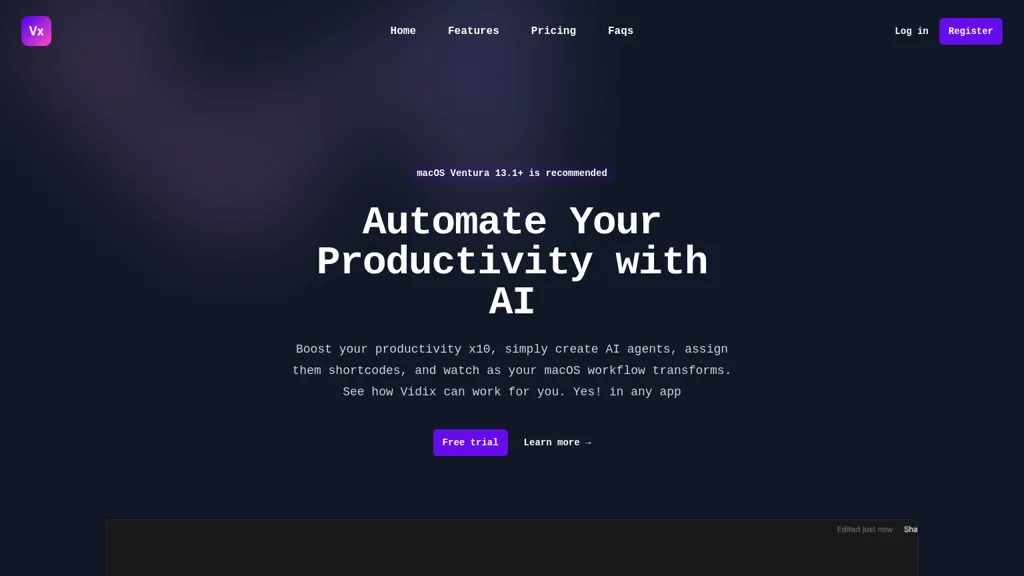
What is Vidix?
Vidix is a macOS application that enables users to select text in any native app, press a customizable shortcut, and have an AI model generate contextually relevant responses that are inserted directly into the original document. The tool supports code review workflows—including security analysis, performance checks, test coverage, and documentation review—using a visual workflow canvas.
It offers an image assistant that can describe, extract text, or generate variations from uploaded pictures via multimodal models. Users can manage AI providers (OpenAI, Anthropic, Google Gemini, Ollama) and control data handling, with local logs and optional local model execution for sensitive work.
Vidix details
- Jurisdiction
- Kingdom of Spain
Vidix tech specs
- Works with
- OpenAI / GPT Anthropic / Claude Google / Gemini
- Integrations
- Slack
Vidix pricing
Subscription- Free trial
- 3 days
- Refund window
- 30 days
- Auto-renewal
- Yes
Verify on the official pricing page.
View plansVidix's key features
-
Select text anywhere, press shortcut
-
AI replaces or types text
-
Palette searches recipes, prompts, agents
-
Drag image, extract text, generate
-
Centralized control of multiple providers
-
Local processing, no external storage
-
Real-time status toast progress
Vidix use cases
-
Streamline code reviews on macOS by selecting buggy code, pressing a shortcut, and inserting AI‑generated refactoring suggestions directly into your IDE or document, all while switching between local or cloud models for speed and privacy.
-
Build interactive workflow diagrams in macOS documents with Vidix’s visual canvas, using prompt palette shortcuts to auto‑generate process steps, connectors, and annotations without leaving the file.
-
Enhance technical writing with image assistance: insert an image, press a Vidix shortcut, and have the AI auto‑generate captions, alt text, or explain the diagram right inside your Markdown or Word document.
Vidix user reviews
Would you recommend Vidix?
Who is Vidix for?
-
Software developers
-
Product managers
-
Digital administrators
-
Task managers
-
Workflow automators
Vidix FAQ
How much does Vidix cost?
Vidix is a paid product with no free plan. Plans include Professional plan at $9.99 per seat/mo.
What are the best alternatives to Vidix?
The closest alternatives to Vidix are Amazing AI, MindMac, Text Assistant, Omnipilot and MacCopilot. You can compare them side by side in the alternatives section further down this page.
Does Vidix auto-renew or offer refunds?
Vidix subscriptions renew automatically until you cancel. It states a 30-day refund window.
Which AI models does Vidix use?
Vidix is built on OpenAI / GPT, Anthropic / Claude and Google / Gemini. Which models you can reach may depend on your plan.
What does Vidix integrate with?
Vidix connects with Slack.
Compliance, privacy and billing terms are as stated in each product's own published documentation and have not been independently verified by TopAI.tools.


