
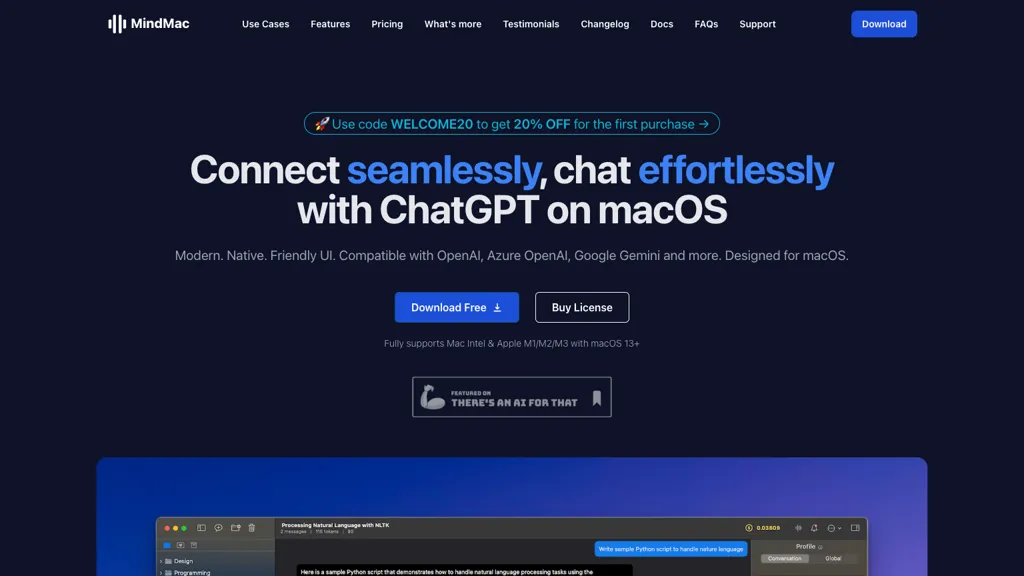
What is MindMac?
MindMac is a native macOS client that integrates ChatGPT and other large language models—including Azure OpenAI, Google Gemini, Claude, and local LLMs—directly on the desktop. It features an inline mode that lets users submit prompts from any text field in macOS applications, avoiding window switching.
The app provides a prompt library with over 150 pre‑built templates, an AI occupation library, customizable context modes, and keyboard shortcuts for rapid interaction. Security is local, API keys are stored in the macOS Keychain, and all data is routed directly to the selected provider without intermediate servers.
MindMac details
- Built for
- Individuals
- Data residency
- Your information, including Personal Data, may be transferred to — and maintained on — computers located outside of your state, province, country or other governmental jurisdiction where the data protection laws may differ than those from your jurisdiction.
MindMac tech specs
- Works with
- OpenAI / GPT Anthropic / Claude Google / Gemini Meta Mistral Cohere Stability AI xAI / Grok Perplexity
- AI infrastructure
- Groq
- Cloud
- Google Cloud Azure
- Payment Processors
- Paddle
MindMac pricing
Paid- Refund window
- 14 days
Verify on the official pricing page.
View plansMindMac's key features
-
Native macOS application
-
Inline mode for all apps
-
Supports multiple LLM providers
-
Customizable OpenAI parameters
-
Secure API key storage
-
Prompt library 150+ templates
-
Custom API endpoint support
MindMac use cases
-
Generate Swift code snippets and troubleshoot Xcode build errors on the fly using MindMac’s inline prompts and 150‑template library, accelerating app development
-
Translate and annotate research papers into 15 supported languages with secure keychain storage, enabling multilingual academic collaboration directly from macOS
-
Voice‑command data queries and generate AI‑driven visual reports from local datasets using Azure OpenAI integration, streamlining analytics workflows on the desktop
MindMac user reviews
Would you recommend MindMac?
Who is MindMac for?
-
Content creators
-
Product designers
-
Strategic managers
-
E-commerce sellers
-
Digital marketers
MindMac FAQ
How much does MindMac cost?
MindMac is a paid product with no free plan. Plans include Basic at $29, Personal at $49 and Standard at $69.
What are the best alternatives to MindMac?
The closest alternatives to MindMac are Claude AI, Google Gemini, ChatKit, AI Actions and ChatAIr. You can compare them side by side in the alternatives section further down this page.
What does MindMac do with my data?
Its privacy policy states that personal data is not sold or shared for marketing purposes. Data may be shared with third-party service providers that help run the product. Customer data is held in Your information, including Personal Data, may be transferred to — and maintained on — computers located outside of your state, province, country or other governmental jurisdiction where the data protection laws may differ than those from your jurisdiction..
Does MindMac auto-renew or offer refunds?
MindMac states a 14-day refund window.
Does MindMac have an API?
Yes. MindMac offers an API, so you can call it from your own applications instead of using the interface directly.
Which AI models does MindMac use?
MindMac is built on OpenAI / GPT, Anthropic / Claude, Google / Gemini, Meta, Mistral, Cohere, Stability AI, xAI / Grok and Perplexity. Which models you can reach may depend on your plan.
Compliance, privacy and billing terms are as stated in each product's own published documentation and have not been independently verified by TopAI.tools.


