Tone Adjustable Captions
The best 50 Tone Adjustable Captions AI tools - Free & Paid
Explore 50 AI for Tone Adjustable Captions
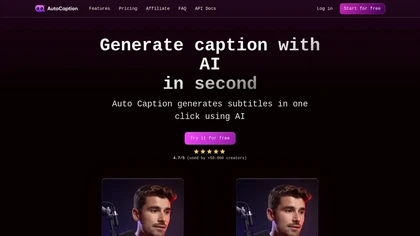
Auto Caption AI instantly generates subtitles in 99+ languages, preserving full HD 1080p/60 fps video quality. Editors can adjust fonts, colors, placement, and use ready‑made or custom templates, with one‑click emoji insertion to enhance captions.
Subscription
- $14/mo
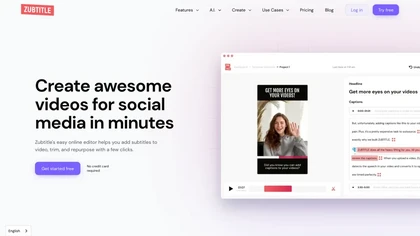
Zubtitle automatically captions videos, offers brand‑style templates and editing tools, and outputs ready‑to‑post formats for TikTok, YouTube, and LinkedIn. It adds subtitles, chapter timestamps, watermarks, and AI‑generated post copy.
Freemium
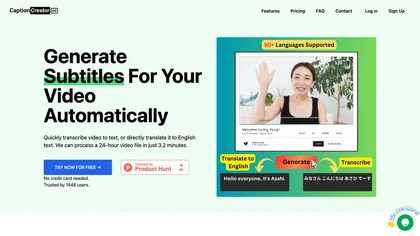
CaptionCreator automatically transcribes and captions audio/video in over 50 languages, detecting input language and translating to English. It handles noisy and multilingual speech, supporting files up to 2 GB and offering unlimited processing for registered users.
Paid
- $30
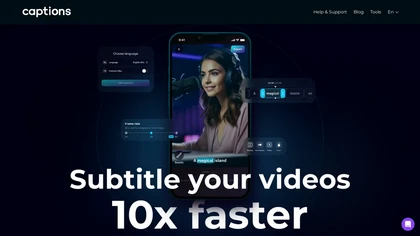
Captions App is an AI tool that simplifies adding subtitles and captions to videos with auto-generation, translation, and customization options. It also offers AI dubbing in over 100 languages, enabling creators to enhance accessibility and engage a broader audience effortlessly.
Freemium
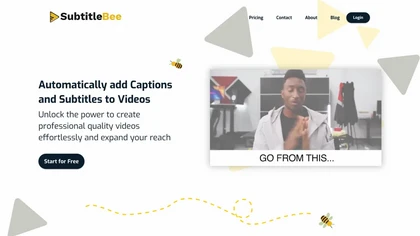
SubtitleBee automatically generates and syncs subtitles for video and audio files, supports on‑screen editing, customization, and multilingual translation, offers multiple export formats, and provides social‑media cropping for creators and podcasters, enabling accessible content across platforms.
Freemium
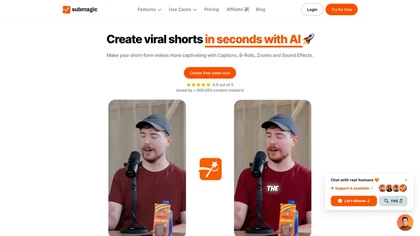
Submagic automates short‑form video editing, offering multilingual captions, text‑based trimming, AI‑powered features like auto‑zoom and eye‑contact correction, and direct multi‑platform publishing up to 4K@60fps, cutting editing time by up to 90%.
Free
- $1.33/mo

YTvidhub is a YouTube subtitle downloader that extracts transcripts and captions from videos, playlists, and channels. It supports bulk downloads, multiple export formats (SRT, VTT, TXT), and includes an AI-powered summary generator for content analysis and repurposing.
Freemium
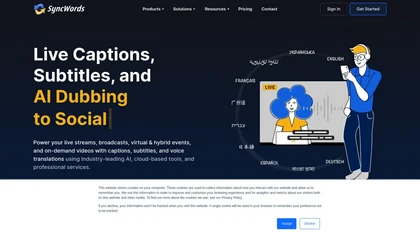
SyncWords delivers real‑time AI captioning, subtitling, and voice dubbing for live broadcasts and events, reproducing speaker voices via Vocalics cloning and translating into 30+ languages with minimal latency. It outputs broadcast‑grade captions in multiple formats and supports FCC compliance.
Freemium
- $0.5

Captionic is a free AI caption generator that creates subtitles for short videos, enhancing accessibility and engagement. It supports multiple languages and allows seamless integration, optimizing content for a wider audience and improved SEO.
Free
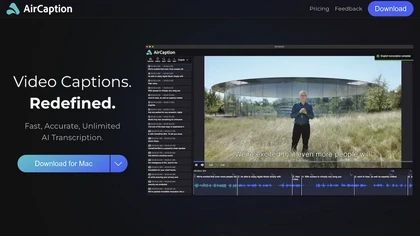
AirCaption offers offline, privacy‑first speech‑to‑text transcription and captioning for audio/video across 67 languages. It supports batch processing, hotkeys, editable timings, and export to standard formats, aiding editors, podcasters, researchers, and educators.
Subscription
- $9.99/mo
EasySub AI automatically transcribes and translates videos into over 150 languages. It supports MP4, MOV, AVI, MKV, MP3, WAV, and YouTube uploads, offers downloadable SRT/TXT/ASS files, an editor for fine‑tuning, and export presets for major social media platforms.
Freemium
Automatically generate captions or subtitles from any video with a single upload. The tool transcribes dialogue or translates it into multiple languages, embedding subtitles back into the file. All processing occurs locally in the browser, ensuring privacy and quick creation for creators.
Free
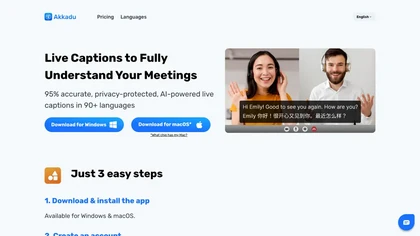
Akkadu delivers real‑time, multilingual AI translations and captions for live meetings, events, and streams on Zoom, Teams, Webex, YouTube Live, and Facebook Live. It lets users choose engines, add glossaries, customize fonts, apply safety filters, capture audio via OBS, and store transcripts online
Paid
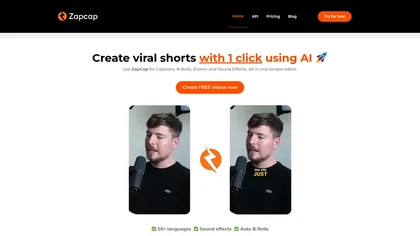
Zapcap is an AI-driven video creation tool that automates caption generation, adds trendy templates and sound effects, and selects b-rolls. It simplifies the video editing process to enhance viewer engagement and maximize social media discoverability.
Free trial
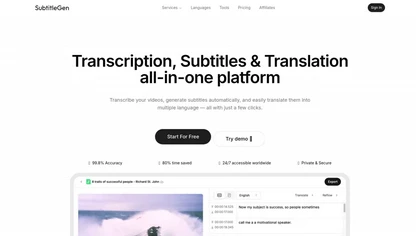
Subtitlegen is an AI-powered tool that automatically transcribes videos and generates subtitles with high accuracy in multiple languages. It features online editing, easy export options, and strong privacy measures, enhancing accessibility for content creators.
Freemium
- $10/mo
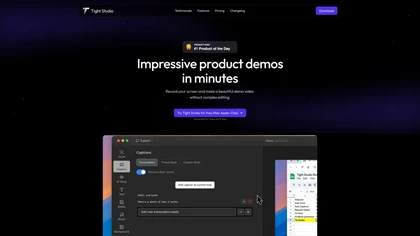
Tight Studio is a screen recording tool that enables users to create professional videos quickly. Features include smart zoom, captioning, background music, AI narration, and dynamic text overlays, making it ideal for tutorials, demos, and presentations.
Freemium
2short.ai automatically extracts the most engaging segments from long videos to create 1080p YouTube Shorts, using facial‑tracking, one‑click animated subtitles, and flexible aspect ratios. It supports multiple languages, direct Drive/URL imports, and brand presets for consistent visuals.
Freemium
- $9.9/mo
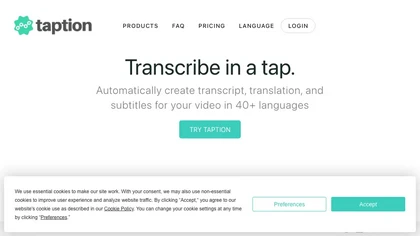
Taption transcribes audio or video into text and subtitles in over 40 languages, auto‑labels speakers, offers translations, editable timelines, video trimming, memos, AI summaries, chapter markers, Q&A search, and exports to MP4, SRT, PDF, etc., with collaborative permissions.
Freemium
- $12/mo
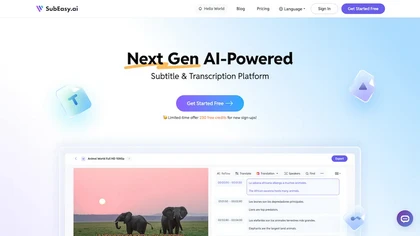
SubEasy AI delivers near‑perfect transcription and multilingual subtitles for video and audio, supporting 100 languages with 99 % accuracy. It offers dubbing, animated captions, speaker ID, OCR extraction, audio splitting, and export to VTT/SRT for social media publishing.
Freemium
- $9.9/mo
InShot is a mobile video editor that lets users cut, trim, and layer clips, auto‑generate multilingual captions, add music, intros/outros, and apply AI‑driven, 3D, glitch, and lens transitions, text, stickers, and picture‑in‑picture overlays.
Free
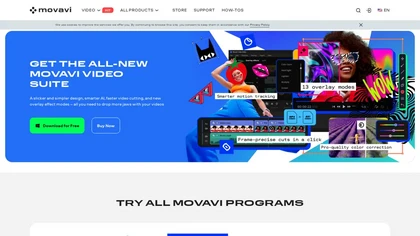
Movavi Video Editor is a desktop app for Mac and Windows that lets users trim, crop, color‑grade footage and add titles, overlays, and filters. AI features automate subtitles, noise suppression, and motion tracking. It includes a screen recorder for tutorials.
Paid
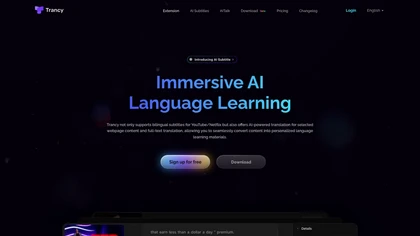
Trancy delivers bilingual subtitles for YouTube, Netflix, and educational platforms, featuring a reading mode, AI‑powered word lookup, grammar analysis, and part‑of‑speech tagging. It offers customizable translation engines, TTS voices, adjustable display options, and offline learning decks.
Freemium
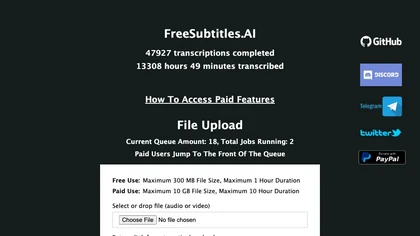
FreeSubtitles.AI converts MP4, MKV, MOV, MP3, WAV, and FLAC files up to 1 hour and 300 MB into accurate transcripts in over 100 languages, then translates subtitles into 91 languages, supporting educators, podcasters, and researchers.
Free
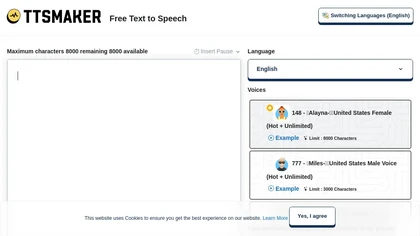
Online TTS platform converts text into audio in 100+ languages with 148+ AI voices. Users can tweak speed, pitch, pause, add background music, and download MP3, OGG, AAC, OPUS, or WAV for dubbing, audiobooks, and language learning.
Free
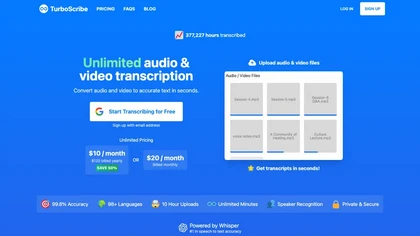
TurboScribe is an AI-powered transcription tool offering ultra-fast conversion of audio and video files to text. It supports over 98 languages, handles uploads up to 10 hours long, and features speaker recognition for meetings, interviews, and podcasts.
Freemium
- $10/mo
CapCut is an AI-powered video editor & design tool with social media templates, background removal, upscaling, color correction, portrait generation, text-to-speech, voice changers, and team collaboration support - accessible online and for Mac download.
Free trial
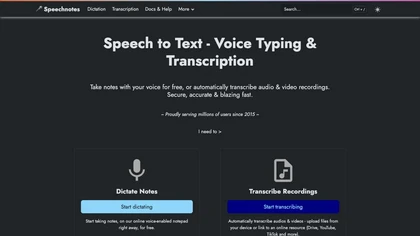
Speechnotes is a web‑based speech‑to‑text tool for real‑time dictation and batch transcription in multiple languages. It offers speaker tagging, timestamps, subtitle export, and imports from Google Drive, YouTube, or local files. Export to text, markdown, PDF while preserving privacy.
Freemium
- $1.9/mo
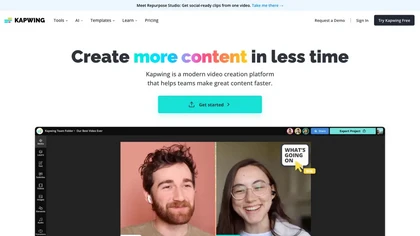
Kapwing is an online video platform offering drag‑and‑drop editing for trimming, layering, overlays, and team collaboration. Its audio tools record, edit, and clean tracks; subtitler auto‑generates captions in 40+ languages.
Freemium
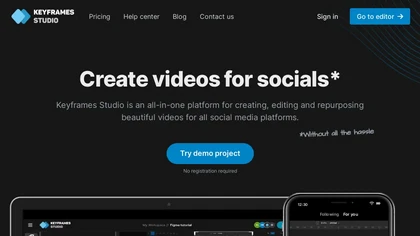
Keyframes Studio is an online video editor that auto‑generates keyframes and subtitles in up to 12 languages. Its drag‑and‑drop interface, live preview, and stock library enable trimming, cropping, while collaboration tools, brand kits, and direct export support social‑media video creation.
Subscription
- $5/mo
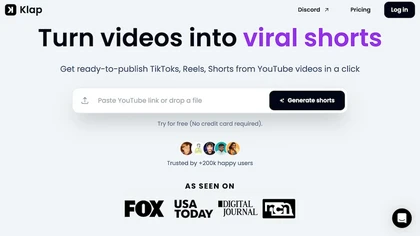
Klap automatically extracts key moments from long videos, reframes them for vertical formats, adds multilingual subtitles, and lets you customize branding. Upload files or YouTube links, then share or schedule ready‑to‑publish clips across TikTok, Instagram, LinkedIn, and YouTube.
Paid
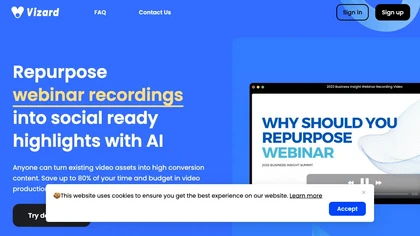
Vizard.ai automatically transcribes footage, spots highlights, and creates TikTok, Reels, and Shorts‑ready clips with one click. It provides text trimming, timeline precision, vertical resizing, multilingual captions, brand templates, collaborative workspaces, and API integration.
Freemium
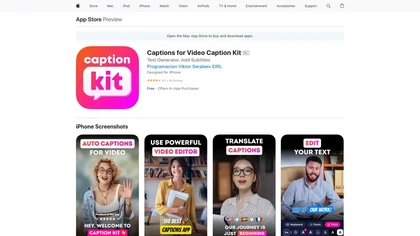
CaptionKit is an AI application that streamlines video subtitle creation in over 100 languages. It features customizable templates, a translation option, and a preview mode for optimized visibility across social media, enhancing video accessibility for all users.
Free
ChatCut is a browser and ChatGPT-plugin video editor that uses transcript-based editing to remove fillers, trim and reorder talking-head footage, assemble coherent cuts, generate motion graphics, B-roll, captions (100+ languages) and AI music, and export timelines.
Subscription
- $25

TurboTranscript is a transcription and translation tool that converts audio and video into text across 130+ languages, featuring automatic language detection, speaker segmentation, real-time toxicity detection, and export options for subtitles and transcripts.
Subscription
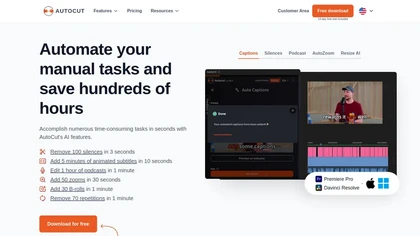
AutoCut AI is a Premiere Pro and DaVinci Resolve extension that automates routine editing—removing silences, auto‑captions, speaker‑driven angle cuts, context zooms, key moment extraction, stock integration, duplicate discard, profanity filtering, chapter markers, and social‑media resizing.
Paid
Crayo is a browser‑based AI video editor that lets creators upload or link clips, choose from 15+ subtitle styles, generate voiceovers, enhance speech, remove backgrounds, and produce short‑form videos in seconds, with tools for clipping, split‑screen, compression, and audio balance.
Subscription
- $19
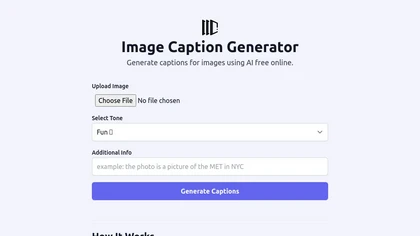
The Image Caption Generator is a free online AI tool that generates captions and descriptions for images based on selected tones. You can use it to caption instagram, twitter or any social media post.
Free
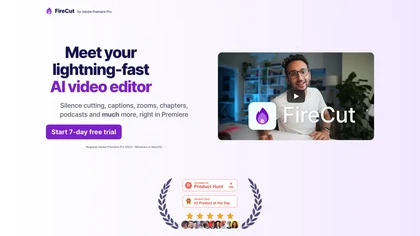
FireCut is an AI‑powered plugin for Premiere Pro and DaVinci Resolve that cuts silence, filler words, profanity, and repetitions. It auto‑generates multilingual captions, adds chapter markers, auto‑zoom, B‑roll, music, voiceover transcription, and short‑video exports for social media.
Subscription
- $10/mo
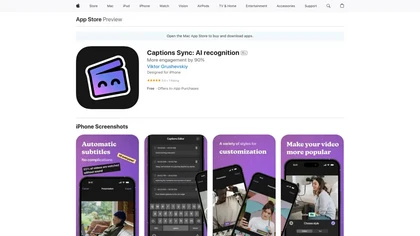
Captions Sync is an AI application that automatically generates customizable captions for videos in multiple languages, enhancing storytelling and engagement across social media platforms. It streamlines the captioning process for personal and business content sharing.
Free

Maestra transcribes and translates audio/video into searchable text, subtitles, and dubbed audio across 125+ languages, offering live transcription, subtitle editing, voice cloning/TTS, collaboration tools, content workflows, and APIs for integrations and automated publishing.
Freemium

Tella is a cross-platform screen recorder and video editor that captures screen and webcam in 4K, offers clip-based recording with multi-camera layouts, transcript-driven and AI-assisted editing (filler removal, silence trim), templates, hosting and export options.
Free trial
- $13/mo

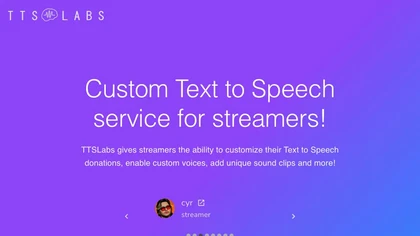
Supertone offers real‑time text‑to‑speech, voice‑changing, and audio‑processing tools, including over 100 preset voices, noise‑reduction plugins, and an ADR‑matching feature. Its API/SDK support lets developers embed expressive speech in media workflows.
Free
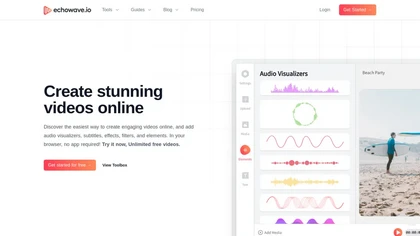
EchoWave converts audio into video using templates or custom layouts, adds subtitles and waveforms, offers editing tools, compresses files, and exports to social media formats—ideal for podcasters, musicians, and creators seeking quick, cloud‑based video production without software.
Freemium
- $19/mo
Imagetocaption.ai generates on‑brand captions, hashtags, and emojis for images and videos in 27 languages. Upload photos, carousels, or 2 GB/3‑min videos; instant copy‑to‑clipboard and brand‑voice matching. Useful for creators, agencies, merchants, and e‑commerce.
Subscription
- $100/mo
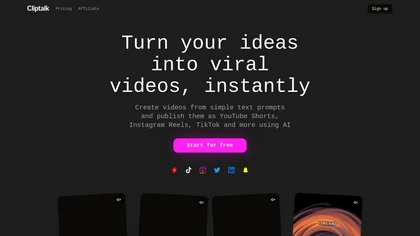
Cliptalk turns text, images, or website content into ready‑to‑publish short‑form videos, automating editing, captions, B‑roll, and voice creation. It supports multiple languages, voice styles, and natural‑language editing for quick publishing.
Paid
- $19