
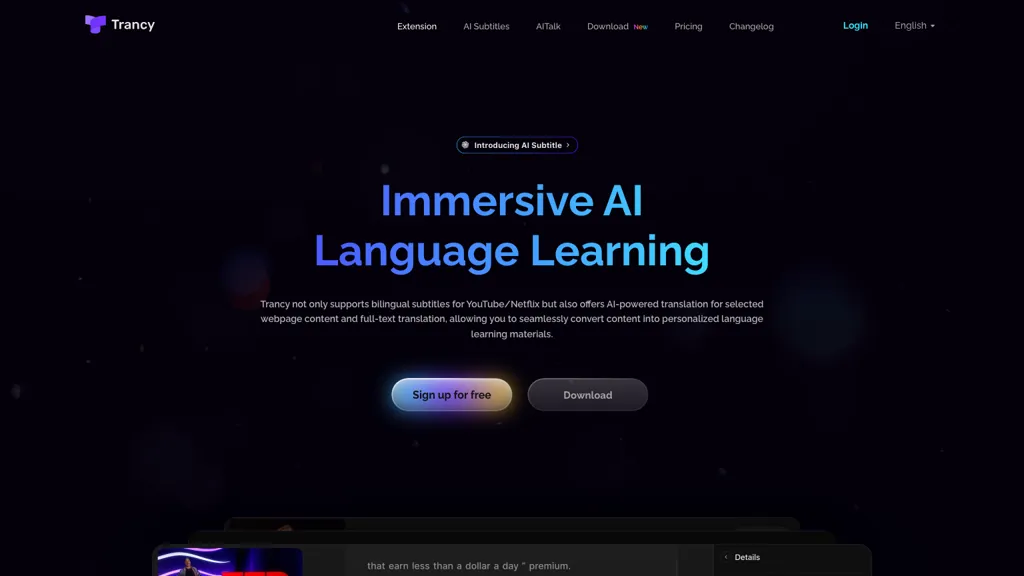
What is Trancy?
Trancy
Trancy provides bilingual subtitles for YouTube, Netflix, HBO Max, TED, edX, and Coursera, enabling simultaneous display of original and translated captions to support listening and speaking practice.
The extension includes a reading mode that displays subtitles as text, allowing users to focus on sentence structure and quickly identify key vocabulary.
AI‑powered word lookup, grammar analysis, and part‑of‑speech tagging help learners understand unfamiliar words and complex sentence patterns.
Users can translate selected webpage text, individual sentences, or full articles, with options to choose from Google, DeepL, Microsoft, or OpenAI translation engines.
The tool highlights unknown words during browsing and lets users bookmark words or example sentences for later review.
Integrated text‑to‑speech voices support pronunciation practice, while adjustable font size and playback speed improve readability and study efficiency.
Trancy details
- Built for
- Individuals
Trancy tech specs
- Works with
- OpenAI / GPT Anthropic / Claude Google / Gemini DeepSeek
- Cloud
- Azure
Trancy pricing
Freemium- Refund window
- 30 days
- Auto-renewal
- No
Verify on the official pricing page.
View plansTrancy's key features
-
AI bilingual subtitles for video platforms
-
AI word lookup with OpenAI
-
AI grammar and sentence analysis
-
Webpage text selection translation
-
Custom translation engine selection
-
Speed playback adjustment
-
Text-to-speech with natural voices
Trancy use cases
-
Enhance foreign language learning by automatically generating bilingual subtitles for YouTube videos, allowing students to follow along in both the target and native language while using the built‑in AI word lookup to instantly understand new terms
-
Enable global streaming platforms to provide instant, customizable subtitles for Netflix titles, featuring TTS pronunciation practice and part‑of‑speech tagging that helps viewers improve listening and grammar skills
-
Create interactive offline learning decks from educational course videos, with highlighted vocabulary, adjustable display options, and translation engine selection for classroom use without an internet connection
Trancy user reviews
Based on 14 reviews, 57% of users recommend Trancy, rated highly for ease of use.
Liked for
Disliked for
Would you recommend Trancy?
Who is Trancy for?
-
Language learners
-
Multimedia consumers
-
Translation enthusiasts
-
Pronunciation trainers
-
Bilingual students
Trancy FAQ
Is Trancy free?
Partly. Trancy has a free plan with usage limits, and paid plans unlock the full feature set. Plans include Basic features at $2.27/mo $27.30/year $42.00/year, Premium at $5.72/mo $68.64/year $105.60/year and Premium features + advanced ai engines at $5.72/mo $68.64/year $105.60/year.
Is Trancy safe to use?
Trancy carries the TopAI.tools verified mark, which we award after a manual review of pricing transparency, published terms, public following and working functionality. It has a substantial audience that is independently measured month to month.
Is Trancy good?
Trancy has a 57% recommendation rate from 14 reviewers on TopAI.tools. Reviewers rate it highest on ease of use and feature coverage.
What are the best alternatives to Trancy?
The closest alternatives to Trancy are Language REACTOR, SubEasy, EasySub, VideoLingo and Translate.Video. You can compare them side by side in the alternatives section further down this page.
What does Trancy do with my data?
Trancy states that customer content is not used to train its models. Its privacy policy states that personal data is not sold or shared for marketing purposes. Data may be shared with third-party service providers that help run the product.
Does Trancy auto-renew or offer refunds?
Trancy subscriptions do not renew automatically. It states a 30-day refund window.
Which AI models does Trancy use?
Trancy is built on OpenAI / GPT, Anthropic / Claude, Google / Gemini and DeepSeek. Which models you can reach may depend on your plan.
Compliance, privacy and billing terms are as stated in each product's own published documentation and have not been independently verified by TopAI.tools.


