
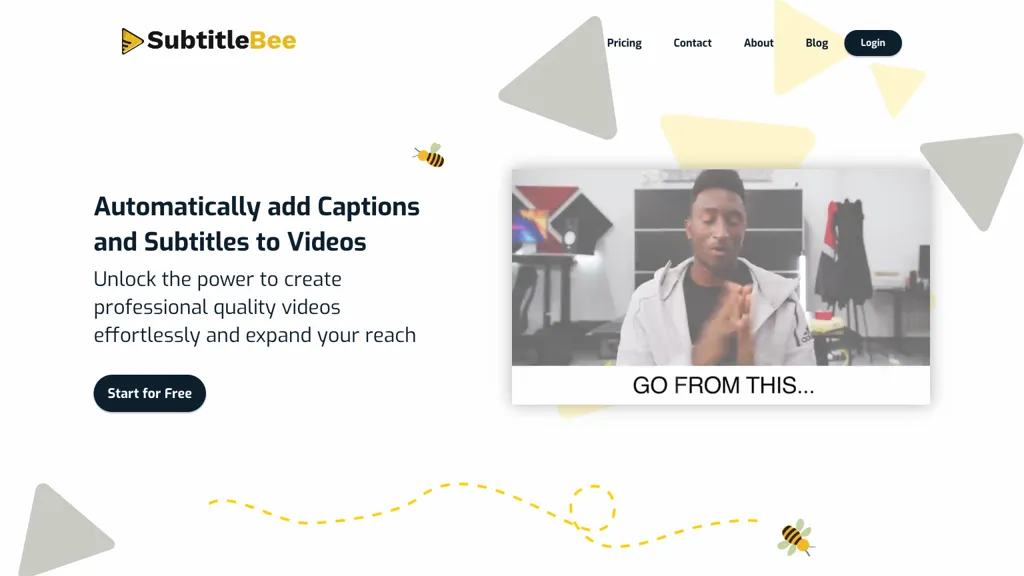
What is SubtitleBee?
SubtitleBee automatically generates and syncs subtitles for videos and audio files using AI, supporting common formats such as MP4, MOV, AVI, and WebM. The platform offers on‑screen text editing, font, color, style, and opacity customization, allowing users to add logos, supertitles, and progress bars without re‑editing the original footage.
Subtitles and captions can be exported as embedded video or downloaded in .srt, .ass, .vtt, or .txt formats, while the tool also supports cropping for Instagram, TikTok, and other social‑media platforms. The translation feature handles over 120 languages, enabling multilingual captions that improve accessibility and global reach.
SubtitleBee details
- Jurisdiction
- United Arab Emirates, European Union
- Built for
- Businesses and teams
- Stated compliance
- GDPR
Compliance as stated in SubtitleBee's own published documentation.
SubtitleBee pricing
FreemiumVerify on the official pricing page.
View plansSubtitleBee's key features
-
AI auto-generated subtitles
-
Translate subtitles into 120+ languages
-
Customizable font, color, style
-
Burn-in subtitle embedding
-
Platform-specific video cropping
-
Export multiple subtitle formats
-
Add custom logo overlay
SubtitleBee use cases
-
Create accessible video tutorials with auto‑generated subtitles synced to the audio, enabling instant engagement for viewers worldwide
-
Produce multilingual podcast captions in one click, exporting SRT files for platforms like Apple Podcasts and YouTube, and customizing text appearance for brand consistency
-
Edit subtitles directly on screen for fine‑tuning timing and layout, then crop video snippets with captions for Instagram Reels and TikTok to boost reach
SubtitleBee user reviews
Would you recommend SubtitleBee?
Who is SubtitleBee for?
-
Video content creators
-
Social media managers
-
Online educators
-
Digital publishers
-
Marketing teams
SubtitleBee FAQ
Is SubtitleBee free?
Partly. SubtitleBee has a free plan with usage limits, and paid plans unlock the full feature set. Plans include Premium at $49/mo billed mo$43/mo billed yearly at $519, Starter at $19/mo billed mo$16.6/mo billed yearly at $199 and Business at $129/mo billed mo$113/mo billed yearly at $1359.
Is SubtitleBee safe to use?
SubtitleBee states GDPR compliance in its own published documentation. It has a substantial audience that is independently measured month to month.
What are the best alternatives to SubtitleBee?
The closest alternatives to SubtitleBee are EasySub, AutoCaption, SubtitleGen, Addsubtitle and SubEasy. You can compare them side by side in the alternatives section further down this page.
What does SubtitleBee do with my data?
Its privacy policy states that personal data is not sold or shared for marketing purposes. Data may be shared with third-party service providers that help run the product.
Compliance, privacy and billing terms are as stated in each product's own published documentation and have not been independently verified by TopAI.tools.


