
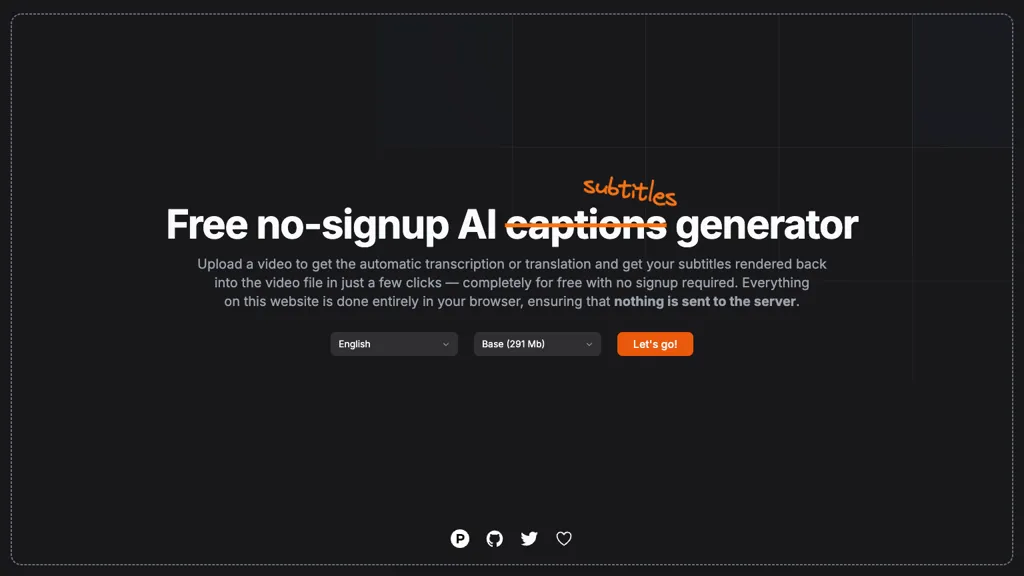
What is fframes - Subtitles?
subtitles by fframes Generate captions or subtitles automatically from any video with a single upload. The tool transcribes spoken dialogue or translates it into multiple languages, then embeds the subtitles directly back into the video file. All processing occurs entirely in the user's browser, so no video data leaves the device.
fframes - Subtitles on the web:
fframes - Subtitles on X (Twitter)
fframes - Subtitles pricing
FreeThis tool is free to use, with no credit card required.
Verify on the official pricing page.
Get started freefframes - Subtitles's key features
-
Free subtitles generator
-
No signup required
-
Automatic AI transcription
-
Processed entirely in browser
-
No server upload
-
Upload video for subtitles
fframes - Subtitles use cases
-
Generate multi-language captions for international marketing videos in seconds, ensuring local compliance and enhancing global reach, all without uploading sensitive footage
-
Embed accurate subtitles into training videos for e-learning platforms, enabling faster content localization and improved learner retention, processed entirely on the client side for data security
-
Create accessible video content for social media posts by auto transcribing dialogue into captions, boosting reach to hearing-impaired audiences, without relying on third-party services
fframes - Subtitles user reviews
Would you recommend fframes - Subtitles?
Recommend this tool?
Who is fframes - Subtitles for?
-
Content creators
-
Teaching educators
-
Video editing editors
-
Audio transcriptionists
-
Language translators
fframes - Subtitles FAQ
Is fframes - Subtitles free?
Yes. fframes - Subtitles is free to use and does not require a credit card.
What are the best alternatives to fframes - Subtitles?
The closest alternatives to fframes - Subtitles are AutoCaption, EasySub, CaptionCreator, Captions App and SubtitleGen. You can compare them side by side in the alternatives section further down this page.


