
Smart Cropping AI
The best 50 Smart Cropping AI tools - Free & Paid
Explore 50 AI for Smart Cropping AI
cre8tiveAI is an online AI platform that streamlines photo, illustration, and video editing with deep‑learning models. It upscales images, refines faces, generates icons and illustrations, converts photos to 3‑D video, creates line art, colorizes black‑and‑white photos, and compresses PNGs.
Paid

Clipdrop is an AI image editor that adjusts aspect ratios, extends boundaries, and adds background space while preserving detail. It offers background removal, object cleanup, relighting, universal resizing, upscale, and text‑to‑image generation for photographers and designers.
Freemium
- $15/mo
DeepAI offers browser‑based AI tools for text‑to‑image, photo editing, background removal, super‑resolution, and video/musical generation, plus APIs for integration. It prioritizes user ownership, privacy, fast processing, and supports conservation research via object detection and habitat mapping.
Subscription

AI-driven image upscaler that enlarges photos to 7680 × 7680 px, supporting JPEG, PNG, WebP and up to 500 images per batch. It offers an API for sharpening, noise reduction, and a Mac app with background removal, photographers, designers, marketers, and social media managers.
Subscription
- $19.99/mo
123rf Image Editor is a comprehensive AI tool for effortless photo editing, offering features like image scaling, background removal, object removal, and seamless background remixing. It also includes an AI writer for content creation and an image enlarger for ratio adjustments. Efficiently enhance
Freemium

Creen AI is an AI image and video generation platform that converts text and images into high-resolution visuals. It offers multiple models and editing tools for creating social media assets, marketing content, and rapid prototypes.
Freemium
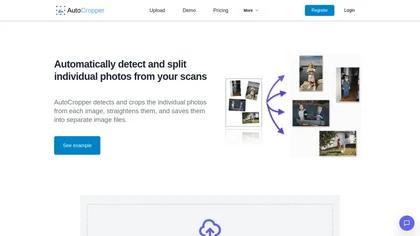
AutoCropper uses AI to detect, crop, and straighten photos from scans, handling JPEG, PNG, TIFF, and PDF in batches. It splits images into full‑quality files, lets you resize or tag crops, all in the browser with full privacy.
Freemium
- $18
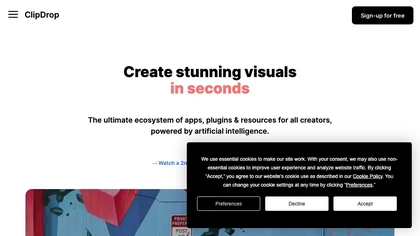
Clipdrop uses deep learning to remove backgrounds, objects, and text, upscale images, adjust lighting, uncrop, and resize. It also offers text‑to‑image generation and an API for developers, supporting design, marketing, and app workflows.
Subscription
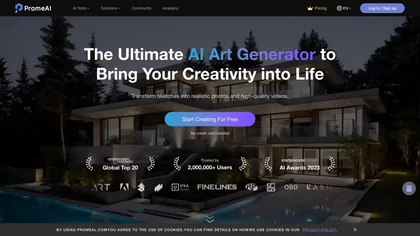
PromeAI is a web‑based AI image generator that turns text or sketches into realistic renders, supports sketch‑to‑photo, background removal, and outpainting, offers style‑consistent generation via consistency models, and includes in‑interface editing tools and HD upscaling.
Freemium
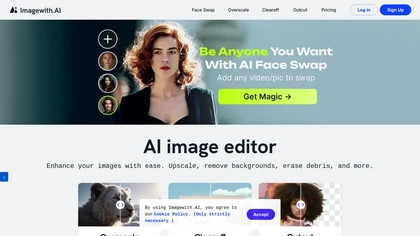
Imagewith.AI offers web‑based AI tools for image enhancement, background removal, object deletion, upscaling, photo restoration, and portrait improvement. Deep‑learning algorithms increase resolution, reduce noise, clean artifacts, and preserve fine detail for designers, photographers, and archivist
Free

PhotoGrid is a browser‑based AI photo editor that offers one‑click enhancement, background removal, and upscaling. It lets users build collages from 20,000 templates, add stickers, text, custom backgrounds, and convert images into short video clips.
Subscription
- $2.83/mo
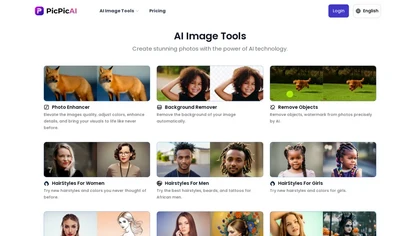
PicPicAI automatically removes backgrounds, sharpens portraits, upscales and extends images, and restores old photos, delivering polished results in seconds for e‑commerce, social media, and design workflows, with optional Flux AI art generation.
Paid
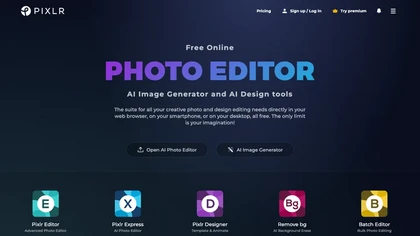
Pixlr is a browser‑based photo editor that uses AI for background removal, generative fill, and object deletion. It offers cropping, color correction, collages, templates, and social media layouts across desktop, tablet, and mobile.
Free trial
- $1.99/mo

PicWish AI Photo Editor automates image enhancement, background removal, and watermark deletion. It processes batches of up to 30 files, offering resizing, lighting, upscaling, AI Designer prompts, Face Cutout, and single‑click unblur/sharpen. Available on Windows, macOS, iOS, Android, and browser.
Subscription
- $9.99/mo
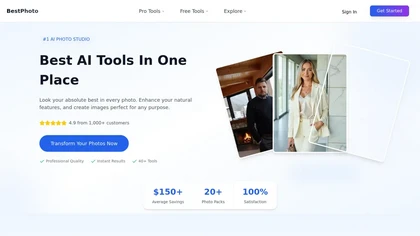
BestPhotoAI is an AI photo studio offering over 40 tools to enhance, create, or transform images. Upload a photo, choose a style like anime or professional headshot, and receive a high-resolution edit in under an hour.
Freemium
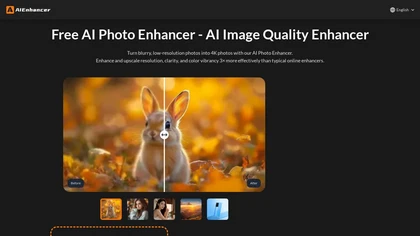
AIEnhancer.ai is a free online tool that instantly transforms blurry, low-quality images into high-resolution 4K photos. Simply upload your picture to apply AI-powered upscaling, noise reduction, and color correction, then preview and download the enhanced result.
Freemium
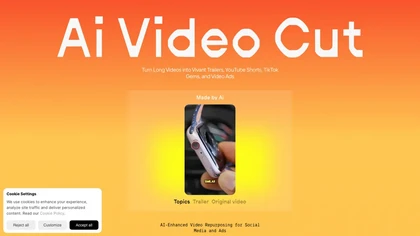
AI Video Cut uses prompt‑based AI to transform long videos into short, platform‑optimized clips. It auto‑detects faces, crops frames, adds multilingual captions, and supports multiple aspect ratios for fast, high‑quality content creation.
Freemium
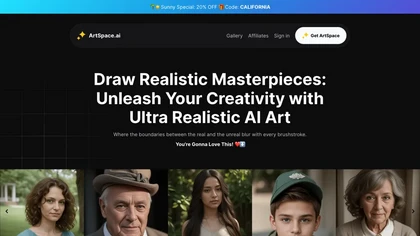
ArtSpace.ai generates high‑resolution images from text in seconds and lets users edit them with 1‑click tools—face swap, pose, clothing, hairstyle, tattoo—and refine scenes via inpainting, outpainting, background removal, plus 4K upscaling—all in the browser.
Free
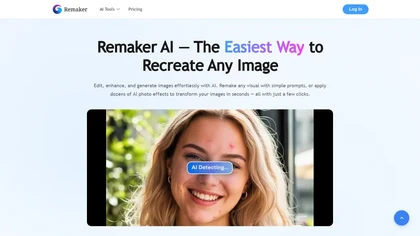
remaker ai offers web and mobile AI image and video editing for creators and teams, including upscaling, background removal, object erasing, face swap, text-to-image, lip-sync, batch processing and templates for short-form social content.
Free trial

Picsman is an AI‑powered editor that removes or replaces backgrounds, ups image resolution, and applies styles like Ghibli or cartoon. It also offers text‑prompt editing, video generation, image extending, and watermark removal for quick, high‑definition results.
Free
- $5.99/mo

imgtoimg.ai is an AI image transformation tool that generates new images from your photo inputs and text prompts. It offers precise control over style and composition, plus built-in utilities like upscaling and background removal for creators.
Freemium
- $9.99/mo
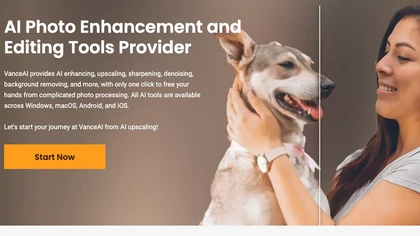
VanceAI offers AI‑driven image enhancement tools—upscaling, sharpening, denoising, background removal, restoration, and cartoonization. Supports batch processing and a Windows desktop app, enabling quick, detail‑preserving edits for photographers, designers, and e‑commerce sellers.
Free trial
Rescape AI transforms uploaded photos of outdoor spaces into high‑resolution landscape designs within seconds. Users explore diverse styles, refine with prompts, and receive climate‑smart plant suggestions tailored to US hardiness zones, promoting resilient, biodiverse gardens.
Freemium

AI image enhancer that upscales up to 4×, removes noise, sharpens blur, and can enhance faces or colorize. Handles .png/.jpg/.webp/.tif/.bmp/.raw and outputs the same formats. Windows, macOS and Photoshop plugin supported.
Free trial
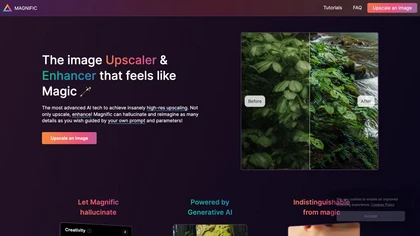
Magnific AI upsamples, enhances, and transforms images, producing high‑resolution outputs for photography, illustration, design, and game assets. Users guide detail with prompts and sliders for creativity, HDR, and resemblance, and can batch‑process for workflow integration.
Freemium

AI Photo Studio automates e‑commerce image editing: background removal, resolution enhancement, lossless compression, profile passport creation, hairstyle preview, object cleanup, old‑photo restoration, colorization, AI fashion model generation, clothing recolor, background changes, and file convers
Free
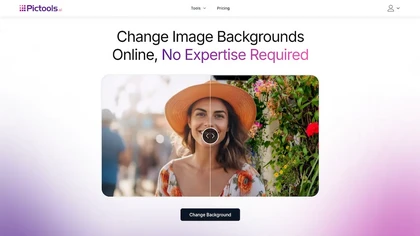
PicTools.AI is a web‑based photo editor that lets users upload images and apply changes via text prompts or over 100 one‑click AI filters—background removal, outfit changes, smile addition, restoration, and artistic styles—without design skills.
Subscription
- $23.4/mo
Gigapixel AI is an AI-driven image upscaler that enhances image quality up to 10x, preserving details and textures. It supports batch processing and offers specialized presets for portraits, landscapes, and more, making it suitable for both professionals and casual users.
Free trial

Removal.AI instantly isolates foreground subjects from .jpg and .jpeg images, offering preview, high‑resolution downloads, background replacement, manual eraser, API integration, batch processing, and professional editing support. Ideal for photographers, designers, marketers, and e‑commerce sites n
Free
- $0.13
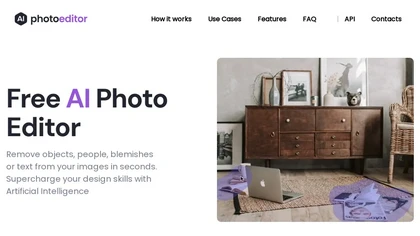
PhotoEditor.ai edits JPG, PNG, HEIC, and WEBP images up to 15 MB in a browser or mobile app. It offers portrait transformation, background removal, detail enhancement, and 4K upscaling, delivering instant downloads for photographers, marketers, and designers.
Paid
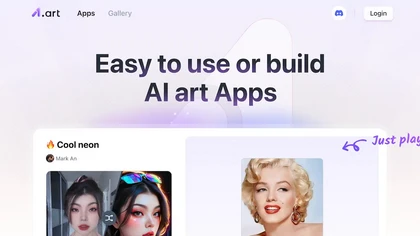
a1.art is an online AI image and video generator offering 250,000 collections and millions of filters for rapid editing. It supports style transfer, batch processing, category search, API integration, asset logging, and high‑resolution output.
Freemium

Imglarger is an image enhancer that upsamples photos up to 8×, supports batch processing, and offers background, object, and face retouch tools. It converts WebP, JPEG, PNG, SVG, JFIF formats and lets users adjust brightness, contrast, and saturation via web or mobile.
Freemium
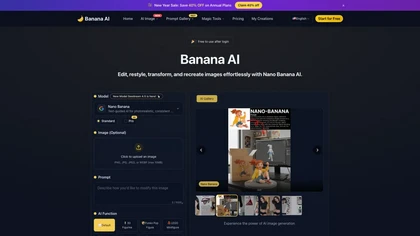
banana-ai.org is a fast AI photo editor for text-guided image generation and editing. It offers style conversion, background replacement, and identity-consistent edits using simple prompts.
Freemium
- $7.92/mo

SnapEdit is an AI‑driven photo editor that removes objects, backgrounds, and text, provides 100+ background templates, upsamples images to HD/4K, and offers skin retouching, all accessible via web, iOS, and Android.
Freemium
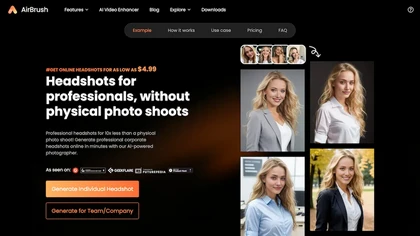
Headshot AI Generator is an AI-powered tool that quickly produces professional headshots with advanced editing capabilities. Whether you need to retouch photos, create avatars, or enhance images, this tool offers customization options and fast results, perfect for improving your online presence effo
Paid
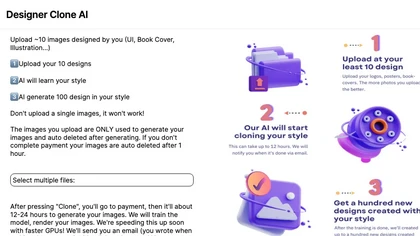
Stockimg AI generates logos, illustrations, and social‑media assets from text prompts, offering background removal, bulk scheduling, and cross‑platform publishing via an integrated calendar. A mobile app allows on‑the‑go daily editing.
Subscription
- $12/mo
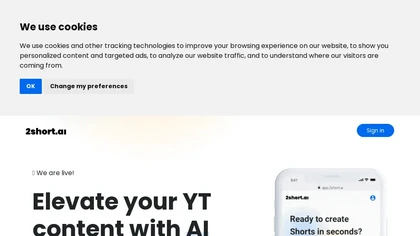
2short.ai automatically extracts the most engaging segments from long videos to create 1080p YouTube Shorts, using facial‑tracking, one‑click animated subtitles, and flexible aspect ratios. It supports multiple languages, direct Drive/URL imports, and brand presets for consistent visuals.
Freemium
- $9.9/mo
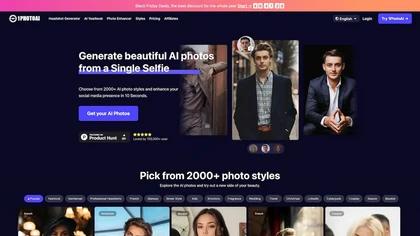
PhotoAI transforms a single selfie into high‑resolution stylized headshots, avatars, or themed images using over 2,000 preset styles. It offers fast, batch processing, AI photo enhancement, and integrates with social‑media workflows for quick profile and marketing updates.
Paid
- $20

GStory.ai is an AI-powered creative suite for video and photo editing. Its core features include automated subtitle generation, background removal, and tools for enhancing image quality and removing watermarks.
Freemium
- $0.03
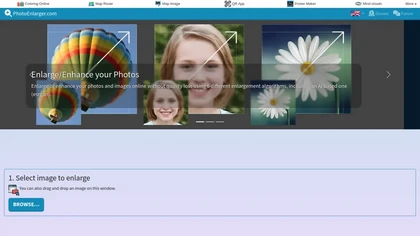
Upload or drag a photo, then upscale it with one of six algorithms—Magic Kernel Sharp, Lanczos 3, Hermite, or AI‑based ESRGAN—entirely client‑side for privacy. Crop as needed and download in JPG, PNG, or WebP.
Free
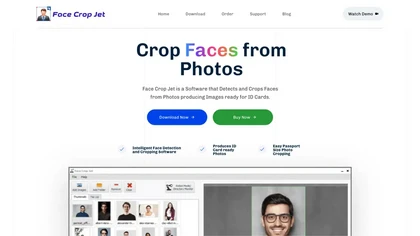
Face Crop Jet uses AI to automatically detect and crop faces for ID cards, supporting batch and directory monitoring. It corrects orientation, offers customizable crop settings, and runs locally on Windows/macOS with a server edition for unattended use.
Paid
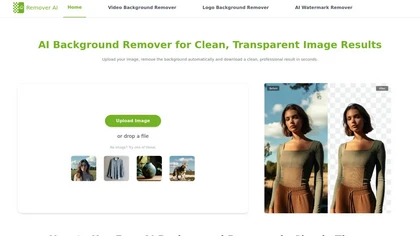
removerai.io is a web-based AI tool that automatically removes backgrounds from images, preserving fine details like hair and edges. It requires no installation, allows manual refinements, and exports high-resolution transparent PNGs for e-commerce, design, and marketing.
Free
PixPretty AI Photo Editor is a free tool that uses AI to remove or replace backgrounds in seconds. It also supports batch editing for bulk transformations, retouching, and format conversion.
Freemium
- $12.99/mo
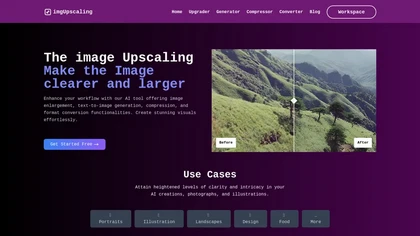
AI‑powered image editor that runs entirely in the browser, offering smart crop, AI expand, format conversion, lossless compression, watermarking, color adjustment, filter, GIF creation, side‑by‑side comparison, and batch workflow design—all processed locally with WebAssembly for speed and privacy.
Free
Picsart.io empowers creators and businesses with AI-driven tools for image and video editing, including background removal, generative AI features, format conversion, and video optimization, ensuring seamless workflows and user-friendly integration.
Free trial
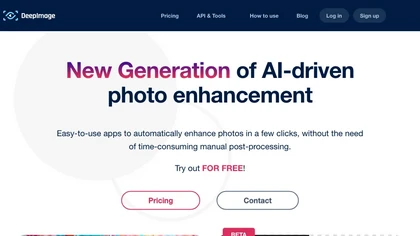
Deep‑Image.ai offers photo upscaling, denoising, sharpening, color and lighting adjustments. It removes backgrounds, adds virtual staging, creates business headshots, and delivers batch product‑photo presets, inpainting, and high‑resolution generative upscaling up to 300 MP.
Freemium
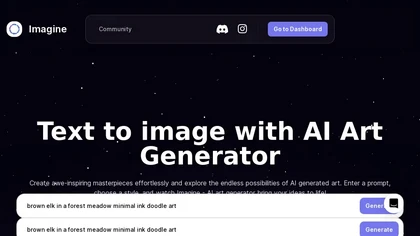
ImagineArt unifies AI‑driven image, video, and audio creation and editing, enabling prompt‑based generation, upscale tools, drag‑and‑drop video workflows, 4K cinematic rendering, and real‑time team collaboration for streamlined media production for artists, designers, and creators.
Freemium
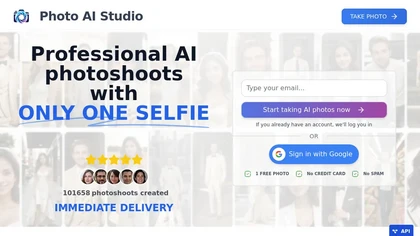
AI Photo Studio delivers AI‑powered image and video creation, including generation, background removal, virtual try‑on, style libraries, advanced editing (skin, age, expression, eye color), outpainting, thumbnails, and direct social publishing via a web interface.
Free
- $1.99
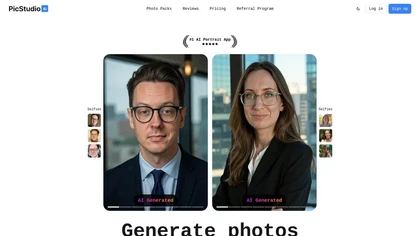
PicStudio.AI turns uploaded selfies into realistic headshots in minutes. It trains on multiple photos to produce corporate, casual, or editorial styles, offers upscaling, background removal, version control, and full commercial ownership of results.
Paid
- $29.99
LetsEnhance is an AI image editor that upscales up to 512 MP, sharpens, restores, and removes compression artifacts from JPG, PNG, or WebP files. It supports batch processing, high‑resolution outputs for prints and AI art, preserving natural texture without watermarks.
Freemium
- $0.75/mo