
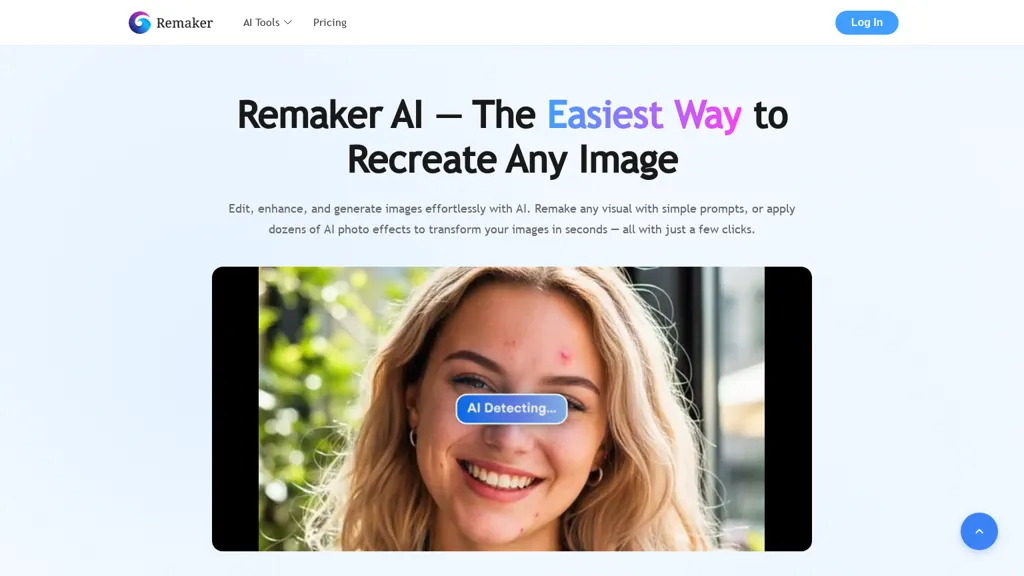
What is Remaker AI?
Remaker ai provides AI image and video editing tools for creators and teams, including image upscaler, background remover, magic eraser, and face swap.The platform supports AI portrait and headshot generation, text-to-image synthesis, tattoo and logo generation, and a library of photo and video templates for reels, TikTok, and YouTube Shorts.
Features include image upscaling and noise reduction, object erasing, style transfer, and batch processing to accelerate content production.Video tools include AI video generation, video enhancer, lip-sync and talking photo capabilities, and video background removal for short-form social content.
remaker ai offers a web and mobile interface with step-by-step tutorials, multi-language support, and export options suited to social and commercial workflows.The tool streamlines content creation by automating common photo and video edits, improving efficiency for individual creators, social media managers, and marketing teams.
Remaker AI details
- Jurisdiction
- us
Remaker AI tech specs
- Works with
- Google / Nano Banana
- Payment Processors
- Stripe
Remaker AI pricing
Free trial- Refund window
- 3 days
- Auto-renewal
- No
Verify on the official pricing page.
Start free trialRemaker AI's key features
-
Image upscaling and noise reduction
-
Background removal for images and videos
-
Object erasing (magic eraser) and style transfer
-
AI video generation, enhancement, lip-sync and talking-photo
-
Text-to-image synthesis and AI portrait/headshot generation
Remaker AI use cases
-
Create high-converting e-commerce product images at scale using Remaker AI's batch photo processing, background removal and AI upscaler to produce crisp, marketplace-ready photos without studio shoots or manual editing
-
Produce attention-grabbing short-form social videos using Remaker AI's templates, lip-sync video maker and face-swap features to generate platform-optimized clips quickly, complete with text-to-image assets and one-click export
-
Generate professional headshots and marketing portraits for your team using Remaker AI's portrait headshot generator, background removal and object erasing to ensure consistent branding across profiles and materials without an on-site photoshoot
Remaker AI user reviews
Would you recommend Remaker AI?
Who is Remaker AI for?
-
Content creators
-
Video editors
-
Designers
-
Photographers
-
Videographers
Remaker AI FAQ
Is Remaker AI free?
Not permanently. Remaker AI gives you a free trial, after which a paid plan is required. Plans include 20000 credits at $299, 200 credits at $5.99, 530 credits at $9.99 and 1100 credits at $19.99.
Is Remaker AI safe to use?
Remaker AI carries the TopAI.tools verified mark, which we award after a manual review of pricing transparency, published terms, public following and working functionality. It has a substantial audience that is independently measured month to month.
What are the best alternatives to Remaker AI?
The closest alternatives to Remaker AI are AIimagine.io, PicWish, Facy.ai Face Swap, PhotoGrid and Upscale.media. You can compare them side by side in the alternatives section further down this page.
What does Remaker AI do with my data?
Its privacy policy states that personal data is not sold or shared for marketing purposes.
Does Remaker AI auto-renew or offer refunds?
Remaker AI subscriptions do not renew automatically. It states a 3-day refund window.
Which AI models does Remaker AI use?
Remaker AI is built on Google / Nano Banana. Which models you can reach may depend on your plan.
Compliance, privacy and billing terms are as stated in each product's own published documentation and have not been independently verified by TopAI.tools.


