
What is Face Crop Jet?
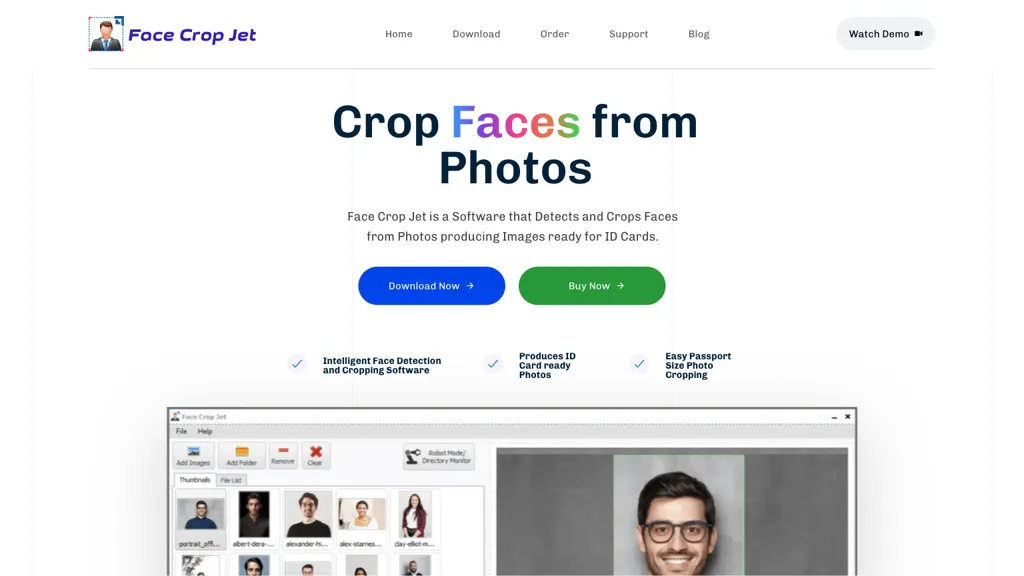
Face Crop Jet is software that detects and crops faces from photos for ID card applications using AI algorithms. It automatically identifies the face and produces a profile image without manual selection, supporting batch processing from folders or external drives.
The tool monitors directories in robot mode, cropping new images as they arrive, and offers orientation correction for photos lacking proper EXIF tags. Users can customize the crop window for face or shoulder cropping, or set a precise crop factor. Face Crop Jet runs locally on Windows and macOS, with a dedicated Windows Server service edition for unattended operation, ensuring all image processing remains on the user’s machine.
Face Crop Jet pricing Paid
Verify on the official pricing page.
View plansFace Crop Jet user reviews
Based on 1 review, 100.0% of users recommend Face Crop Jet, rated highly for quality results.
Liked for
Would you recommend Face Crop Jet?
Face Crop Jet's key features
-
Detects and crops faces from photos
-
Fully automatic zero-configuration cropping
-
Optional manual face selection
-
Monitors folder for automatic cropping
-
Supports any image format and size
-
Batch processing of multiple images
-
Customizable crop window and mode
Face Crop Jet use cases
-
Automatically process large batches of passport or driver‑license photos for a government agency, ensuring consistent crop and orientation without manual editing
-
Use the directory‑monitoring feature to capture new ID card images from a production line, cropping them in real time for immediate printing and quality control
-
Leverage the server edition for unattended daily uploads of employee headshots to a corporate intranet, standardizing image dimensions and quality across the organization
Who is it for?
-
Image editors
-
Data analysts
-
Security personnel
-
Id card creators
-
Photography photographers


