
What is Image upscaling?
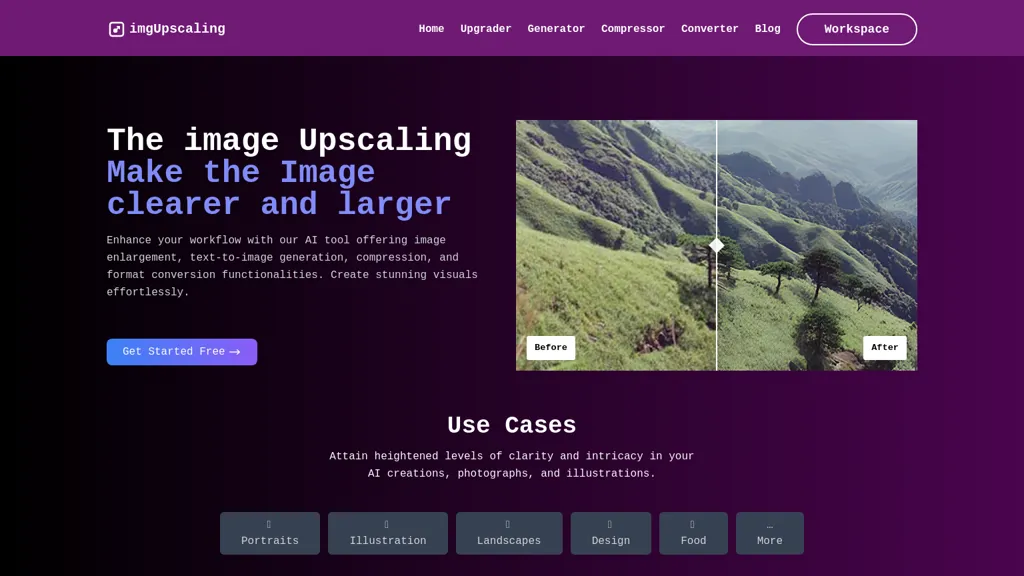
Image Upscaling offers AI‑powered image editing and batch processing that runs entirely in the browser for full privacy. The interface supplies smart crop, AI expand, format conversion, lossless compression, watermarking, transform, border, color adjustment, filter, and format detection tools.
Users can create GIFs, compare images side‑by‑side, slice or merge files, apply mosaic blur, repair imperfections, assemble collages, and generate QR codes. A drag‑and‑drop workflow supports JPEG, PNG, WebP, GIF, BMP, TIFF and more while 16‑bit color depth preserves professional quality.
All processing is local and accelerated with WebAssembly, delivering speed and cross‑platform compatibility on desktop, tablet, and mobile. The workflow designer enables custom batch tasks, increasing productivity for photographers, designers, and marketers.
Image upscaling details
- Jurisdiction
- United States
Image upscaling pricing
FreeThis tool is free to use, with no credit card required.
Verify on the official pricing page.
Get started freeImage upscaling's key features
-
AI-powered image editing
-
Lossless image compression
-
Multiple format conversion
-
Batch workflow processing
-
16-bit color depth support
-
Local browser processing
-
Real-time preview download
Image upscaling use cases
-
Batch watermarking and lossless compression of product catalog images for e‑commerce sites while preserving privacy, all done locally in the browser
-
Fast AI photo upscaling, format conversion and side‑by‑side comparison for freelance photographers to showcase high‑resolution work without cloud upload
-
Create GIF tutorials from screenshots using drag‑and‑drop workflow, adding QR codes to link viewers to the tutorial page, all processed instantly in the browser
Image upscaling user reviews
Based on 1 review, 100% of users recommend Image upscaling, rated highly for quality results.
Liked for
Would you recommend Image upscaling?
Who is Image upscaling for?
-
Graphic designers
-
Photographers
-
Content creators
-
Visual artists
-
Digital designers
Image upscaling FAQ
Is Image upscaling free?
Yes. Image upscaling is free to use and does not require a credit card.
What are the best alternatives to Image upscaling?
The closest alternatives to Image upscaling are Smart Upscaler, PhotoEditor.ai, PhotoGrid, AI Image Editor- and PhotoPea. You can compare them side by side in the alternatives section further down this page.
What does Image upscaling do with my data?
Image upscaling states that customer content is not used to train its models. Its privacy policy states that personal data is not sold or shared for marketing purposes. Data may be shared with third-party service providers that help run the product.
Compliance, privacy and billing terms are as stated in each product's own published documentation and have not been independently verified by TopAI.tools.


