
Best Image scanning AI tools
Explore the top AI app list for Image scanning and compare them for use cases, features and pricing. You will find Applications that utilize AI algorithms to analyze and interpret images, such as scanned documents or photographs. Discover tools offering functions like optical character recognition (OCR), facial recognition, or pattern detection.
See all 15 AI Tools for: Image scanning
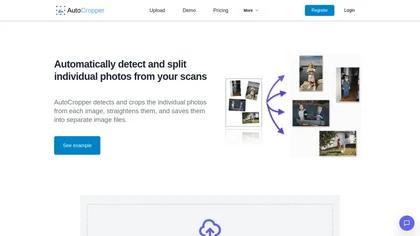
AutoCropper uses AI to detect, crop, and straighten photos from scans, handling JPEG, PNG, TIFF, and PDF in batches. It splits images into full‑quality files, lets you resize or tag crops, all in the browser with full privacy.
0 1
Freemium
- $18
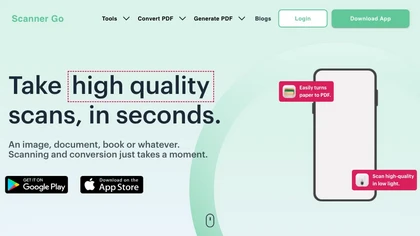
Scanner Go turns your phone into a scanner for documents, books, and photos. It outputs PDF, Word, PPT, Excel, PNG, JPG, or ZIP, provides OCR, and lets you merge, split, compress, lock, and sync files to the cloud.
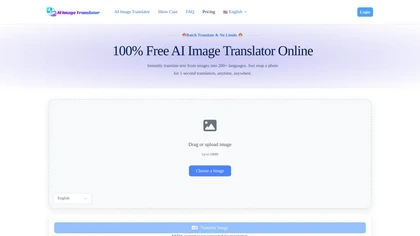
aiimagetranslator.io is a tool that extracts text from images using OCR and translates it into multiple languages while preserving the original layout. It offers exportable translations, batch processing, and API integration for localization workflows.
💰 Deal
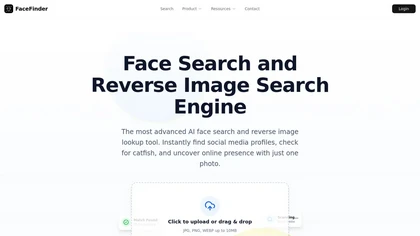
FaceFinder is an AI tool that performs reverse face and image searches to locate people and image sources across the web and social media. It scans public data to return matching profiles, source links, and appearances for verification, rights enforcement, or reconnecting with contacts.
2 1
Freemium
- $7

ImageTwin is an AI tool for detecting image integrity issues in life science manuscripts, identifying manipulation and duplication in figures, and enhancing peer-review processes by scanning against a database of 75 million images for potential plagiarism.

Heritcoin is a coin identification app that uses scanning technology to help users assess the authenticity, grade, and value of coins and banknotes. It features an extensive currency database and tools for creating private collections and wishlists.

MagiScan is a versatile 3D scanner app powered by AI for iOS and Android. It offers high-quality scans in various formats, catering to both professionals and beginners. Its quick digitization capabilities meet the rising demand for 3D content.
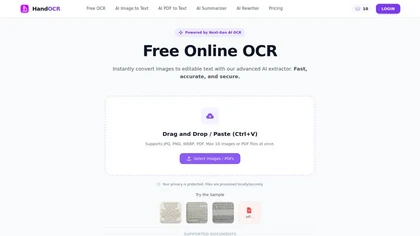
HandOCR is a browser-based OCR tool that converts images and scanned PDFs into editable, copyable text directly on your device. It supports multilingual handwriting and print recognition, batch processing, and seamless export for digitizing notes, receipts, invoices, and documents.

AIImagetoText is a free tool that extracts both printed and handwritten text from images, scans, and notes. It supports batch processing and multiple languages while ensuring your uploaded images are never stored or shared.
3 1
Freemium
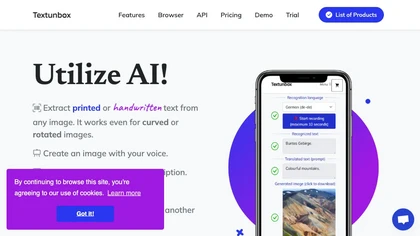
TextUnbox is a browser‑based AI suite that performs OCR on printed or handwritten images, removes backgrounds, generates images from text or speech, extracts and translates audio text, provides alt‑text descriptions, and offers API integration.
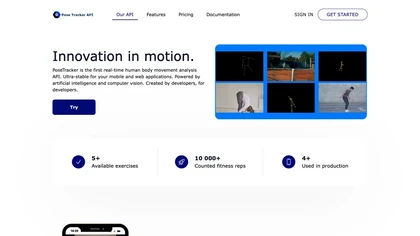
PoseTracker provides real‑time human pose estimation with 40 ms latency using MoveNet, supporting iOS, Android, web, and low‑code APIs. It handles over 100,000 movement types, offers joint‑angle detection, pose comparison, and quick iframe/webview integration.
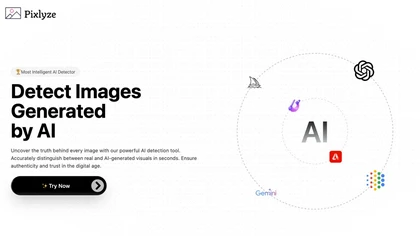
Pixlyze uses machine‑learning models to determine if an uploaded image is AI‑generated or real in seconds, with no file storage, ensuring privacy. It can also transform photos into detection‑resistant formats, aiding journalists, legal teams, and social‑media creators.

Kepl is a mobile app that utilizes advanced image recognition to identify various objects, including plants, insects, and products. It allows real-time scanning and analysis, providing detailed information and enabling users to save their discoveries for future reference.

CoinGPT is a coin value identifier and rare coin scanner that uses photo recognition to assess coins' worth, rarity, and historical context. It offers extensive databases, expert appraisals, and community connectivity for collectors.

InvoiceClip is an AI-powered application that automates the scanning and management of invoices and receipts. It features data extraction, expense categorization, bulk uploads, and easy export options, enhancing efficiency for businesses in managing financial documents.
Extract insights from images instantly
We track 15 Image scanning tools.
What it costs
$8.5
median starting price
Most start between $5.88 and $11.99.
How concentrated
The top 5 take 91.1% of the traffic here.
The top 10 take 100.0%.


Use cases
Extract:Image>Text
Detect:Image>Text
Convert:Image>Document
Convert:Document>Document
Generate:Image>Text
Extract:Document>Text
Convert:Image>Presentation
Convert:Image>Spreadsheet
Extract:Image>Document
Remove:Image>Image
Figures updated 24 October 2026