
Diagram Editor
The best 50 Diagram Editor AI tools - Free & Paid
Explore 50 AI for Diagram Editor
Edraw Software is a versatile diagramming tool that enables users to create flowcharts, mind maps, and organizational charts with ease. Its drag-and-drop functionality, collaboration features, and support for multiple file formats enhance productivity and integration.
- $59
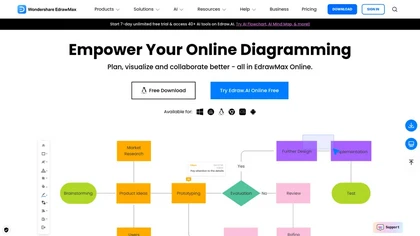
EdrawMax Online is a cloud diagramming platform with 210+ diagram types, including flowcharts, UML, and Gantt charts. It offers drag‑and‑drop editing, real‑time collaboration, 20,000 free templates, 26,000 symbols, and AI tools for diagram, chart, and PPT generation, OCR, and copy‑writing.
Freemium
- $5.33/mo
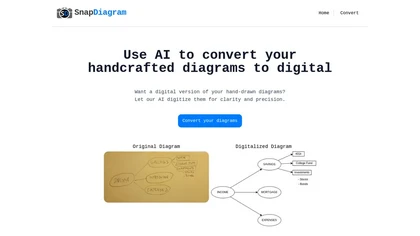
SnapDiagram uses AI to turn hand‑drawn diagrams into crisp digital images. It accepts any image format, outputs PNG, JPG, or editable files, lets users preview the conversion, and then download the refined result.
Freemium


MermaidViewer is a browser-based Mermaid diagram editor with live preview, supporting a wide range of chart types. It features AI-assisted code generation, real-time collaboration, and export options for team documentation workflows.
Free trial
- $69.99

dg diagram-generator converts text prompts into structured diagrams — flowcharts, UML, ER, network, Gantt and infographics — offers quick drafts, 4K renders, editable Mermaid export, style templates, and Pro web grounding with layout-aware rendering.
Free trial
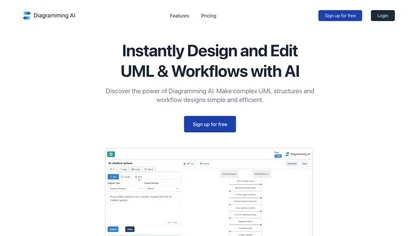
Diagramming AI generates and edits flowcharts, UML, and architecture diagrams across Mermaid, PlantUML, GraphViz, D2, and Excalidraw using natural‑language prompts. AI chat refines designs, auto‑corrects syntax, and converts text to interactive visuals with templates, versioned collaboration, and ex
Freemium
- $3/mo
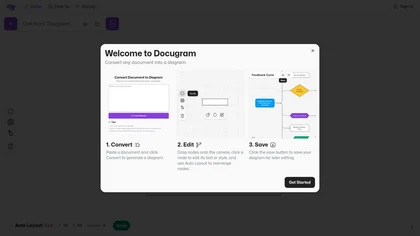
Docugram transforms text into visual diagrams like decision trees and flowcharts, enhancing clarity of complex information. It features editable nodes, auto layout for professional appearances, and easy saving for future editing, ideal for professionals communicating processes effectively.
Subscription

Converts text, images, PDFs and spreadsheets into editable diagrams—flowcharts, decision trees, UML, mindmaps, org charts and Gantt—by parsing processes into steps, decisions and loops, offering auto-layout, collaborative editing and PNG/SVG/PDF export.
Free trial
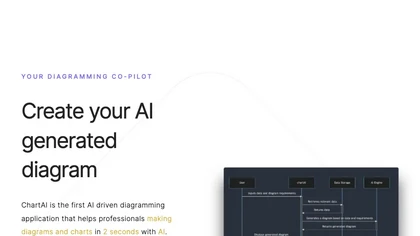
ChartAI auto‑creates diverse visualizations—mind maps, flowcharts, timelines, Gantt charts, ER diagrams, etc.—by converting data into polished diagrams. It offers templates, quick start, and dataset generation, aiding analysts, researchers, educators, and managers.
Free
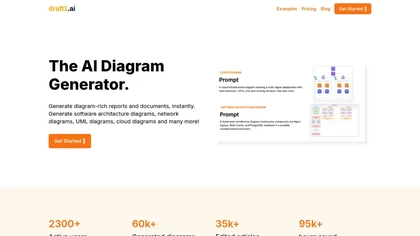
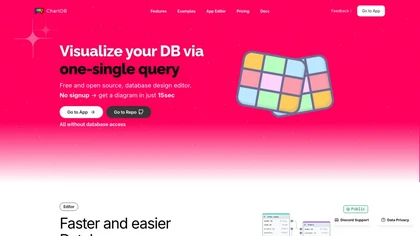
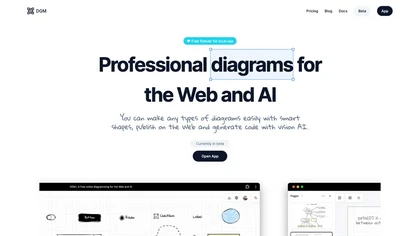
DGM is an AI-powered, free online diagramming tool with advanced features. It provides smart shapes (UML, ERD, flowcharts, UI wireframes) and code generation assistance. Key attributes include cloud storage, hand-drawn styles, web publication, and upcoming real-time collaboration.
Free

Sketch2scheme uses AI to convert hand‑drawn flowcharts and textual descriptions into clean digital diagrams. It auto‑detects nodes, aligns them, and lets users tweak via a visual editor or Mermaid code. Export to PNG, SVG, PDF, or diagrams.net.
Paid
- $3.99/mo

AI Infographic Generator converts text and data into customizable graphics like infographics and flowcharts. With over 500 templates and multi-language support, it enables editing and downloading in multiple formats, all while supporting 4K resolution.
Freemium
ChatUML is a desktop AI‑assisted diagram generator that turns textual descriptions into UML, flowcharts, and architecture diagrams. It exports common formats, stores diagrams in user accounts, and includes built‑in tutorials for developers and teams.
Freemium
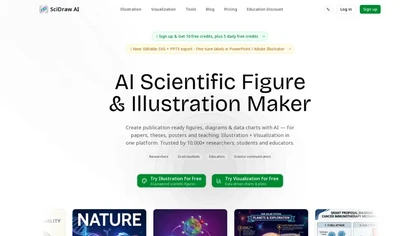
SciDraw AI is a scientific illustration and data visualization tool that converts text prompts, sketches, or images into publication-ready figures. It generates editable SVG/PPTX exports, data-driven charts from CSV/Excel, and supports journal style presets and colorblind-friendly palettes for repro
Free trial

Bhava is an AI-powered diagram editor that converts text prompts or images into editable flowcharts, architecture, UML, ERD, sequence, network and org diagrams; recognizes sketches/screenshots, maps cloud icons, supports draw.io/Mermaid import/export, PNG/SVG/PDF, collaboration and API.
Freemium
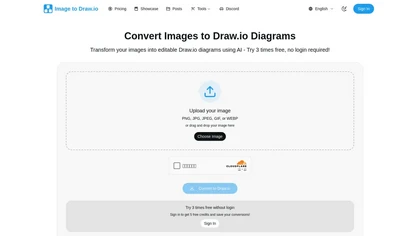
Image to Drawio is an AI-powered tool that converts static images (PNG, JPG, GIF) into editable draw.io diagrams, preserving shapes, text, and connections. It supports flowcharts, network diagrams, and sketches, allowing drag-and-drop uploads and secure, reusable edits.
Freemium
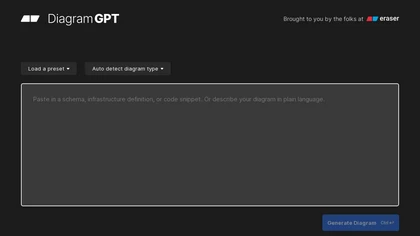
DiagramGPT turns natural‑language prompts into architecture, sequence, BPMN, flowchart, ERD, and cloud diagrams. Users pick templates, view use‑case videos, edit in code‑based Eraser, and export to documentation tools. Collaboration, dark mode, and API support are included.
Freemium
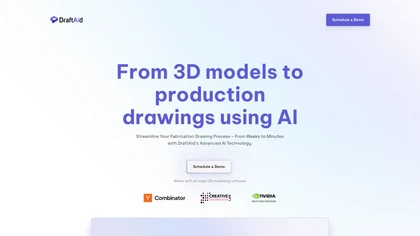
DraftAid transforms 3D models into production‑ready 2D drawings, automatically setting layout, scaling, break lines, dimensions, and annotations to meet engineering standards. It adapts to company templates, integrates with major CAD platforms, and cuts drafting time while lowering errors.
Freemium
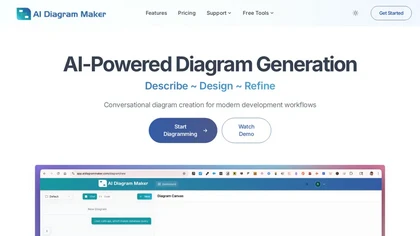
AI Diagram Maker.com is a tool that converts plain text, code, or documents into software architecture diagrams and flowcharts. It features conversational editing, automatic layout, and exports visuals or diagram-as-code for team collaboration.
Freemium

Jeda.ai provides an infinite canvas powered by multimodal language models that auto‑generate diagrams, charts, and insights from text, data, or images. It supports up to three LLMs, real‑time web data, collaborative note‑taking, and exportable visual decks.
Freemium
- $10/mo

OpenPencil.dev is a lightweight, open-source desktop design editor that runs locally with full Figma file support. It offers scriptable workflows and an optional AI chat tool, prioritizing developer control and extensibility under the MIT license.
Free
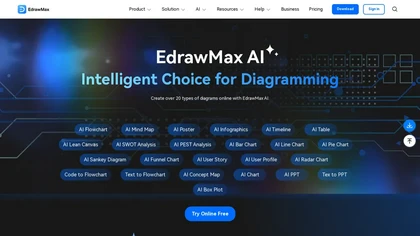
EdrawMax AI is a cross-platform diagramming tool that converts text commands and code into flowcharts, mind maps, and other visuals with real-time previews. It automates diagram creation through OCR, style unification, and one-click edits, supporting 25,000+ templates for team collaboration across d
Free trial

TreeMind uses AI to convert prompts, images, or documents into structured mind maps and other diagram types. It supports unlimited nodes, real‑time collaboration, multiple export formats, and cross‑platform sync for students, educators, and teams.
Freemium
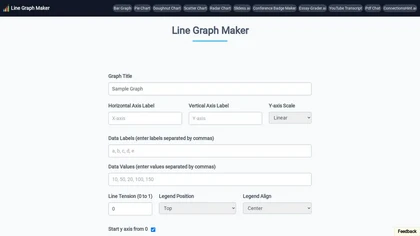
Line Graph Maker lets users input comma‑separated data to produce line charts in PNG, JPG, or SVG. Adjust titles, axis labels, Y‑axis scaling, line tension, legend, grids, colors, and download for reports or presentations.
Free

Cloudairy is a cloud-based collaborative workspace with AI-powered diagramming and project management tools. It enables real-time teamwork with flowcharts, mind maps, Kanban boards, and automated documentation for streamlined workflows.
Free trial
- $8/mo
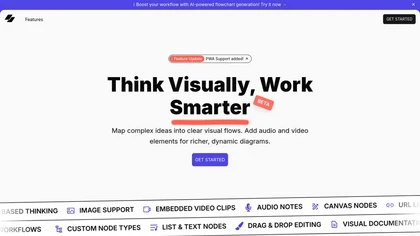
Visflow allows users to create interactive flowcharts and mind maps incorporating multimedia elements. Its drag-and-drop functionality supports real-time collaboration across devices while ensuring data remains local, making it ideal for creatives and educators focused on visual thinking.
Free
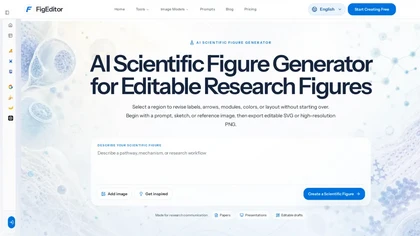
FigEditor is an AI scientific figure generator that turns text prompts, sketches, or reference images into editable, publication-ready figures. It exports SVG/PNG, vectorizes existing raster figures, and provides tools for labels, arrows, flowcharts, and posters.
Freemium
- $19/mo
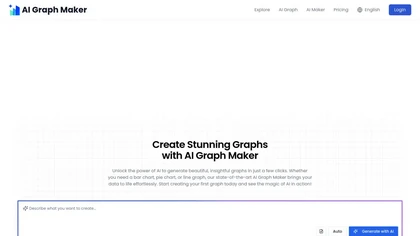
Free AI Graph Maker enables users to create interactive charts and graphs, including bar, pie, and line charts. It supports Gantt charts, flowcharts, and mind maps, facilitating effective data visualization for various sectors like education and finance.
Freemium

GitMind is an AI workspace that transforms text, audio, video, PDFs, images, and web pages into mind maps, summaries, and visual diagrams. It offers transcript, OCR, and diagram generation, a content‑specific chatbot, and cross‑platform collaboration while safeguarding data.
Free trial
- $19/mo
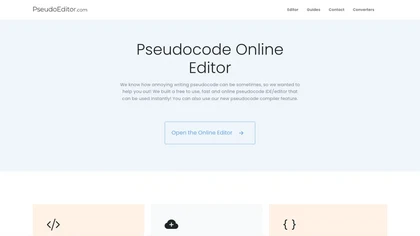
PseudoEditor is a web‑based pseudocode IDE with syntax highlighting, error detection, auto‑completion, and instant compilation. Cloud‑stored projects are accessible from any device. It supports AQA, OCR, CIE, Edexcel, and IB specifications, helping students and teachers practice algorithms.
Free

MyMap turns text prompts into mind maps, flowcharts, SWOT, timelines, and database schemas on an infinite canvas. It auto‑generates and places nodes with real‑time AI context awareness, letting users drag, connect, and reorganize for brainstorming and planning.
Freemium
- $12/mo
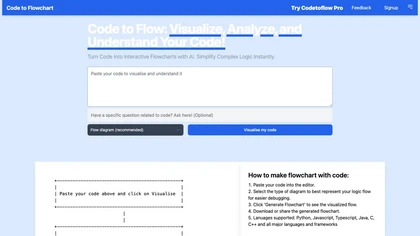
Code to Flowchart converts source code into interactive flowcharts, sequence, and class diagrams for Python, JavaScript, Java, C++, and TypeScript. It visualizes logic paths, loops, and conditionals, supports export to SVG/PNG/PDF, and prioritizes privacy with no code storage.
Subscription

ImageEditor.ai is an AI-powered image editor used for interior design projects and can be controlled using verbal commands.
Subscription
- $7/mo
Piktochart is an AI‑powered visual creation platform that turns text into infographics, charts, and videos within seconds. It offers templates, a brand kit, collaborative editing, interactive graphics, and export options for print and digital use.
Freemium
Autodraw is an AI tool for quick drawing using machine learning, with a how-to section and shortcuts.
Free
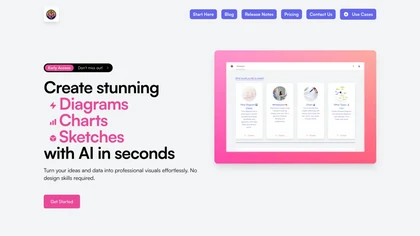

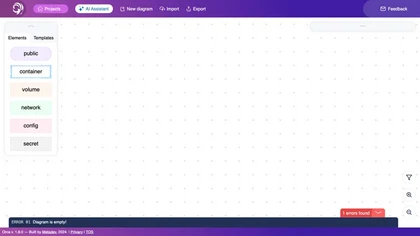
Orca Projects AI Assistant helps teams design, edit, and share detailed architectural diagrams of web and infrastructure stacks. It supports imports, exports, collaboration, version control, and pre‑built templates for popular tech stacks.
Freemium
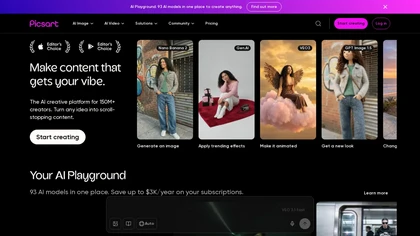
Picsart is a web and mobile photo editor and design app offering layers, filters, color correction, retouching, automatic background removal, collage and template tools, stickers and text overlays, basic social-video editing, and AI image generation with cross-device sync.
Freemium

Nano Banana pro is a Gemini-powered image generator and editor offering doodle-based edits, style transfer, advanced text rendering, precise lighting/camera controls, two fidelity modes, composition-preserving resizing up to 2K, batch export and multi-photo composition.
Freemium
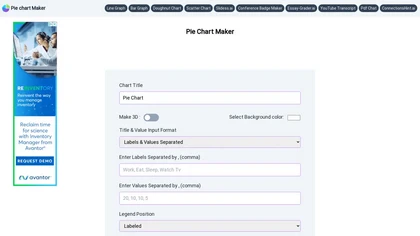
Pie Chart Maker lets users quickly create pie, doughnut, and 3‑D charts by entering comma‑separated labels and values. Adjust colors, legend placement, and rotation; export to PNG, JPEG, or SVG. Ideal for students, teachers, designers.
Free
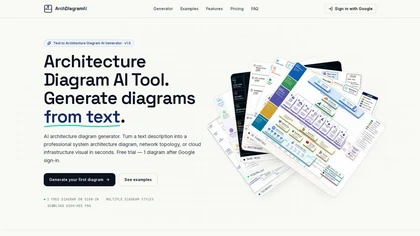
architecturediagramai.com is a tool that instantly generates professional system architecture diagrams from plain-English prompts or uploaded reference images. It produces high-resolution, customizable outputs in multiple visual styles, perfect for documentation, presentations, and design reviews.
Free trial
- $19/mo
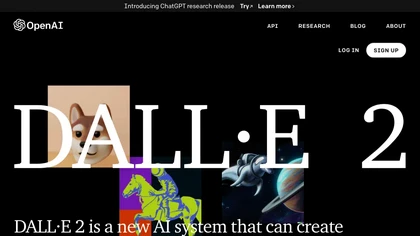
DALL·2 is an AI system that generates realistic images and art based on natural language descriptions, allowing users to edit and create variations. Safety measures are in place to prevent harmful content.
Usage based

Drawstory.ai converts written scripts into structured storyboards, enhancing the film production process. It features an AI assistant for shot analysis, an object removal tool for editing, and a storyboard editor, making it ideal for filmmakers and storyboard artists.
Free trial