
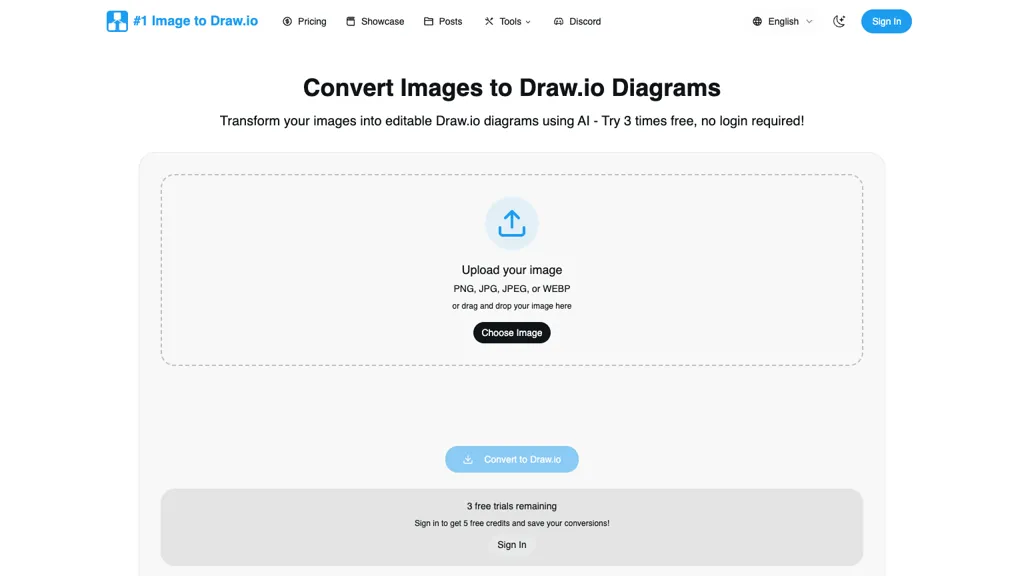
What is Image to Drawio?
Tired of losing your diagram source files or struggling with static screenshots? This tool solves that problem by converting your images – including PNGs, JPEGs, and even whiteboard photos – directly into editable Draw.
io files.Utilizing smart shape detection, OCR, and layout preservation, the process takes just a minute, automatically rebuilding your diagrams with editable shapes, text, and connections.Perfect for recovering lost legacy documentation, capturing brilliant whiteboard ideas, or transforming screenshots into fully customizable diagrams, the tool supports a wide range of image formats up to 10MB.
Best of all, it’s completely free to try with 3 conversions, and utilizes the universally compatible Draw.io format without any subscriptions or privacy concerns – your diagrams remain yours.
Image to Drawio details
- Built for
- Individuals
Image to Drawio tech specs
- Cloud
- AWS
- Integrations
- Slack
Image to Drawio pricing
Freemium- Auto-renewal
- Yes
Verify on the official pricing page.
View plansImage to Drawio's key features
-
Image conversion
-
Supports PNG, JPG, GIF formats
-
AI shape recognition
-
Text preservation
-
Connection maintenance
Image to Drawio use cases
-
Transform hand-drawn sketches into editable flowcharts using the Image Draw.io Converter, making it easy to refine your ideas and share them with teammates without starting from scratch
-
Quickly convert existing PNG and JPG images of network topologies into editable diagrams for seamless updates and presentations, empowering IT professionals to communicate designs effectively
-
Utilize the Image Draw.io Converter to preserve text and structure in visual assets, allowing educators to turn static visuals into interactive lesson plans that can be easily updated and modified
Image to Drawio user reviews
Based on 6 reviews, 33% of users recommend Image to Drawio, rated highly for quality results.
Liked for
Disliked for
Would you recommend Image to Drawio?
Who is Image to Drawio for?
-
Designers
-
Engineers
-
It professionals
-
Project managers
-
Business professionals
Image to Drawio FAQ
Is Image to Drawio free?
Partly. Image to Drawio has a free plan with usage limits, and paid plans unlock the full feature set. Plans include Starter at $4.99, Standard at $19.99 and Premium at $89.99.
What are the best alternatives to Image to Drawio?
The closest alternatives to Image to Drawio are Napkin.ai, Vectorizer AI, VDraw AI, edraw ai and picture to drawing. You can compare them side by side in the alternatives section further down this page.
What does Image to Drawio do with my data?
Image to Drawio states that customer content is not used to train its models. Its privacy policy states that personal data is not sold or shared for marketing purposes. Data may be shared with third-party service providers that help run the product.
Does Image to Drawio auto-renew or offer refunds?
Image to Drawio subscriptions renew automatically until you cancel.
Does Image to Drawio have an API?
Yes. Image to Drawio offers an API, so you can call it from your own applications instead of using the interface directly.
What does Image to Drawio integrate with?
Image to Drawio connects with Slack.
Compliance, privacy and billing terms are as stated in each product's own published documentation and have not been independently verified by TopAI.tools.


