
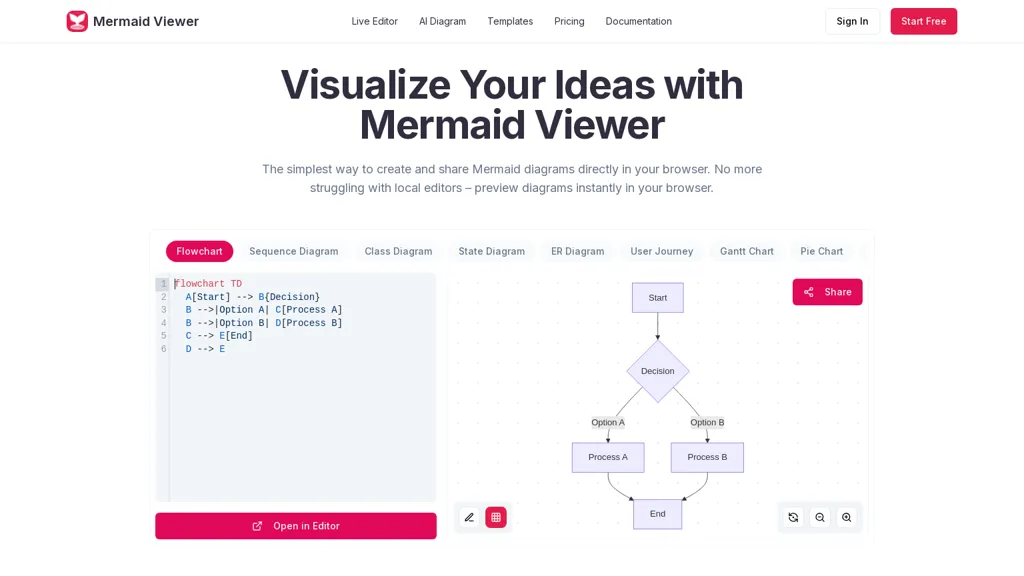
What is MermaidViewer?
MermaidViewer is the ultimate online tool for creating, editing, and sharing Mermaid diagrams.Instantly see live previews as you type, use AI-assisted code generation to speed up diagram creation, and export your work in SVG, PNG, or Markdown with ease.
Collaborate in real-time with team members or work solo — no installation required.Perfect for flowcharts, sequence diagrams, Gantt charts, and other technical visualizations, MermaidViewer combines speed, accuracy, and simplicity in one intuitive platform.
Ideal for developers, product managers, and teams who want professional-quality diagrams quickly and efficiently.
MermaidViewer pricing
Free trialVerify on the official pricing page.
Start free trialMermaidViewer's key features
-
In-browser Mermaid diagram editor with live preview that renders Mermaid code
-
Support for multiple diagram types (flowchart, sequence, class, state, ER, Gantt, timeline, mind map, C4, Git) with customizable templates
-
AI-assisted tools: text-to-Mermaid code (GPT-4), syntax error highlighting, and auto-correction suggestions
-
Export formats: SVG, PNG, PDF, and Markdown with custom DPI settings
-
Collaboration and access controls: real-time co-editing, shareable links, version history, and role-based access control
MermaidViewer use cases
-
Design complex system architecture and network diagrams using Mermaid Viewer’s AI-assisted text-to-diagram and pre-built templates, preview changes live with syntax error auto-correction, collaborate in real-time with engineers, and export high-resolution SVG/PNG/PDF for presentations or documentation
-
Convert product requirements, meeting notes, or user stories into clear flowcharts and process diagrams using Mermaid Viewer’s text-to-code generator, fix syntax issues automatically, maintain version history for traceability, and embed diagrams in Markdown for your docs site
-
Maintain team-ready technical documentation by creating and updating diagrams collaboratively in Mermaid Viewer, deploy the editor via Docker or VS Code for seamless integration into developer workflows, and export or embed polished diagrams for release notes, onboarding guides, and architecture reviews
MermaidViewer user reviews
Based on 4 reviews, 75% of users recommend MermaidViewer, rated highly for ease of use.
Liked for
Disliked for
Would you recommend MermaidViewer?
Who is MermaidViewer for?
-
Web developers
-
Product managers
-
Design teams
-
Technical writers
-
Content creators
MermaidViewer FAQ
Is MermaidViewer free?
Not permanently. MermaidViewer gives you a free trial, after which a paid plan is required. Plans include Starter at $69.99/year and Pro at $119.99/year.
What are the best alternatives to MermaidViewer?
The closest alternatives to MermaidViewer are AI Diagram Generator, edraw ai, Napkin.ai, EdrawMax.com and MD Editor. You can compare them side by side in the alternatives section further down this page.


